Free Shipping on Domestic Orders $75+

HTC One V Vibrator Replacement

What you need

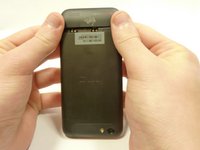
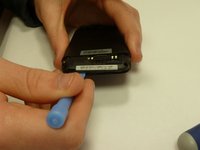
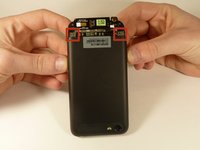
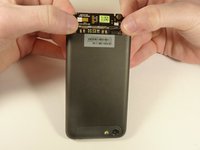
  1. HTC One V Vibrator Replacement, Disassembling HTC ONE V Bottom Assembly: step 1, image 1 of 3 HTC One V Vibrator Replacement, Disassembling HTC ONE V Bottom Assembly: step 1, image 2 of 3 HTC One V Vibrator Replacement, Disassembling HTC ONE V Bottom Assembly: step 1, image 3 of 3
    • Power off your device.

    • Remove the bottom cover by sliding it off.

    Ask FixBot

    Add Comment

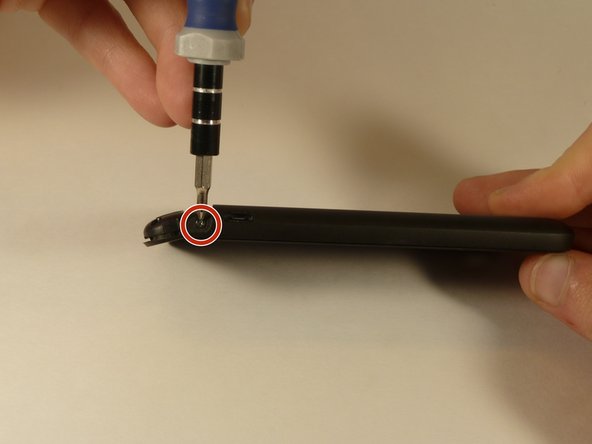
  2. HTC One V Vibrator Replacement: step 2, image 1 of 1
    • Remove the SIM card.

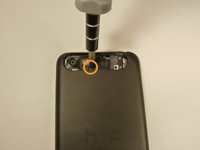
    • Remove the four screws securing the bottom casing.

    • Two 3.0 mm Phillips #0 screws in the top left and right corners.

    • Two 2.0 mm Phillips #0 screws in the bottom left and right corners.

    Ask FixBot

    Add Comment

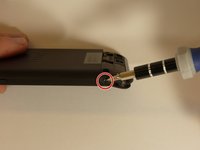
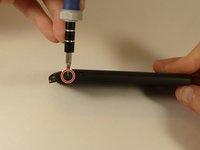
  3. HTC One V Vibrator Replacement: step 3, image 1 of 2 HTC One V Vibrator Replacement: step 3, image 2 of 2
    • Remove the 2.0 mm Phillips #0 screws on either side of the phone.

    Ask FixBot

    Add Comment

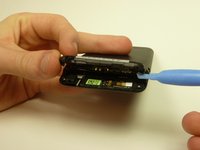
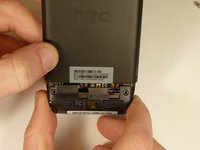
  4. HTC One V Vibrator Replacement: step 4, image 1 of 3 HTC One V Vibrator Replacement: step 4, image 2 of 3 HTC One V Vibrator Replacement: step 4, image 3 of 3
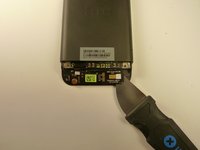
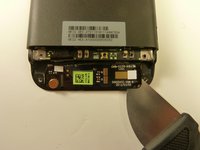
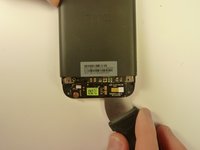
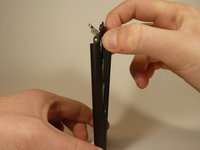
    • Use a plastic opening tool to pry open the bottom casing.

    • Remove the bottom casing by pulling it towards you.

    Ask FixBot

    Add Comment

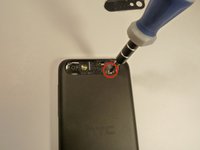
  5. HTC One V Vibrator Replacement, Disassembling HTC One V Back Case: step 5, image 1 of 3 HTC One V Vibrator Replacement, Disassembling HTC One V Back Case: step 5, image 2 of 3 HTC One V Vibrator Replacement, Disassembling HTC One V Back Case: step 5, image 3 of 3
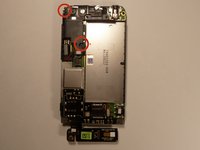
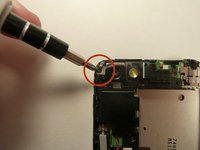
    • Use the plastic opening tool to pry open the rear camera panel.

    • Remove both screws that are securing the back case.

    • One 4.0 mm Phillips #0 screw.

    • One 3.0 mm Phillips #0 screw.

    Ask FixBot

    Add Comment

  6. HTC One V Vibrator Replacement: step 6, image 1 of 3 HTC One V Vibrator Replacement: step 6, image 2 of 3 HTC One V Vibrator Replacement: step 6, image 3 of 3
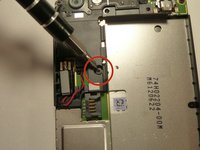
    • Use a Jimmy to pry up the OEM SIM and SD card reader contact.

    • Pry from right to left to avoid potential damages to the ribbon.

    Ask FixBot

    Add Comment

  7. HTC One V Vibrator Replacement: step 7, image 1 of 3 HTC One V Vibrator Replacement: step 7, image 2 of 3 HTC One V Vibrator Replacement: step 7, image 3 of 3
    • Using both thumbs, gently push on the two bottom rear corners of the motherboard.

    • Gently and slowly pull the screen out from the front of the phone, while feeding the OEM reader contact through the opening.

    Ask FixBot

    Add Comment

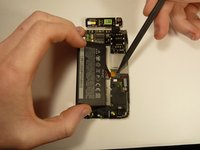
  8. HTC One V Vibrator Replacement, Battery: step 8, image 1 of 1
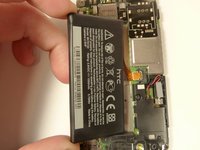
    • Pry up the battery with the flat end of the spudger.

    Ask FixBot

    Add Comment

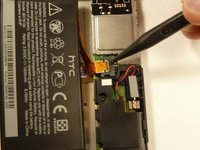
  9. HTC One V Vibrator Replacement: step 9, image 1 of 3 HTC One V Vibrator Replacement: step 9, image 2 of 3 HTC One V Vibrator Replacement: step 9, image 3 of 3
    • Gently lift up the battery away from the edge of its housing.

    • Use the point end of the spudger to push the connection out of its housing.

    Ask FixBot

    Add Comment

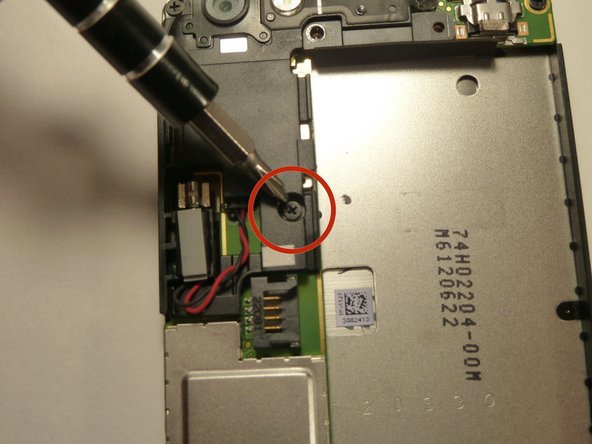
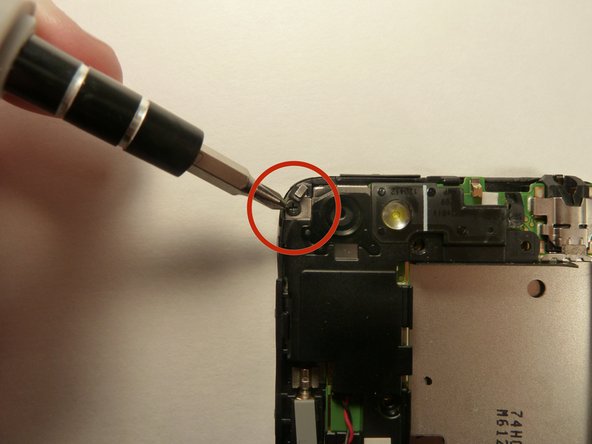
  10. HTC One V Vibrator Replacement, Camera Lens: step 10, image 1 of 3 HTC One V Vibrator Replacement, Camera Lens: step 10, image 2 of 3 HTC One V Vibrator Replacement, Camera Lens: step 10, image 3 of 3
    • Remove the two 3.0 mm Phillips #0 screws, that are securing the camera lens.

    Ask FixBot

    Add Comment

  11. HTC One V Vibrator Replacement: step 11, image 1 of 1
    • Pry off the camera lens using a plastic opening tool.

    Ask FixBot

    Add Comment

  12. HTC One V Vibrator Replacement, Vibrator: step 12, image 1 of 2 HTC One V Vibrator Replacement, Vibrator: step 12, image 2 of 2
    Tool used on this step:
    Tweezers
    $4.99
    Buy
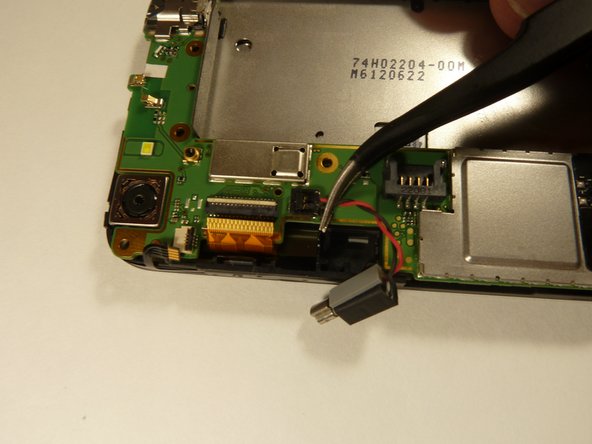
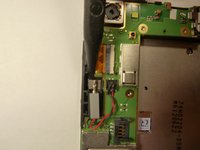
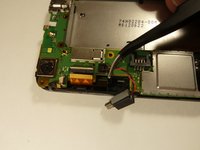
    • Pry the vibrator out of the housing with a spudger.

    • Using the tweezers, pull up on the connecting wires detaching the vibrator from the motherboard.

    Ask FixBot

    Add Comment

Conclusion

To reassemble your device, follow these instructions in reverse order.

Cancel: I did not complete this guide.

Michael Lucido

Member since: 01/20/15

852 Reputation

6 Guides authored

Team

USF Tampa, Team 1-3, Blackwell Winter 2015 Member of USF Tampa, Team 1-3, Blackwell Winter 2015

USFT-BLACKWELL-W15S1G3

4 Members

16 Guides authored

0 Guide Comments

Add Comment

View Statistics:

Past 24 Hours: 0

Past 7 Days: 5

Past 30 Days: 21

All Time: 581