Free Shipping on Domestic Orders $75+

HTC One Mini Motherboard Replacement

What you need

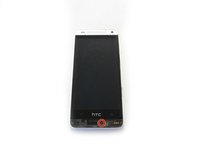
  1. HTC One Mini Motherboard Replacement, iOpener Heating: step 1, image 1 of 1
    • Use an iOpener or hair dryer to apply heat to the lower speaker grille, in order to soften the adhesive underneath.

    Ask FixBot

    Add Comment

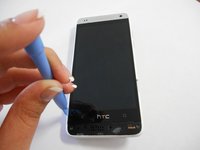
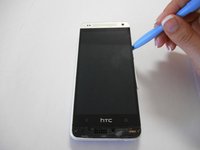
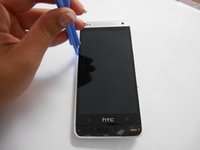
  2. HTC One Mini Motherboard Replacement, Remove Speaker Grills: step 2, image 1 of 1
    • Slide a thin pry tool underneath the lower speaker cover and slide it across to separate the adhesive underneath.

    • Remove the lower speaker cover.

    Ask FixBot

    Add Comment

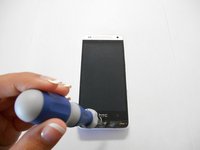
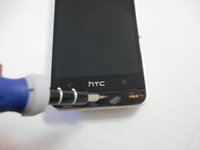
  3. HTC One Mini Motherboard Replacement, Remove Screw: step 3, image 1 of 3 HTC One Mini Motherboard Replacement, Remove Screw: step 3, image 2 of 3 HTC One Mini Motherboard Replacement, Remove Screw: step 3, image 3 of 3
    • Remove the screw under the speaker cover using a T6 Torx screwdriver.

    Ask FixBot

    Add Comment

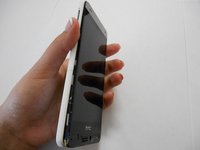
  4. HTC One Mini Motherboard Replacement: step 4, image 1 of 3 HTC One Mini Motherboard Replacement: step 4, image 2 of 3 HTC One Mini Motherboard Replacement: step 4, image 3 of 3
    • Slide a thin guitar pick or pry tool between the edge of the display and the rear case, near the bottom of the phone.

    • Carefully work your way up each side of the display and separate the rear case. There are three clips on each side.

    Ask FixBot

    Add Comment

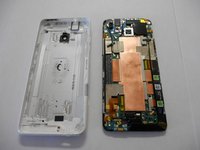
  5. HTC One Mini Motherboard Replacement, Separate Rear Case: step 5, image 1 of 2 HTC One Mini Motherboard Replacement, Separate Rear Case: step 5, image 2 of 2
    • Remove the rear case from the phone.

    Ask FixBot

    Add Comment

  6. HTC One Mini Motherboard Replacement, Remove Screws: step 6, image 1 of 3 HTC One Mini Motherboard Replacement, Remove Screws: step 6, image 2 of 3 HTC One Mini Motherboard Replacement, Remove Screws: step 6, image 3 of 3
    • Remove the two Phillips screws securing the battery connector.

    Ask FixBot

    Add Comment

  7. HTC One Mini Motherboard Replacement: step 7, image 1 of 2 HTC One Mini Motherboard Replacement: step 7, image 2 of 2
    • Disconnect the battery by prying the metal cover straight up.

    Ask FixBot

    Add Comment

  8. HTC One Mini Motherboard Replacement, Remove screws: step 8, image 1 of 3 HTC One Mini Motherboard Replacement, Remove screws: step 8, image 2 of 3 HTC One Mini Motherboard Replacement, Remove screws: step 8, image 3 of 3
    • Remove two Phillips screws.

    • The screw on the upper right corner secures a tiny golden washer. Remove this washer.

    Ask FixBot

    Add Comment

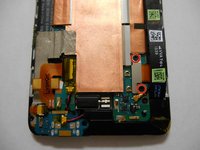
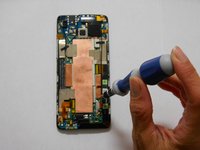
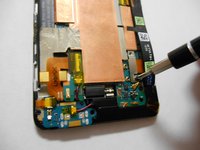
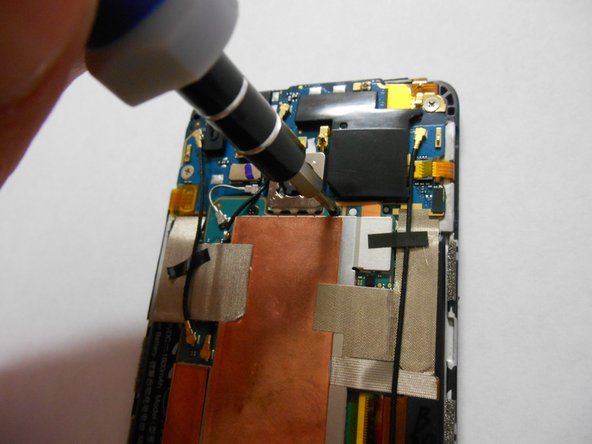
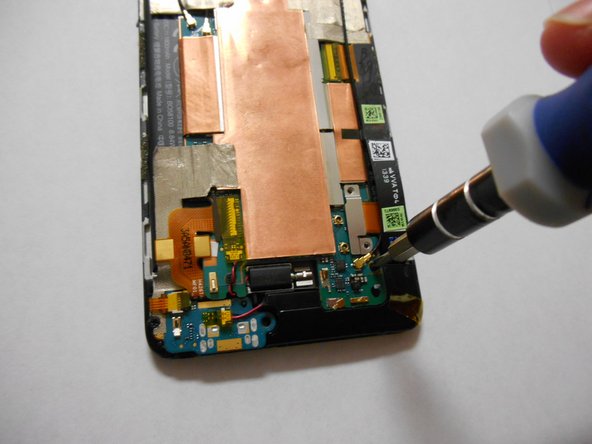
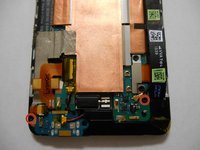
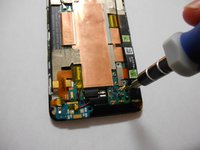
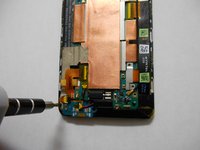
  9. HTC One Mini Motherboard Replacement, Remove Screws: step 9, image 1 of 3 HTC One Mini Motherboard Replacement, Remove Screws: step 9, image 2 of 3 HTC One Mini Motherboard Replacement, Remove Screws: step 9, image 3 of 3
    • Remove the two small black Phillips screws.

    Ask FixBot

    Add Comment

  10. HTC One Mini Motherboard Replacement, Remove Screws: step 10, image 1 of 3 HTC One Mini Motherboard Replacement, Remove Screws: step 10, image 2 of 3 HTC One Mini Motherboard Replacement, Remove Screws: step 10, image 3 of 3
    • Remove two more Phillips screws.

    Ask FixBot

    Add Comment

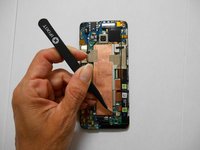
  11. HTC One Mini Motherboard Replacement, Remove protective foil.: step 11, image 1 of 3 HTC One Mini Motherboard Replacement, Remove protective foil.: step 11, image 2 of 3 HTC One Mini Motherboard Replacement, Remove protective foil.: step 11, image 3 of 3
    Tool used on this step:
    Tweezers
    $4.99
    Buy
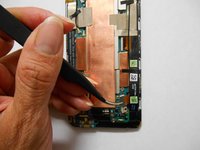
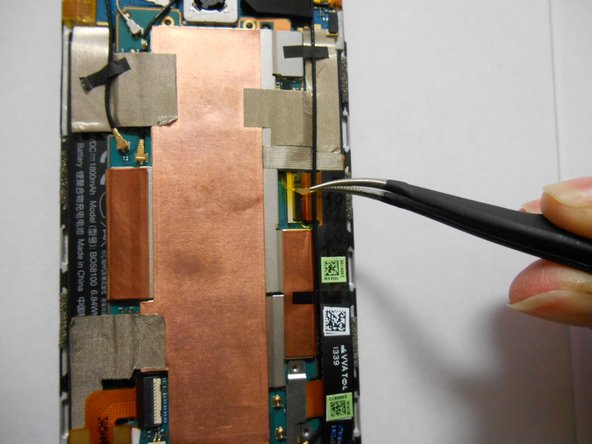
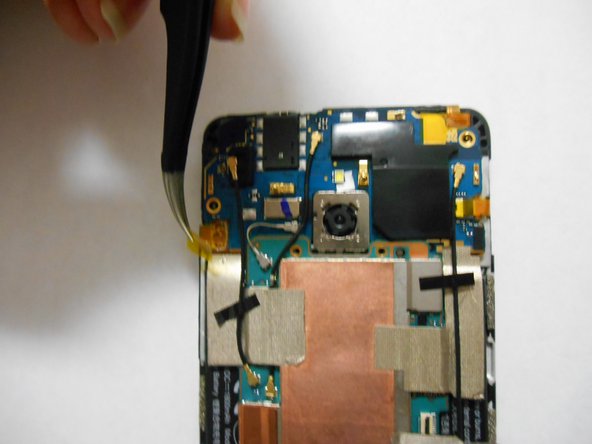
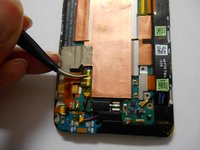
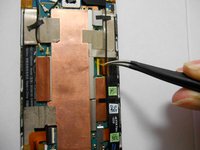
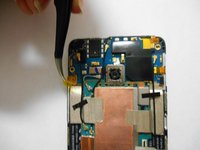
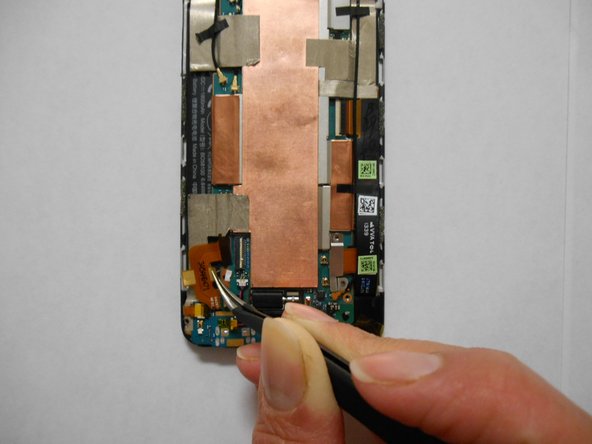
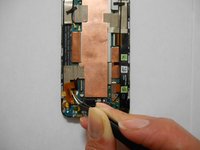
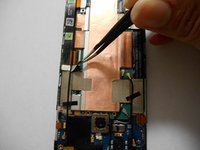
    • Use tweezers to remove the yellow tape covering the flex cable connectors (total of five).

    Ask FixBot

    Add Comment

  12. HTC One Mini Motherboard Replacement: step 12, image 1 of 2 HTC One Mini Motherboard Replacement: step 12, image 2 of 2
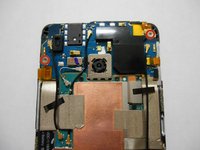
    • Carefully disconnect the flex cables at the points where you removed the yellow tape in the previous steps.

    • To disconnect, flip up the small latch on each connector, opposite its cable, and then gently pull the cable free.

    Ask FixBot

    Add Comment

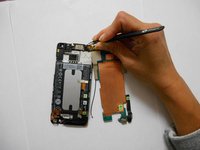
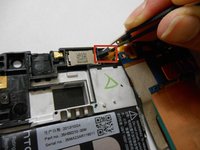
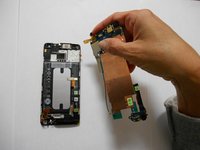
  13. HTC One Mini Motherboard Replacement: step 13, image 1 of 3 HTC One Mini Motherboard Replacement: step 13, image 2 of 3 HTC One Mini Motherboard Replacement: step 13, image 3 of 3
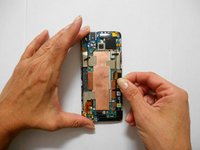
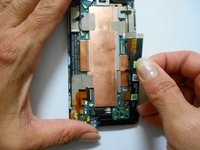
    • Peel off the silver strip with your tweezers.

    • Using your hands, detach the black strip from the board without removing it.

    Ask FixBot

    Add Comment

  14. HTC One Mini Motherboard Replacement: step 14, image 1 of 2 HTC One Mini Motherboard Replacement: step 14, image 2 of 2
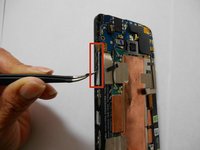
    • Detach carefully with your tweezers the volume buttons.

    • Detach the power button with your tweezers.

    Ask FixBot

    Add Comment

  15. HTC One Mini Motherboard Replacement: step 15, image 1 of 3 HTC One Mini Motherboard Replacement: step 15, image 2 of 3 HTC One Mini Motherboard Replacement: step 15, image 3 of 3
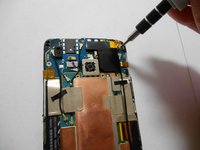
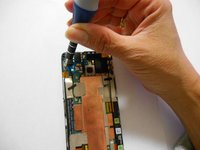
    • Identify the screw behind the cable.

    • Remove the screw using a Phillips screwdriver.

    Ask FixBot

    Add Comment

  16. HTC One Mini Motherboard Replacement: step 16, image 1 of 2 HTC One Mini Motherboard Replacement: step 16, image 2 of 2
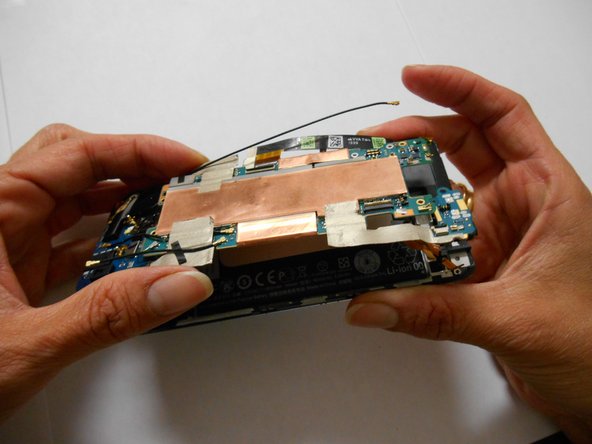
    • Lift the motherboard, but don't try to remove it completely yet.

    • Handle the board only by the edges.

    Ask FixBot

    Add Comment

  17. HTC One Mini Motherboard Replacement: step 17, image 1 of 3 HTC One Mini Motherboard Replacement: step 17, image 2 of 3 HTC One Mini Motherboard Replacement: step 17, image 3 of 3
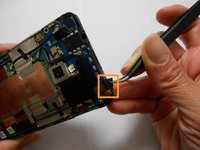
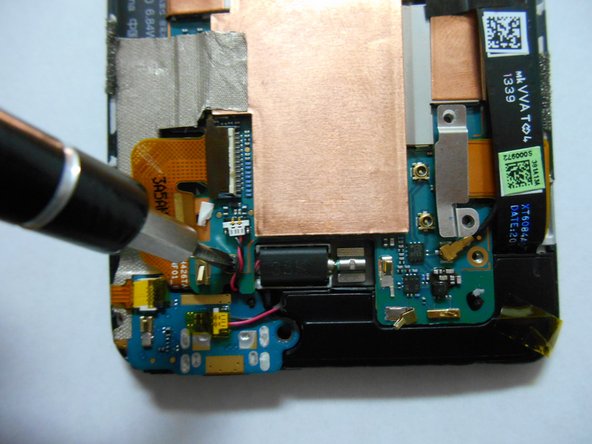
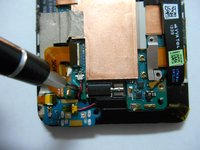
    • Using your tweezers, remove the black square located in the power button.

    • Remove the motherboard completely.

    Ask FixBot

    Add Comment

Conclusion

To reassemble your device, follow these instructions in reverse order.

Cancel: I did not complete this guide.

Daniela Delgado

Member since: 09/22/14

577 Reputation

2 Guides authored

Team

USF Tampa, Team 3-4, Brown Fall 2014 Member of USF Tampa, Team 3-4, Brown Fall 2014

USFT-BROWN-F14S3G4

3 Members

10 Guides authored

0 Guide Comments

Add Comment

View Statistics:

Past 24 Hours: 1

Past 7 Days: 8

Past 30 Days: 32

All Time: 5,438