
HTC HD2 Camera Replacement

Sam Luedloff and 6 other contributors
Last updated on May 7, 2024
Views: 8.6K
View statistics:
- Past 24 Hours:
- 3
- Past 7 Days:
- 17
- Past 30 Days:
- 108
- All Time:
- 8,612
Comments: 0
No one has left comments on this guide. Will you be first?
Go to guide commentsCompleted: 2 3
2 people have marked this guide "completed." Will you be next?
3 people have marked this guide "completed." Including you — great job!
Favorites: 9 10
9 people have favorited (and subscribed to) this guide. Will you be next?
10 people have favorited (and subscribed to) this guide — including you!
Action Shots
Be an action hero! This guide needs images that better demonstrate how to perform specific actions.
Introduction
Go to step 1 ↓This guide is one of the longer processes, second only to the Logic Board, or the screen. Have a reasonably long time set aside to complete this guide.
What you need
Tools
-
Spudger4.9
-


-
-
-
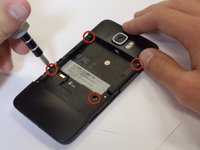
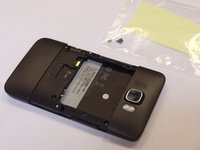
Carefully pull the rear cover from the back of the phone.
-
Place a finger beneath the small lip on the left side of the battery.
 Ask FixBot
-
-
-
Lay the phone down on it's screen.
-
Lift up on the lip and pull the battery from the phone.
-
-
-
-
-
Insert the flat end of a spudger between the midframe and the display.
-
Slide the spudger along the seam between the frame and the display.
-
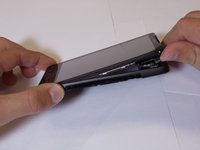
Using the spudger for leverage, carefully pry the midframe away from the display assembly.
-
As it releases, pull the midframe away from the phone.
-
-
-
-
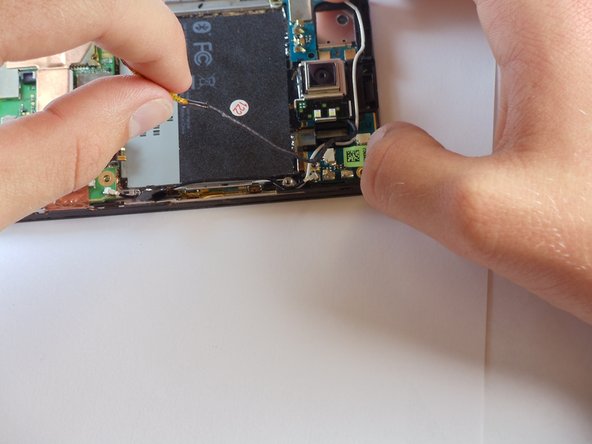
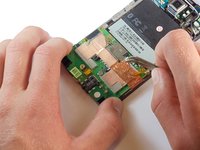
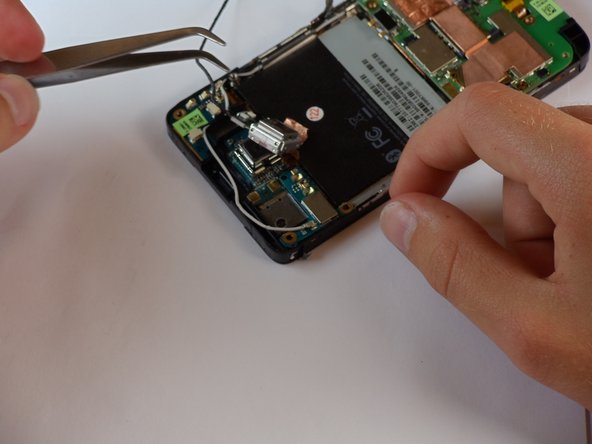
Disconnect the flash cable from its socket in the bottom of the motherboard.
-
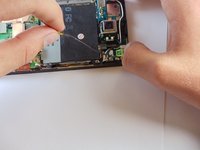
Carefully pull the cable from its groove in the frame, working your way back to the camera.
-
-
-
Tool used on this step:Tweezers$4.99
-
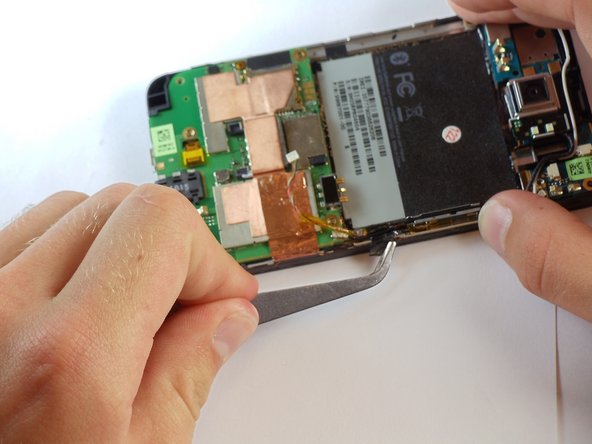
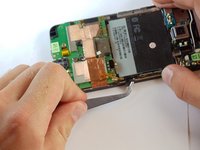
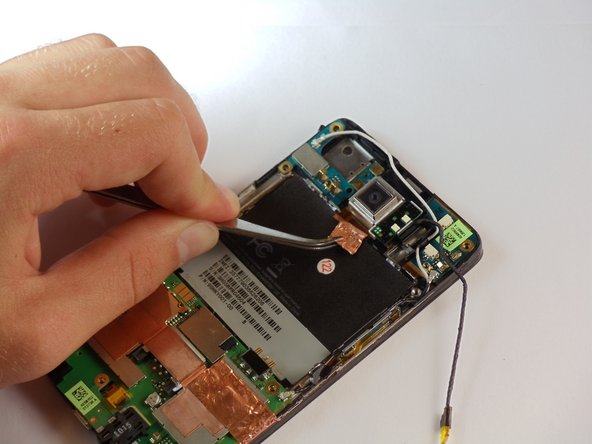
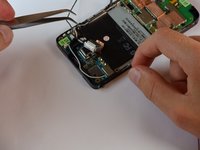
Around the camera is a thin shielding. Remove it with tweezers.
-
Using tweezers, remove the primary camera.
-
-








To reassemble your device, follow these instructions in reverse order.
Cancel: I did not complete this guide.
2 other people completed this guide.

Team

Cal Poly, Team 24-55, Amido Spring 2011 Member of Cal Poly, Team 24-55, Amido Spring 2011
CPSU-AMIDO-S11S24G55
5 Members
96 Guides authored
