Free Shipping on Domestic Orders $75+

HTC HD 2 Front Panel Replacement

Views: 836

View statistics:

Past 24 Hours:
3
Past 7 Days:
8
Past 30 Days:
33
All Time:
836
Comments: 0

No one has left comments on this guide. Will you be first?

Go to guide comments
Completed: 0

No one has marked this guide "completed." Will you be the first?

Favorites: 2

2 people have favorited (and subscribed to) this guide. Will you be next?

Time Required: No estimate
Difficulty: Moderate
Confusing Text

Some of this guide's text is confusing, duplicated, or off-topic. Clarify it by editing!

Markup Mishap

This guide needs better markups. Help out by correcting or making some markup annotations.

Community-Contributed Guide

An awesome member of our community made this guide. It was not created by iFixit staff.

HTC HD 2 Front Panel Replacement

Introduction

Go to step 1 ↓

This guide demonstrates how to propery remove and replace the front panel of an HTC HD 2.

What you need

Tools

    1. HTC HD 2 Front Panel Replacement, Front panel: step 1, image 1 of 1
      • HTC HD 2 Touch Glas Repair

      Ask FixBot

      Add Comment

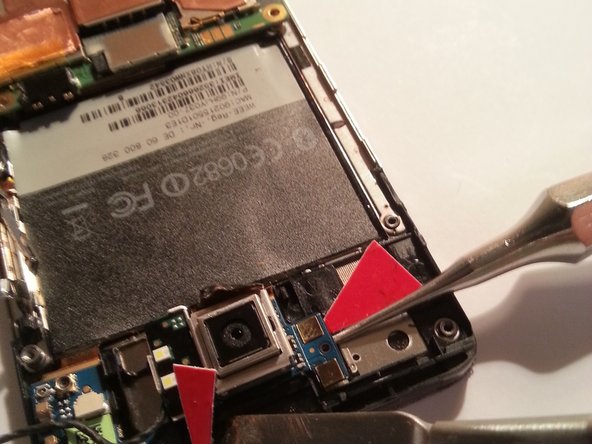
    2. HTC HD 2 Front Panel Replacement: step 2, image 1 of 1
      • Open the back cover and remove the battery.

      Ask FixBot
      Add Comment

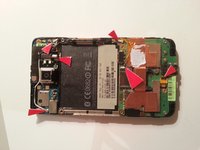
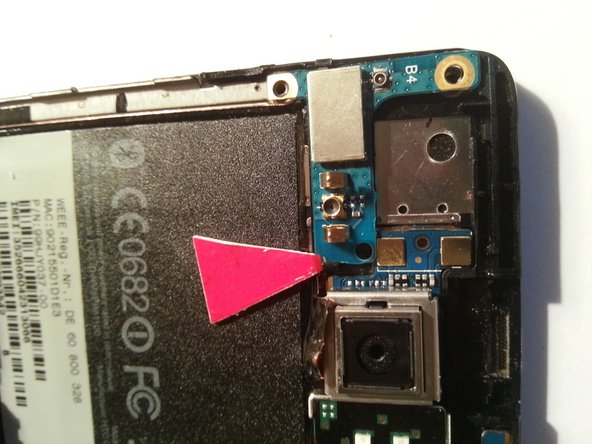
    3. HTC HD 2 Front Panel Replacement, These turn out 4 screws: step 3, image 1 of 1
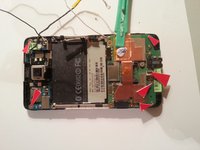
      • Use a small Philips screwdriver to remove the four indicated screws.

      Ask FixBot
      Add Comment

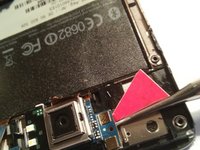
    4. HTC HD 2 Front Panel Replacement, Push it out: step 4, image 1 of 1
      • Use a pry tool along the edges of the device to remove the broken or non-functional screen.

      Ask FixBot
      Add Comment

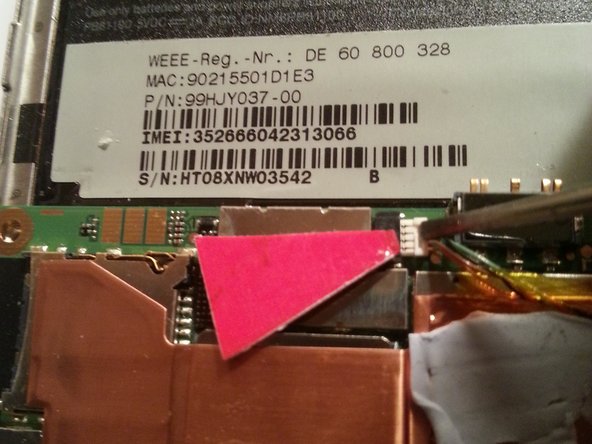
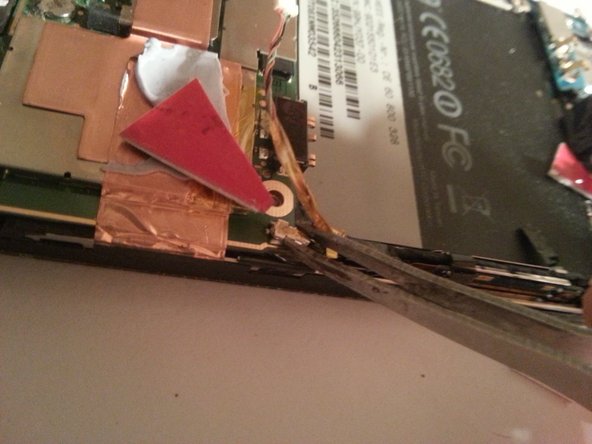
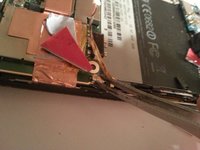
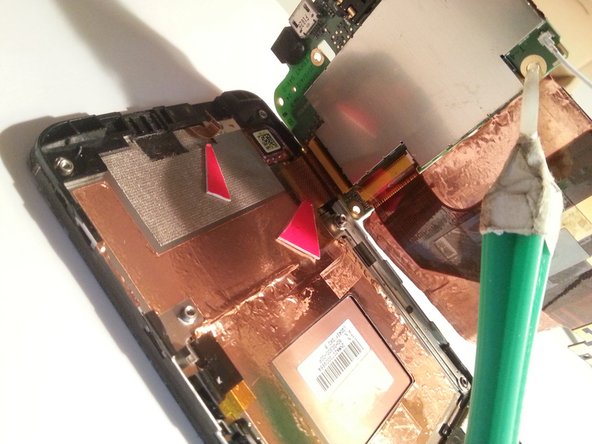
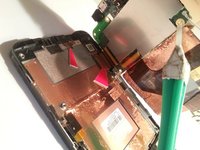
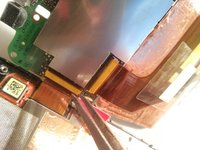
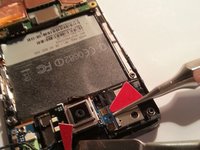
    5. HTC HD 2 Front Panel Replacement, Pull flex cable connections and caution.: step 5, image 1 of 3 HTC HD 2 Front Panel Replacement, Pull flex cable connections and caution.: step 5, image 2 of 3 HTC HD 2 Front Panel Replacement, Pull flex cable connections and caution.: step 5, image 3 of 3
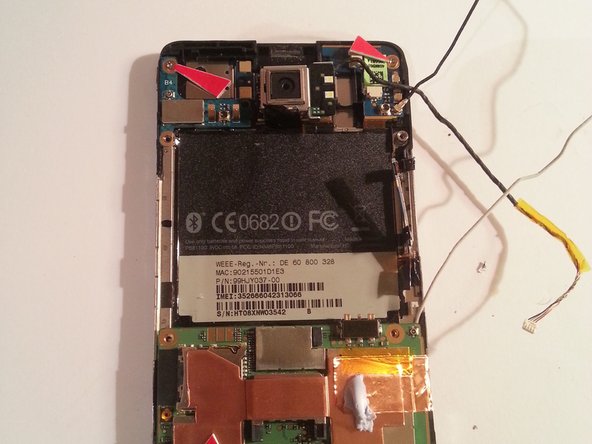
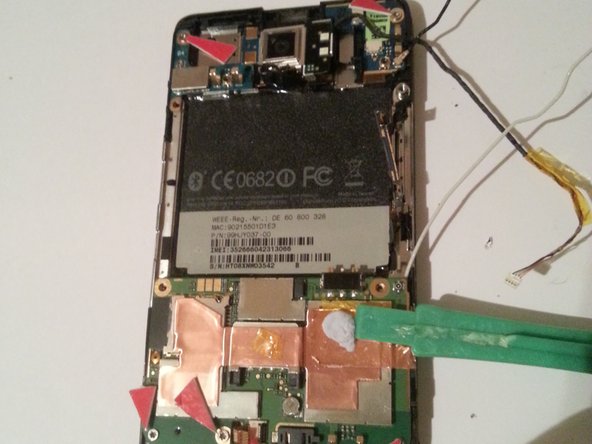
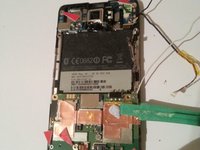
      • Carefully pull the flex cable connections.

      Ask FixBot
      Add Comment

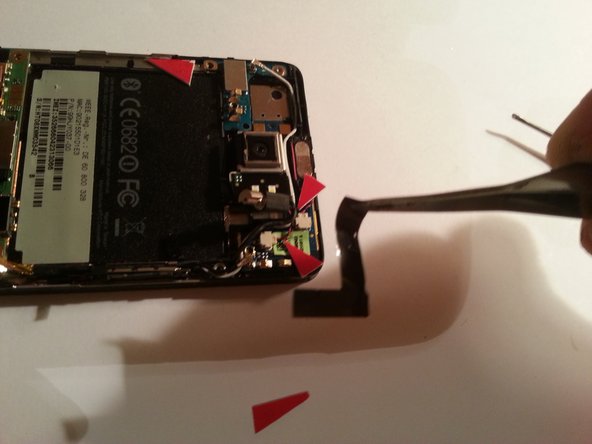
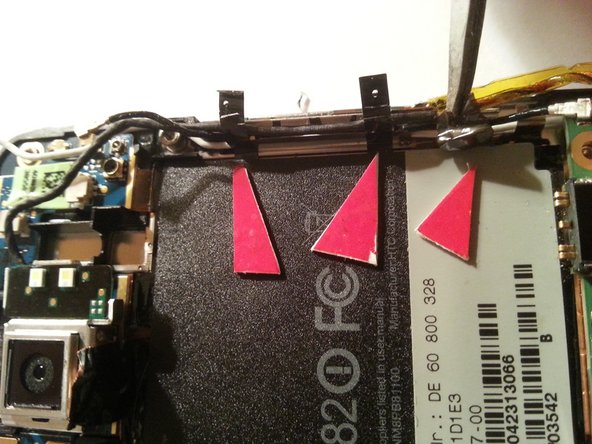
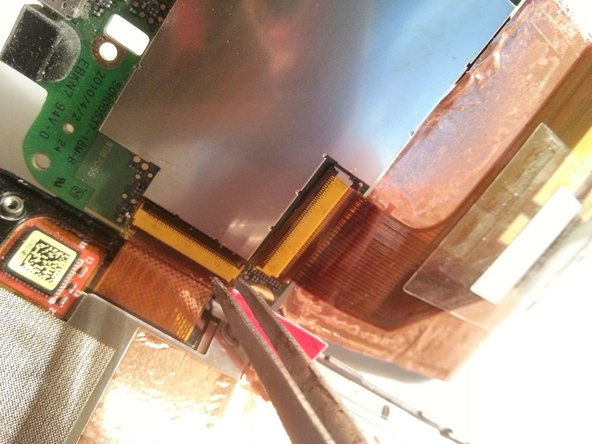
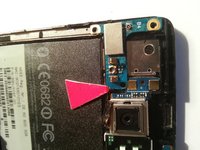
    6. HTC HD 2 Front Panel Replacement, Nur lösen / Anschluss Flex links von Laut/leise buttons: step 6, image 1 of 3 HTC HD 2 Front Panel Replacement, Nur lösen / Anschluss Flex links von Laut/leise buttons: step 6, image 2 of 3 HTC HD 2 Front Panel Replacement, Nur lösen / Anschluss Flex links von Laut/leise buttons: step 6, image 3 of 3
      Tool used on this step:
      Tweezers
      $4.99
      Buy
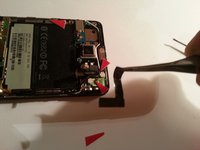
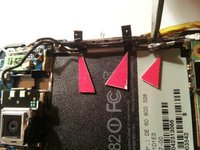
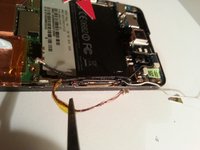
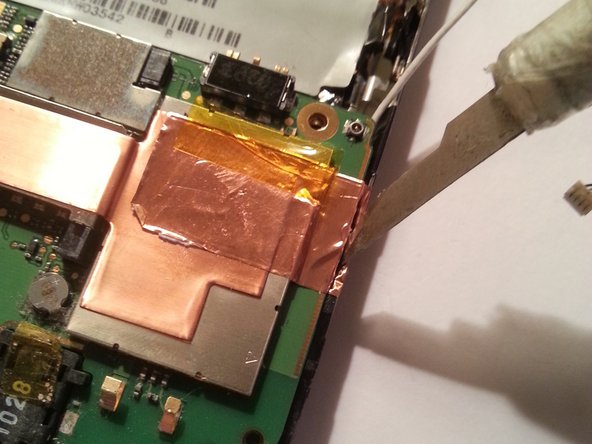
      • Danach 3 tesa stripes lösen

      • Using tweezers, release the 3 tesa strips.

      Ask FixBot
      Add Comment

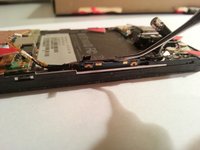
    7. HTC HD 2 Front Panel Replacement: step 7, image 1 of 3 HTC HD 2 Front Panel Replacement: step 7, image 2 of 3 HTC HD 2 Front Panel Replacement: step 7, image 3 of 3
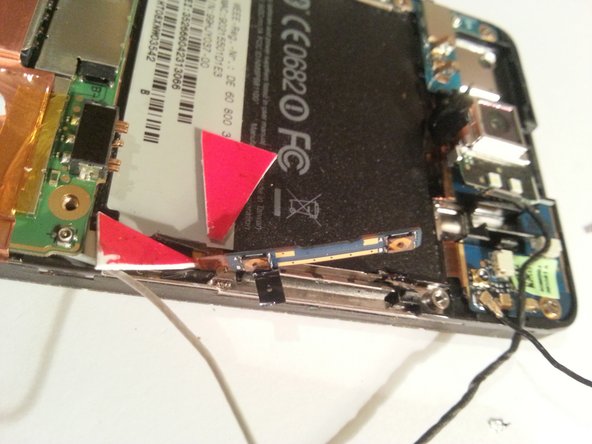
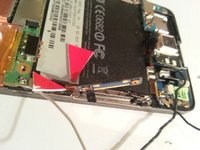
      • Kabel vorsichtig aus dem Kabelschacht ...

      • Carefully remove the cable from its shaft.

      Ask FixBot

      Add Comment

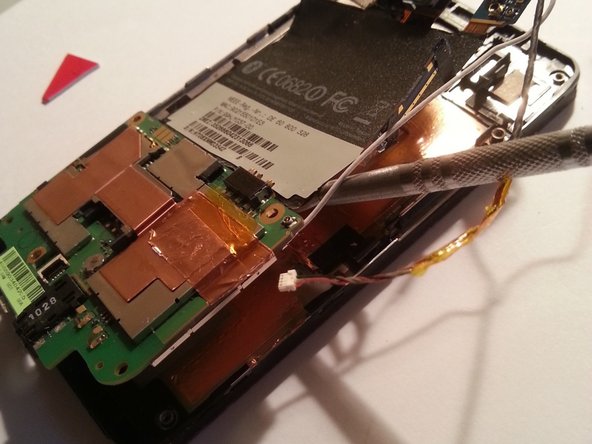
    8. HTC HD 2 Front Panel Replacement, Flex: step 8, image 1 of 3 HTC HD 2 Front Panel Replacement, Flex: step 8, image 2 of 3 HTC HD 2 Front Panel Replacement, Flex: step 8, image 3 of 3
      • FLEX

      Ask FixBot
      Add Comment

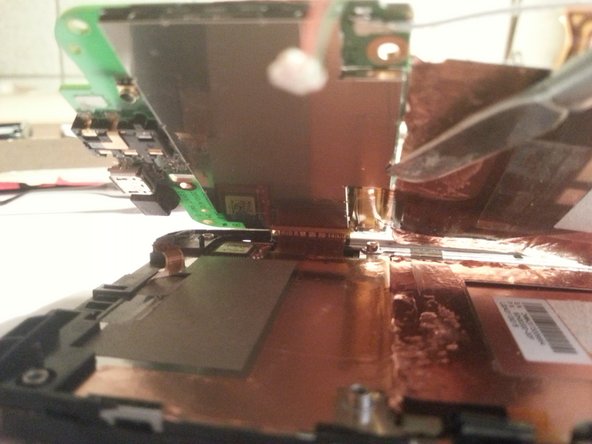
    9. HTC HD 2 Front Panel Replacement, Raushebeln: step 9, image 1 of 3 HTC HD 2 Front Panel Replacement, Raushebeln: step 9, image 2 of 3 HTC HD 2 Front Panel Replacement, Raushebeln: step 9, image 3 of 3
      • Einzelnd

      Ask FixBot
      Add Comment

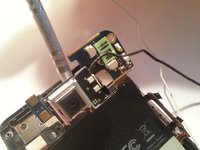
    10. HTC HD 2 Front Panel Replacement, Weiter: step 10, image 1 of 3 HTC HD 2 Front Panel Replacement, Weiter: step 10, image 2 of 3 HTC HD 2 Front Panel Replacement, Weiter: step 10, image 3 of 3
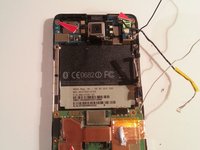
      • Flex

      Ask FixBot
      Add Comment
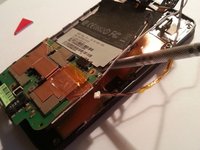
    11. HTC HD 2 Front Panel Replacement, Aufklappen: step 11, image 1 of 3 HTC HD 2 Front Panel Replacement, Aufklappen: step 11, image 2 of 3 HTC HD 2 Front Panel Replacement, Aufklappen: step 11, image 3 of 3
      • Aufklappen

      Ask FixBot

      Add Comment

    12. HTC HD 2 Front Panel Replacement, Lösen: step 12, image 1 of 1
      • Vorsichtig

      Ask FixBot

      Add Comment

Conclusion

To reassemble your device, follow these instructions in reverse order.

Cancel: I did not complete this guide.

Mark Kruhse

Member since: 11/10/14

19 Reputation

1 Guide authored

0 Guide Comments

Add Comment

View Statistics:

Past 24 Hours: 3

Past 7 Days: 8

Past 30 Days: 33

All Time: 836