Free Shipping on Domestic Orders $75+

HTC EVO Design 4G Screen Replacement

What you need

  1. HTC EVO Design 4G Screen Replacement, Screen: step 1, image 1 of 1
    Tool used on this step:
    Tweezers
    $4.99
    Buy
    • Tools: Phillips #000 Screwdriver, T4 Torx Screwdriver, Safety Pry Tool (Guitar pick), Tweezers

    Ask FixBot

    Add Comment

  2. HTC EVO Design 4G Screen Replacement, Removing Casing: step 2, image 1 of 1
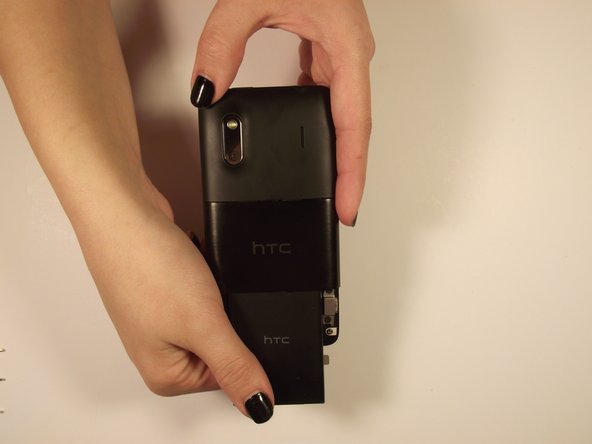
    • Use fingers on either end of the button edges of the phone to pull back cover off. It should slide off.

    Ask FixBot

    Add Comment

  3. HTC EVO Design 4G Screen Replacement, Removing Battery: step 3, image 1 of 2 HTC EVO Design 4G Screen Replacement, Removing Battery: step 3, image 2 of 2
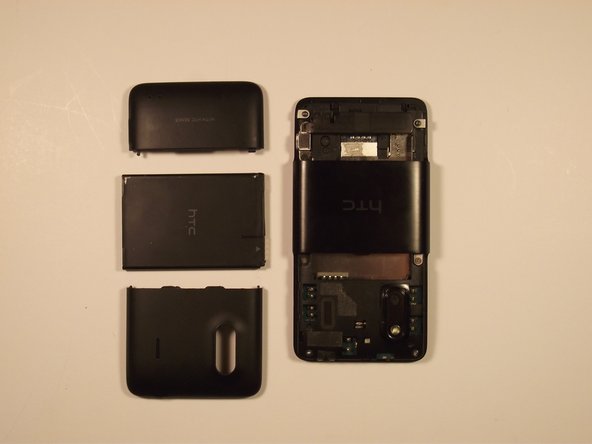
    • When open, pull on “Open” tab and it should rotate towards you

    • Grab the bottom edge of the battery and pull it toward you

    Ask FixBot

    Add Comment

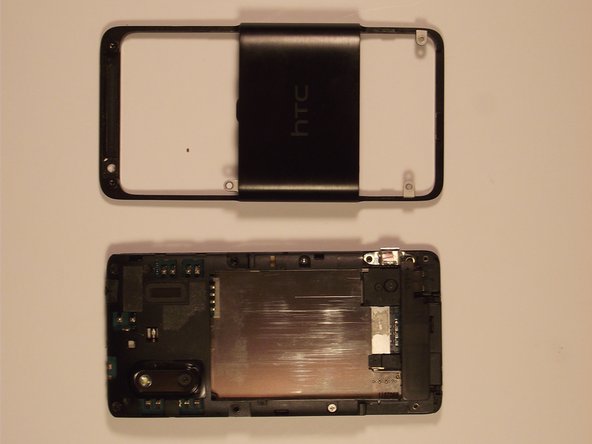
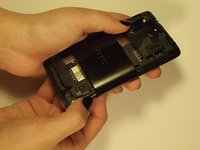
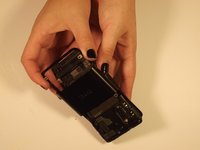
  4. HTC EVO Design 4G Screen Replacement, Removing Casing: step 4, image 1 of 2 HTC EVO Design 4G Screen Replacement, Removing Casing: step 4, image 2 of 2
    • On the side of the top casing on the phone there should be a slot. Use your safety pry tool (guitar pick) pry around the perimeter of the casing to remove it

    • Info*: The adhesive tape that you may find will not be necessary for replacement later

    Ask FixBot

    Add Comment

  5. HTC EVO Design 4G Screen Replacement, Removing Screws: step 5, image 1 of 2 HTC EVO Design 4G Screen Replacement, Removing Screws: step 5, image 2 of 2
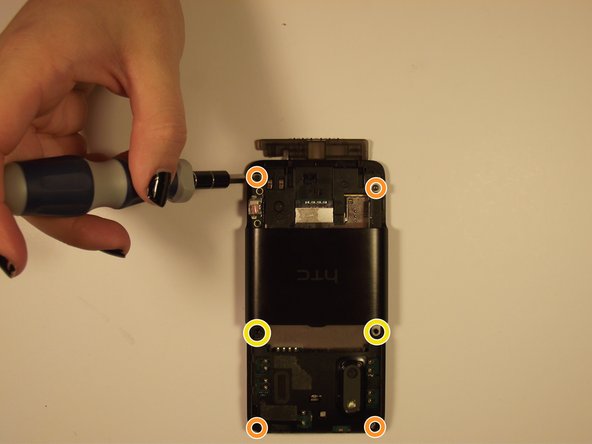
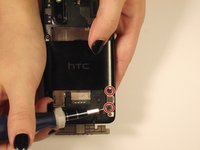
    • Remove the two Phillips screws to release the casing above the port

    • Remove the top and bottom pairs of Torx screws.

    • Remove the middle pair of two Phillips screws.

    Ask FixBot

    Add Comment

  6. HTC EVO Design 4G Screen Replacement, Removing Casing: step 6, image 1 of 3 HTC EVO Design 4G Screen Replacement, Removing Casing: step 6, image 2 of 3 HTC EVO Design 4G Screen Replacement, Removing Casing: step 6, image 3 of 3
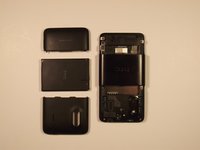
    • To remove the remaining cover, lift the side port, which was previously uncovered, then lift the outer shell from the bottom of the phone and slide it forward

    Ask FixBot

    Add Comment

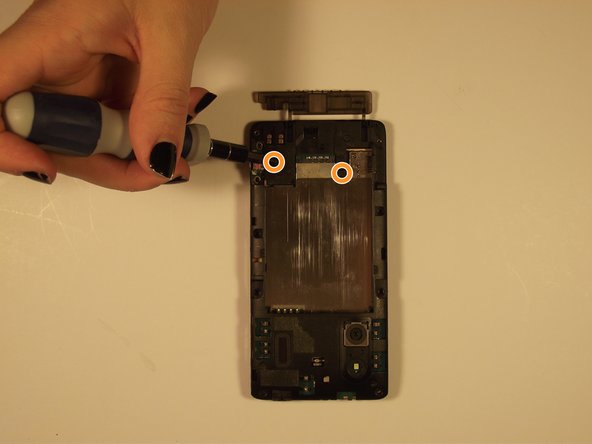
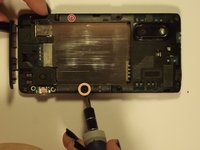
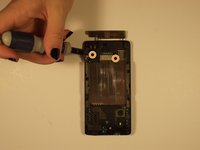
  7. HTC EVO Design 4G Screen Replacement, Removing Screws Continued: step 7, image 1 of 2 HTC EVO Design 4G Screen Replacement, Removing Screws Continued: step 7, image 2 of 2
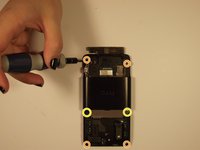
    • Remove the two revealed screws on the outside (Torx = red, Phillips = orange), and then remove the two phillips on the bottom of the phone

    Ask FixBot

    Add Comment

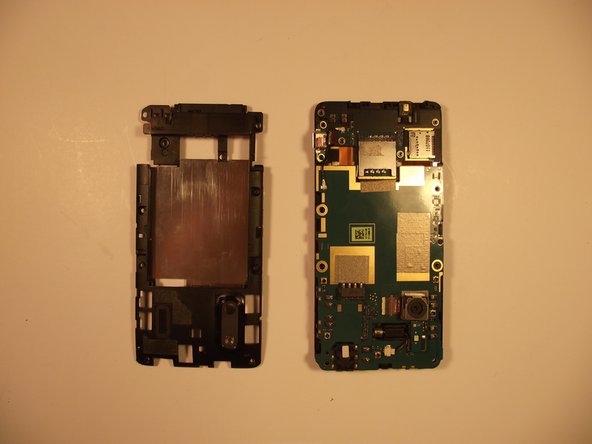
  8. HTC EVO Design 4G Screen Replacement, Removing Rear Housing: step 8, image 1 of 2 HTC EVO Design 4G Screen Replacement, Removing Rear Housing: step 8, image 2 of 2
    • Remove the rear housing by prying around the edge with your Safety Pry Tool

    Ask FixBot

    Add Comment

  9. HTC EVO Design 4G Screen Replacement, Pull the Plug: step 9, image 1 of 1
    • Unplug the wire connecting the vibrator to the board with your tweezers

    Ask FixBot

    Add Comment

  10. HTC EVO Design 4G Screen Replacement, Like a Book: step 10, image 1 of 1
    • Unfold motherboard from the screen (open carefully like a book)

    Ask FixBot

    Add Comment

  11. HTC EVO Design 4G Screen Replacement, Flex Cables: step 11, image 1 of 1
    • Disconnect the two aluminum flex cables

    Ask FixBot

    Add Comment

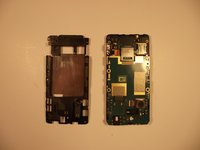
  12. HTC EVO Design 4G Screen Replacement, Broken Bond: step 12, image 1 of 1
    • The flex cables should be the only binding and after being removed should leave you with the separate screen

    Ask FixBot

    Add Comment

Conclusion

Replace the screen and to reassemble your device, follow these instructions in reverse order.

Cancel: I did not complete this guide.

One other person completed this guide.

Victoria

Member since: 10/23/14

94 Reputation

3 Guides authored

Team

0 Guide Comments

Add Comment

View Statistics:

Past 24 Hours: 0

Past 7 Days: 5

Past 30 Days: 20

All Time: 937