
HTC Droid Incredible 4G LTE Display Assembly Replacement

Tevin and 3 other contributors
Last updated on Oct 10, 2017
Views: 1.5K
View statistics:
- Past 24 Hours:
- 2
- Past 7 Days:
- 18
- Past 30 Days:
- 97
- All Time:
- 1,533
Comments: 5
5 comments on steps.
Completed: 5 6
5 people have marked this guide "completed." Will you be next?
6 people have marked this guide "completed." Including you — great job!
Favorites: 3 4
3 people have favorited (and subscribed to) this guide. Will you be next?
4 people have favorited (and subscribed to) this guide — including you!
Missing Steps
Oops! This guide is currently missing one or more important steps.
Introduction
Go to step 1 ↓With this phone, the LCD and digitizer are removed together. These can then be separated by heating. If there is a discrepancy with the way images appear on your screen you may have a broken LCD. However, if you are unable to utilize the touchscreen interface then you may have a broken digitizer.
What you need
Tools
-
Spudger4.9
-


-
-
-
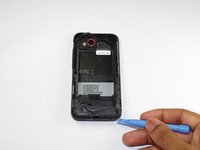
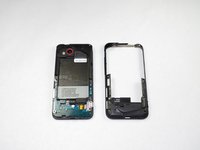
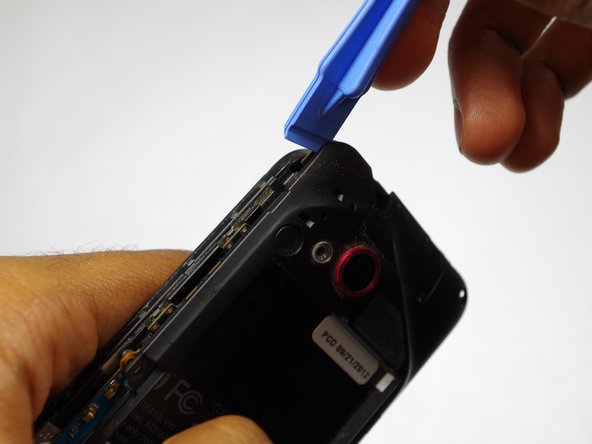
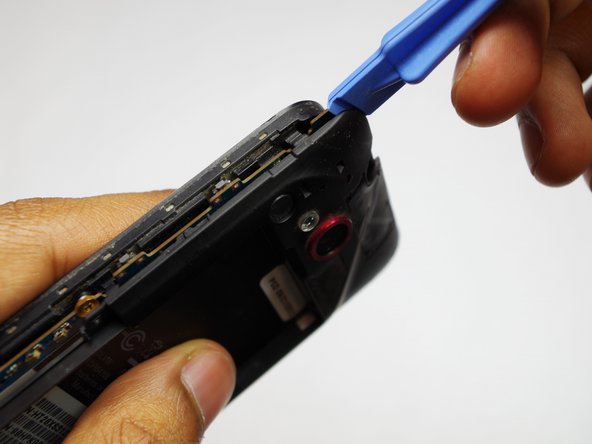
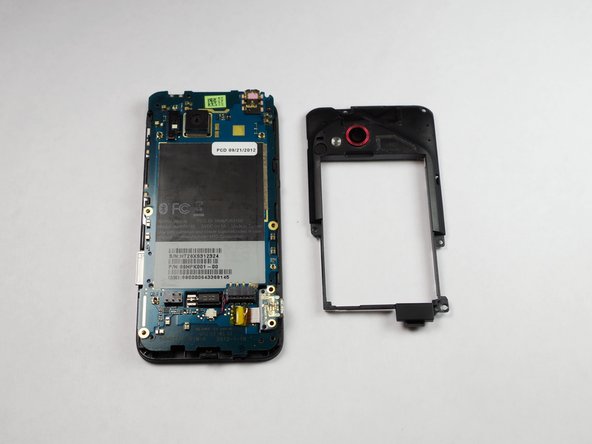
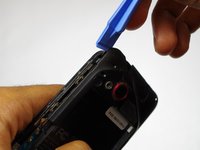
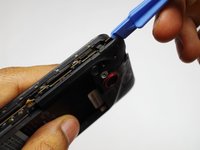
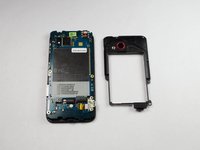
Use the plastic opening tool to pry off back cover by inserting opening tool in the space indicated and pushing down on the handle of the tool.
 Ask FixBot
-
-
-
-
-
-
Remove the 4mm Torx screw holding the charging port to the phone.
-
-
-
-






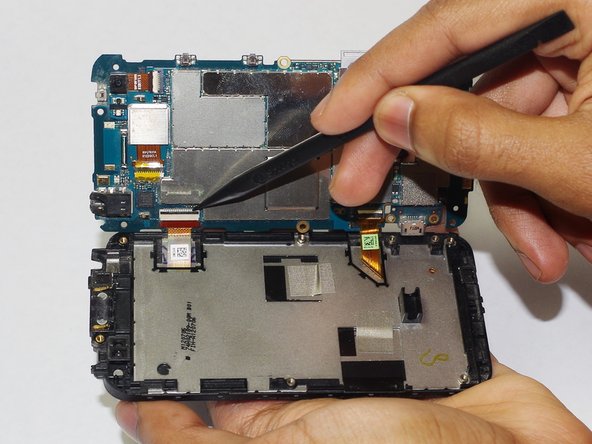
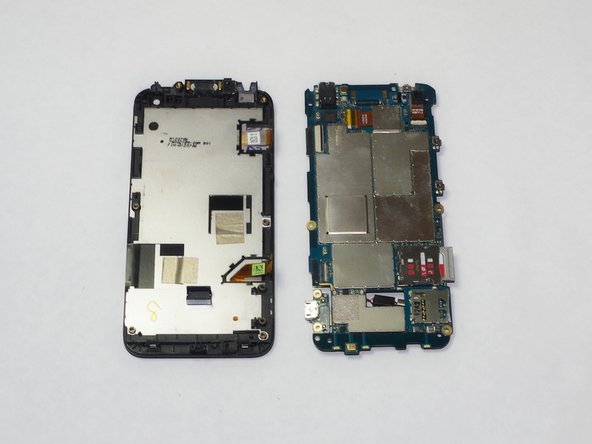
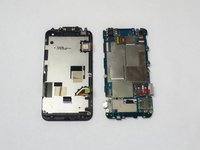
To reassemble your device, follow these instructions in reverse order.
Cancel: I did not complete this guide.
5 other people completed this guide.

Team

USF Tampa, Team 15-1, Remmell Fall 2014 Member of USF Tampa, Team 15-1, Remmell Fall 2014
USFT-REMMELL-F14S15G1
4 Members
48 Guides authored
