Up to 20% off select tools
Free Shipping on Domestic Orders $75+

HTC Desire V Midframe Replacement

Views: 732

View statistics:

Past 24 Hours:
2
Past 7 Days:
18
Past 30 Days:
86
All Time:
732
Comments: 0

No one has left comments on this guide. Will you be first?

Go to guide comments
Completed: 0

No one has marked this guide "completed." Will you be the first?

Favorites: 1

1 person has favorited (and subscribed to) this guide. Will you be next?

Time Required: 10 - 15 minutes
Difficulty: Easy
HTC Desire V Midframe Replacement

What you need

Parts

Tools

Introduction

Go to step 1 ↓

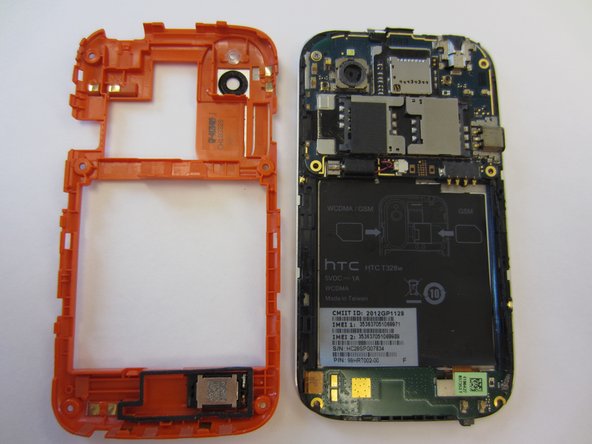
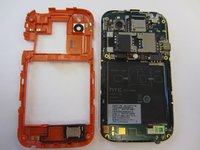
This guide will teach you to remove the middle cover of the HTC Desire V smartphone, the one between the battery cover and the chassis.

    1. HTC Desire V Midframe Replacement, Battery: step 1, image 1 of 3 HTC Desire V Midframe Replacement, Battery: step 1, image 2 of 3 HTC Desire V Midframe Replacement, Battery: step 1, image 3 of 3
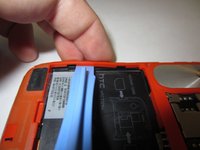
      • Gently pry back cover away from phone.

      • If you are having difficulty you may need to use a Spudger or plastic opener.

      Ask FixBot

      Add Comment

    2. HTC Desire V Midframe Replacement: step 2, image 1 of 3 HTC Desire V Midframe Replacement: step 2, image 2 of 3 HTC Desire V Midframe Replacement: step 2, image 3 of 3
      • Lever the battery out from the bottom end first.

      • Do not bend or puncture the battery.

      Ask FixBot

      Add Comment

    1. HTC Desire V Midframe Replacement, Midframe: step 3, image 1 of 3 HTC Desire V Midframe Replacement, Midframe: step 3, image 2 of 3 HTC Desire V Midframe Replacement, Midframe: step 3, image 3 of 3
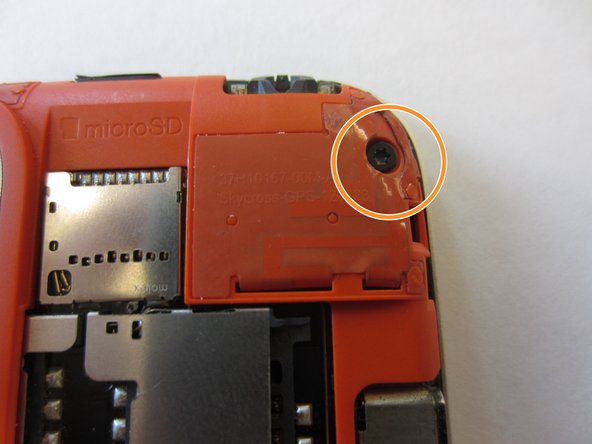
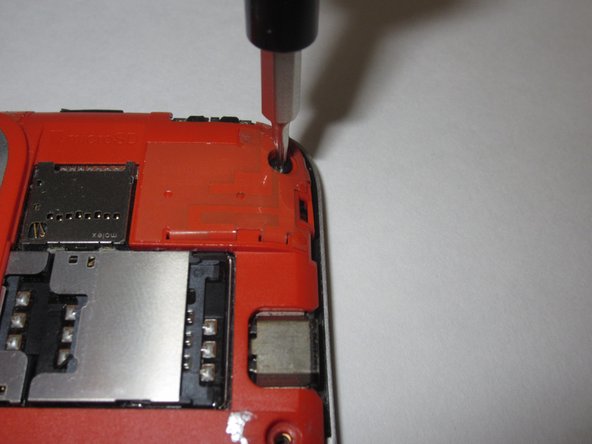
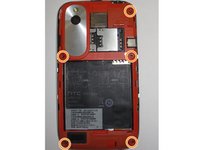
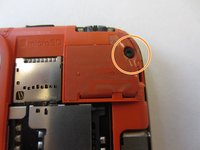
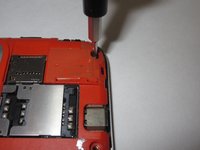
      • Use a Torx T5 screwdriver to unscrew and remove five 3.0 mm screws from the rear frame.

      Ask FixBot

      Add Comment

    2. HTC Desire V Midframe Replacement: step 4, image 1 of 3 HTC Desire V Midframe Replacement: step 4, image 2 of 3 HTC Desire V Midframe Replacement: step 4, image 3 of 3
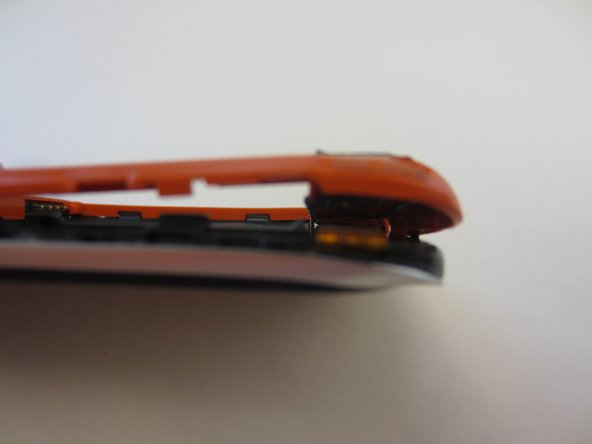
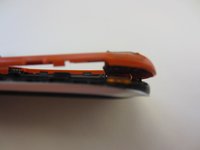
      • Use an opening tool or a spudger to gently remove the rear frame.

      Ask FixBot

      Add Comment

Conclusion

To reassemble your device, follow these instructions in reverse order.

Cancel: I did not complete this guide.

Author

with

William McCusker

Member since: 01/29/15

1,096 Reputation

9 Guides authored

Team

Clemson, Team 14-3, Shirley Winter 2015 Member of Clemson, Team 14-3, Shirley Winter 2015

CLEM-SHIRLEY-W15S14G3

6 Members

108 Guides authored

0 Guide Comments

Add Comment

View Statistics:

Past 24 Hours: 2

Past 7 Days: 18

Past 30 Days: 86

All Time: 732