Free Shipping on Domestic Orders $75+

HTC Desire V Button Assembly Replacement

What you need

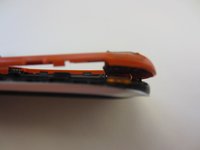
    1. HTC Desire V Button Assembly Replacement, Battery: step 1, image 1 of 3 HTC Desire V Button Assembly Replacement, Battery: step 1, image 2 of 3 HTC Desire V Button Assembly Replacement, Battery: step 1, image 3 of 3
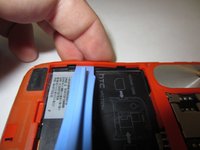
      • Gently pry back cover away from phone.

      • If you are having difficulty you may need to use a Spudger or plastic opener.

      Ask FixBot
      Add Comment

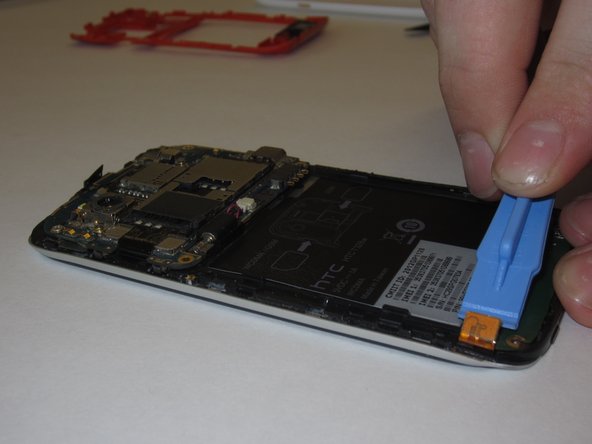
    2. HTC Desire V Button Assembly Replacement: step 2, image 1 of 3 HTC Desire V Button Assembly Replacement: step 2, image 2 of 3 HTC Desire V Button Assembly Replacement: step 2, image 3 of 3
      • Lever the battery out from the bottom end first.

      • Do not bend or puncture the battery.

      Ask FixBot
      Add Comment

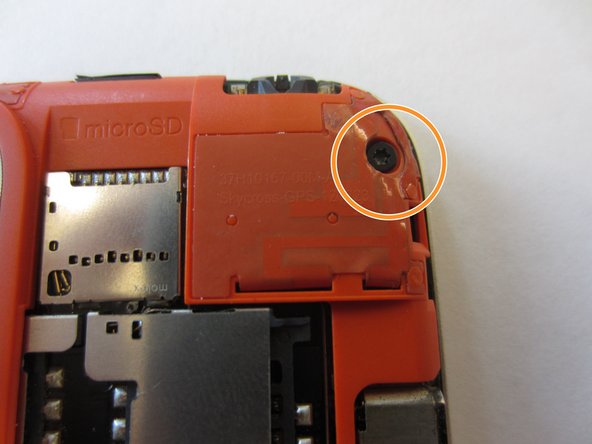
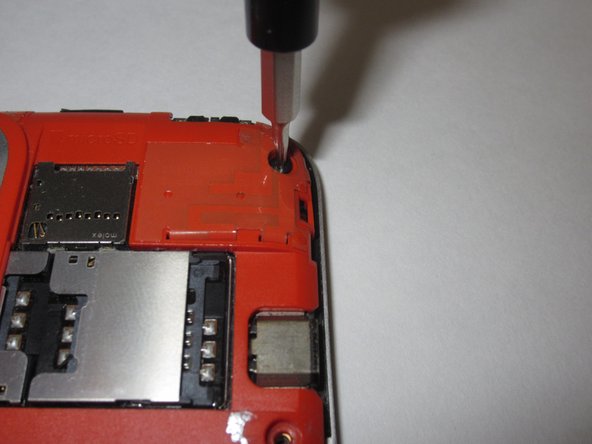
    1. HTC Desire V Button Assembly Replacement, Midframe: step 3, image 1 of 3 HTC Desire V Button Assembly Replacement, Midframe: step 3, image 2 of 3 HTC Desire V Button Assembly Replacement, Midframe: step 3, image 3 of 3
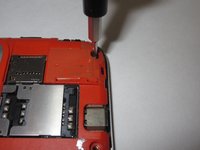
      • Use a Torx T5 screwdriver to unscrew and remove five 3.0 mm screws from the rear frame.

      Ask FixBot

      Add Comment

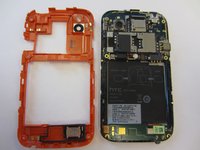
    2. HTC Desire V Button Assembly Replacement: step 4, image 1 of 3 HTC Desire V Button Assembly Replacement: step 4, image 2 of 3 HTC Desire V Button Assembly Replacement: step 4, image 3 of 3
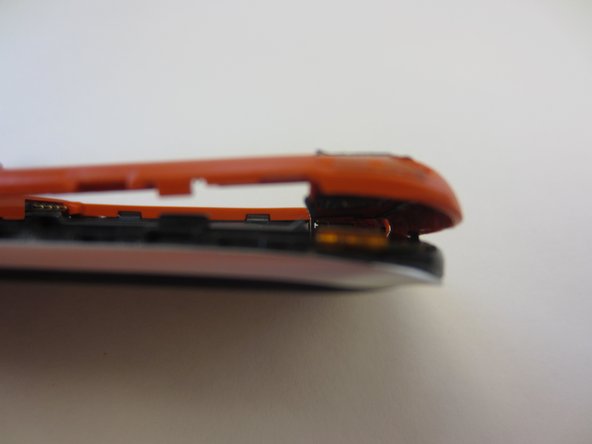
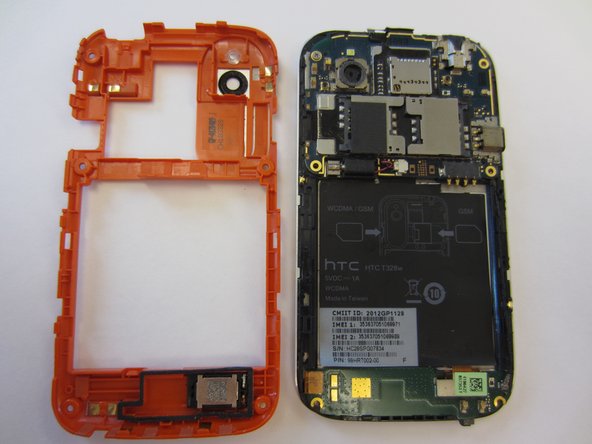
      • Use an opening tool or a spudger to gently remove the rear frame.

      Ask FixBot

      Add Comment

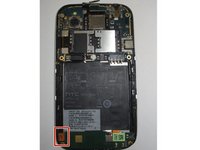
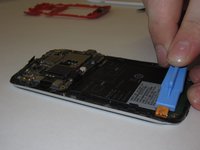
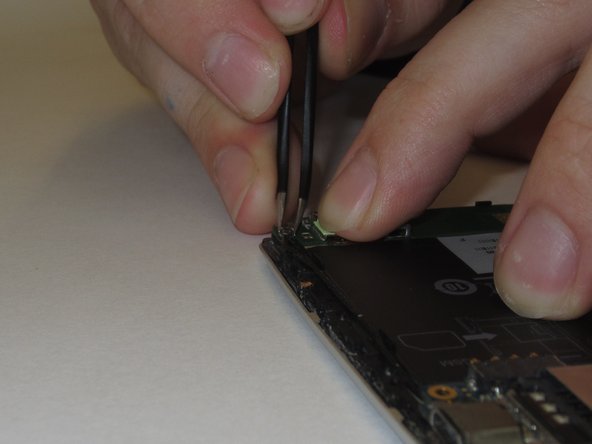
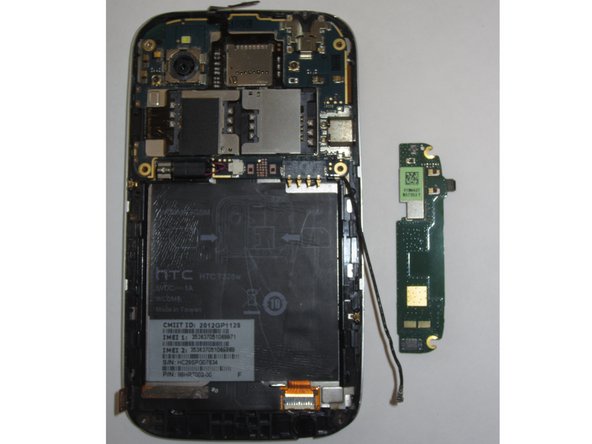
    1. HTC Desire V Button Assembly Replacement, Button Assembly: step 5, image 1 of 2 HTC Desire V Button Assembly Replacement, Button Assembly: step 5, image 2 of 2
      • Remove the connector on left side of the Navigation board by unplugging/prying the orange ribbon.

      Ask FixBot

      Add Comment

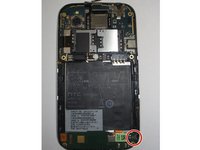
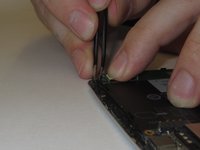
    2. HTC Desire V Button Assembly Replacement: step 6, image 1 of 2 HTC Desire V Button Assembly Replacement: step 6, image 2 of 2
      • Gently unplug and remove aerial cable (black antenna) from bottom plug.

      Ask FixBot

      Add Comment

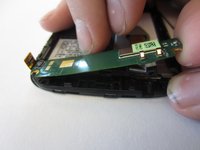
    3. HTC Desire V Button Assembly Replacement: step 7, image 1 of 2 HTC Desire V Button Assembly Replacement: step 7, image 2 of 2
      • Nav Board will be stuck down by glue.

      • Pull gently from the right end of the board, being careful of its flexibility.

      Ask FixBot

      Add Comment

Conclusion

To reassemble your device, follow these instructions in reverse order.

Cancel: I did not complete this guide.

3 other people completed this guide.

William McCusker

Member since: 01/29/15

1,096 Reputation

9 Guides authored

Team

Clemson, Team 14-3, Shirley Winter 2015 Member of Clemson, Team 14-3, Shirley Winter 2015

CLEM-SHIRLEY-W15S14G3

6 Members

108 Guides authored

0 Guide Comments

Add Comment

View Statistics:

Past 24 Hours: 0

Past 7 Days: 3

Past 30 Days: 20

All Time: 552