Introduction
Model Number : HP x2 10-p010wm
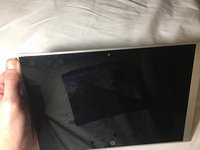
If your device’s screen is unresponsive or it does not turn on, it is most likely that you need to replace your screen.
This guide will show you how to take apart the screen in order to remove it from its plastic frame to replace it. But we recommend you to check our troubleshooting page first.
What you need
-
-
-
Insert a spudger into the space between the screen and computer and gently pry the two pieces apart. Continue this around the whole screen.
-
-
-
-
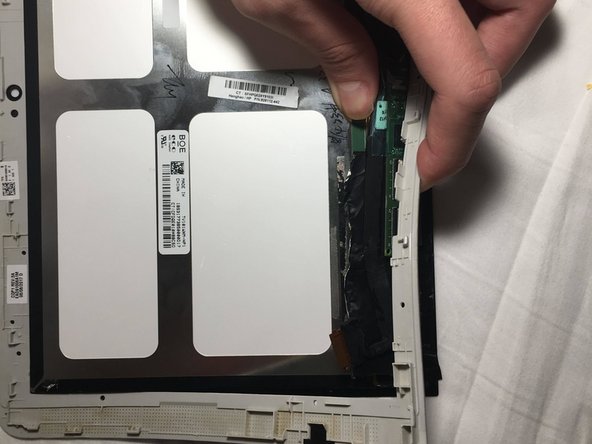
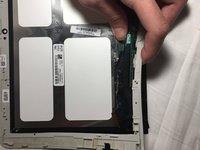
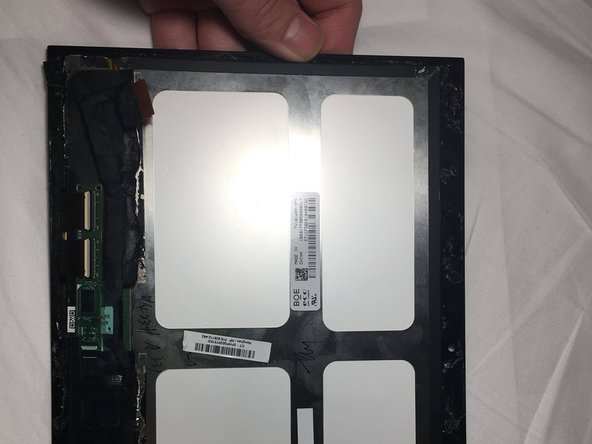
Slowly disconnect the thin wire attaching the screen to the rest of the computer by holding one end and sliding it down.
-
-
-
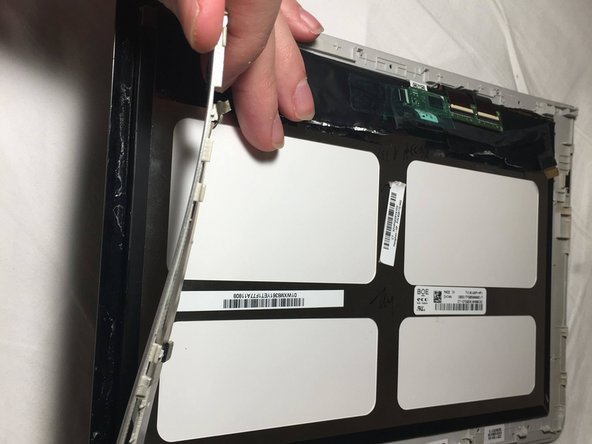
Hold the screen with your thumb and push back on the plastic frame.
-
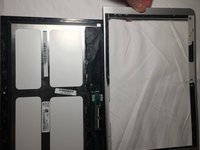
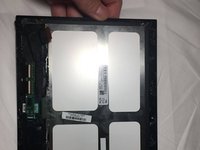
Slowly separate the plastic frame on all sides.
-


 Ask FixBot



To reassemble your device, follow these instructions in reverse order.
Cancel: I did not complete this guide.
One other person completed this guide.

Team

UMass Dartmouth, Team S4-G3, Saloman Fall 2019 Member of UMass Dartmouth, Team S4-G3, Saloman Fall 2019
UMASSD-SALOMAN-F19S4G3
3 Members
36 Guides authored
