
HP w2216h Control Buttons Replacement

Patrick Aucoin and 4 other contributors
Last updated on May 25, 2016
Views: 1K
View statistics:
- Past 24 Hours:
- 2
- Past 7 Days:
- 15
- Past 30 Days:
- 96
- All Time:
- 1,009
Comments: 0
No one has left comments on this guide. Will you be first?
Go to guide commentsCompleted: 1 2
1 person has marked this guide "completed." Will you be next?
2 people have marked this guide "completed." Including you — great job!
Favorites: 1 2
1 person has favorited (and subscribed to) this guide. Will you be next?
2 people have favorited (and subscribed to) this guide — including you!
Introduction
Go to step 1 ↓Are you unable to adjust the sound on you HP w2216h monitor? You may need to replace your control buttons. These buttons are responsible for sound adjustment, calibration, input selection, and more.
What you need
Tools


-
-
-
Remove the four 12 mm Phillips #000 screws on the back panel.
 Ask FixBot
-
-
-
Remove the two 12 mm Phillips #000 screws above stand mounting bracket.
-
Using a Phillips #1 with the 150 mm flexible extension remove 1 Phillips #1 screw under the stand mounting bracket.
-
Stand will easily pull off.
-
-
-
Turn monitor so that the screen is facing you.
-
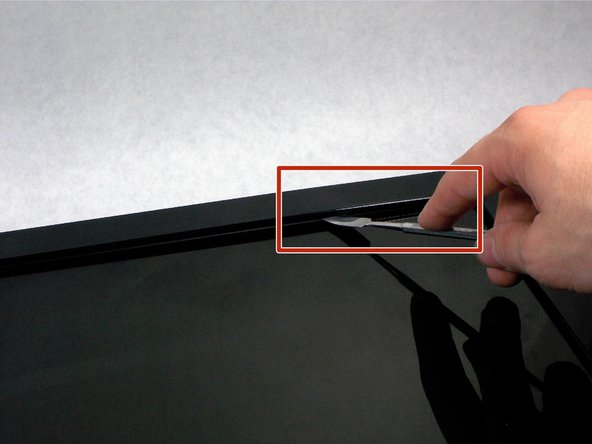
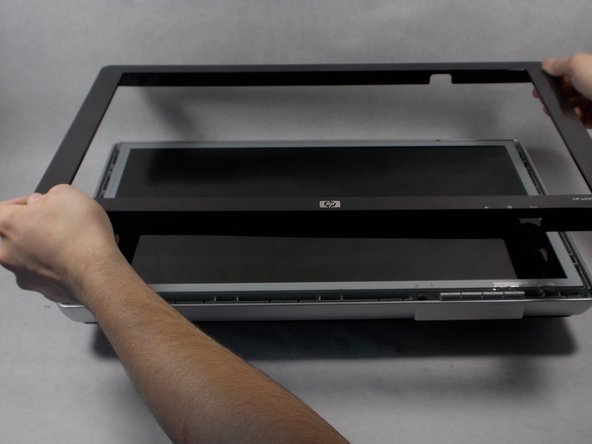
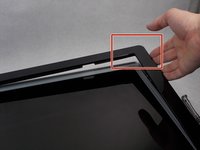
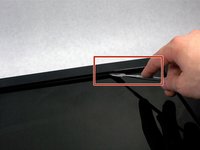
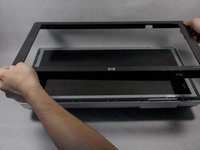
Pry the black bezel from above the metal by placing your metal spudger between the bezel and the metal and twisting the tool slightly.
-
-
-




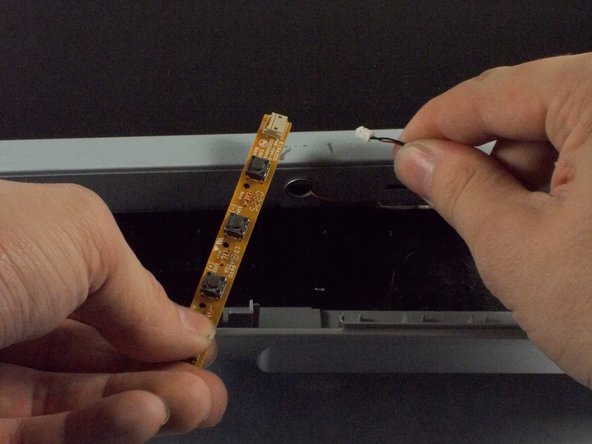
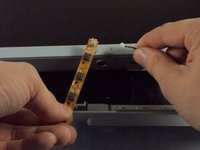
To reassemble your device, follow these instructions in reverse order.
Cancel: I did not complete this guide.
One other person completed this guide.

Team

UMass Dartmouth, Team 1-1, Miles Spring 2016 Member of UMass Dartmouth, Team 1-1, Miles Spring 2016
UMASSD-MILES-S16S1G1
4 Members
72 Guides authored
