Introduction
If your hard drive is broken, or you need to upgrade your hard drive, this guide will show you how to replace the hard drive in the HP Zbook 15u G2.
What you need
-
-
-
Flip the laptop on its side, and flip the switch at the top so the red side is visible.
-
Slide off the back panel as shown.
 Ask FixBot
-
-
-
-
Once the back panel is removed, flip the 2 switches located on the battery so the red is visible.
-
Lift the battery out of the device by pulling up on the tab located between the two switches at the top of the battery.
-
-
-
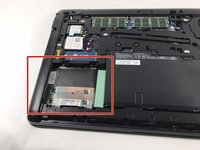
The hard drive is missing from this particular device. The hard drive is located next to the battery as indicated in red. It would normally be enclosed in a metal caddy with a black plastic tab extending toward the battery.
-
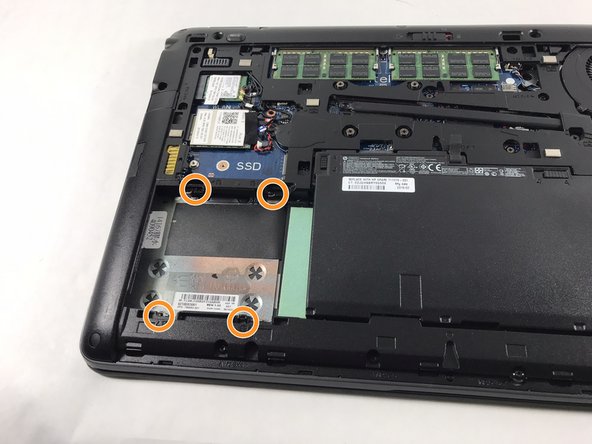
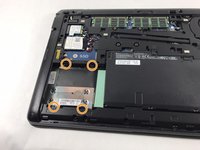
Use a Phillips #0 screwdriver to remove the four 3 mm screws that secure the drive.
-
Pull the black tab outward in the direction of where the battery was to remove the hard drive from the device.
-
-


To reassemble your device, follow these instructions in reverse order.
Cancel: I did not complete this guide.
One other person completed this guide.

Team

UMass Dartmouth, Team 3-5, Petersen Spring 2023 Member of UMass Dartmouth, Team 3-5, Petersen Spring 2023
UMASSD-PETERSEN-S23S3G5
4 Members
84 Guides authored
