Introduction
Replacement guide for battery for HP ZBook Studio G3
What you need
-
-
-
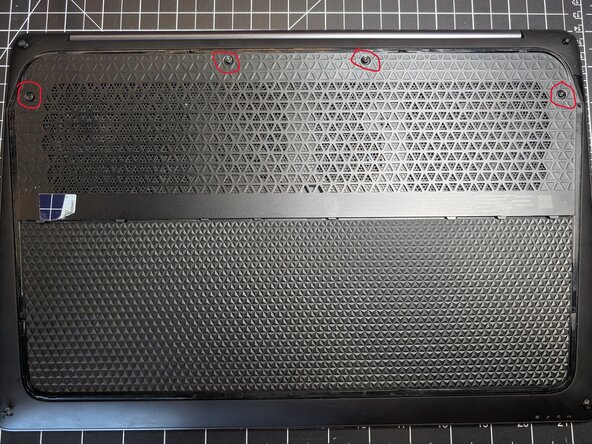
Using the TR9 bit, remove the four center plate screws on the back of the laptop.
-
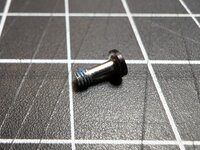
Note: All TR9 screws on this laptop are self-retaining - so they only need to be loosened, not completely removed from the panel.
 Ask FixBot
-
-
-
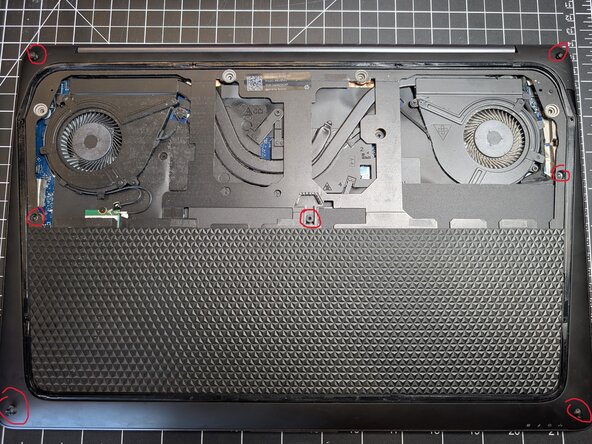
Remove the 7 TR9 screws from the back panel, including the 3 hidden by the center panel.
-
-
-
-
Remove the 6 Philip's #00 screws holding the battery in. These do need to be completely removed.
-
Pull the battery connector parallel to the motherboard to disconnect it.
-
-
-
Reassemble in reverse order.
-
When attaching the back panel, the bottom edge has larger tabs that must be inserted first, then the rest of the panel will sit flush and can be screwed down.
-
-



Finish Line