Introduction
If your HP Zbook is overheating, or getting excessively hot. It may help to clean the fan and heatsink assembly. This is the step by step guide to help you clean the heatsink to your HP ZBook 15u G2.
What you need
-
-
-
Turn the HP Zbook over and flip the switch at the top so the red part is visible.
 Ask FixBot
-
-
-
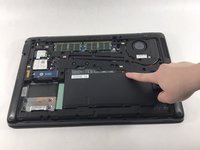
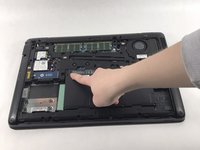
Lift the plastic tab at the top of the battery up to lift the battery up and out of the device
-
-
-
-
-
Tool used on this step:Tweezers$4.99
-
Use a torx 8 screwdriver to remove the 11 M2.5x5mm torx screws labeled M2.5x5.
-
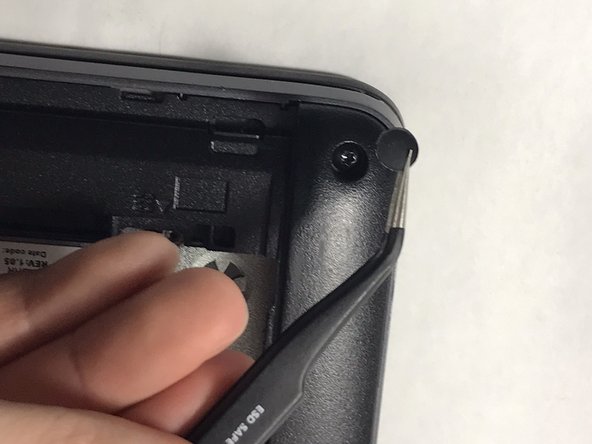
Use a pair of tweezers to remove the rubber feet at the edges and corners of the laptop to reveal the other 8 torx screws and remove them as well
-
-
-
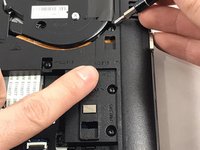
Use a Phillips #00 screwdriver to remove the five M2.0x2 mm screws beneath the battery.
-
-
-
Remove the 4 mm Phillips screws under the SD card slot on the left of the laptop.
-
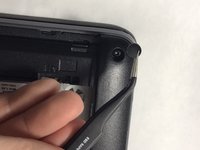
Lift the plastic edges around the bottom of the laptop to remove the bottom plastic cover.
-
-
-
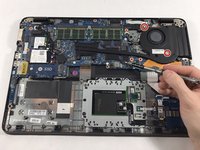
Loosen the 2 silver Phillips screws on the fan assembly.
-
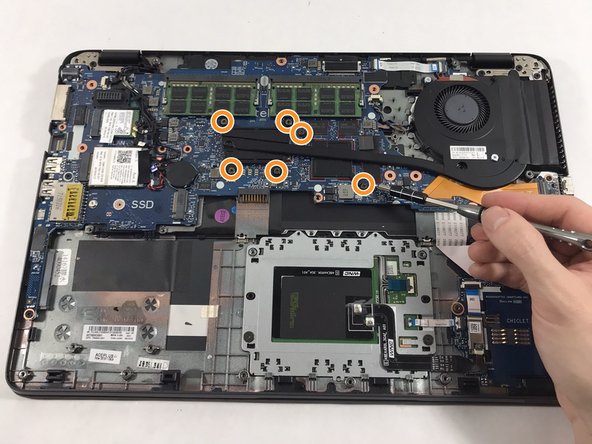
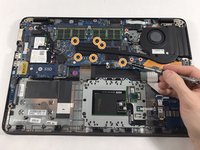
Remove the 6 Phillips screws at the left side of the heatsink assembly.
-
-
-
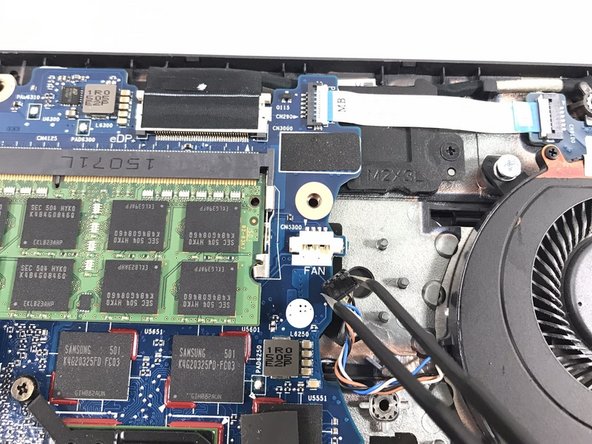
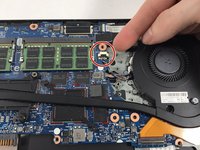
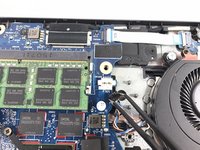
Using tweezers, gently unplug the wire the connects the fan to the motherboard.
-
-
-
Grip the heatsink assembly by the fan and lift it up to remove it.
-
Use computer duster to blow away and remove any dust and particles in and around the heatsink and fan assembly.
-
-









To reassemble your device, follow these instructions in reverse order.
Cancel: I did not complete this guide.
One other person completed this guide.

Team

UMass Dartmouth, Team 3-5, Petersen Spring 2023 Member of UMass Dartmouth, Team 3-5, Petersen Spring 2023
UMASSD-PETERSEN-S23S3G5
4 Members
84 Guides authored
