
HP Windows Mixed Reality Controllers TPC-Q044 Trigger Replacement

Clement Cheung and 2 other contributors
Last updated on Mar 6, 2019
Views: 2.1K
View statistics:
- Past 24 Hours:
- 0
- Past 7 Days:
- 8
- Past 30 Days:
- 66
- All Time:
- 2,081
Comments: 0
No one has left comments on this guide. Will you be first?
Go to guide commentsCompleted: 4 5
4 people have marked this guide "completed." Will you be next?
5 people have marked this guide "completed." Including you — great job!
Favorites: 0 1
No one has favorited (and subscribed to) this guide. Will you be the first?
1 person has favorited (and subscribed to) this guide — and that's you!
Introduction
Go to step 1 ↓This guide goes over how to replace the controller's trigger button.
If your TPC-Q044 trigger button starts failing when using your controller, you may want to think about replacing the component. The failure may be a result of a loose spring or a broken latch. The replacement of the circuit board is not too complex. You will need the indicated screwdrivers and a spudger to complete this task. There are no warnings or potential hazards when replacing the pad.
What you need
Tools
-
Spudger4.9


-
-
-
-
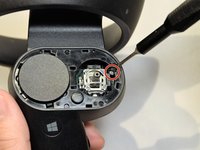
Grip the main body and pull the joystick outwards until the entire front panel pops off.
-
Remove the 6mm screw in the corner of the joystick well using a Phillips #00 screwdriver.
-
-
-
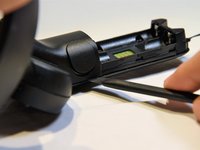
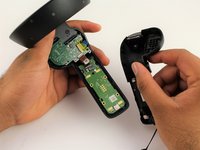
Use a spudger to pry apart the two halves of the assembly.
-
Work slowly, prying a small section at a time until the halves are completely separated.
-
-
-
-
-
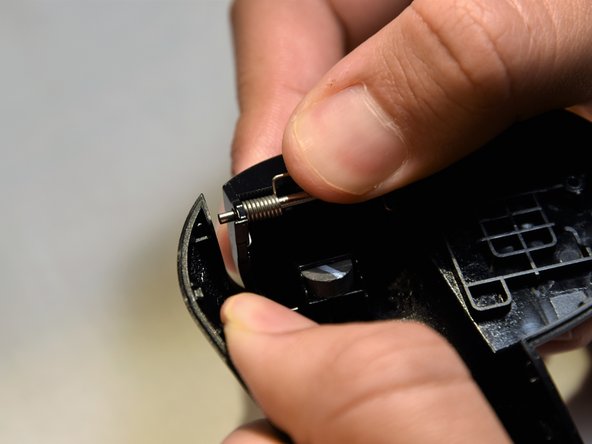
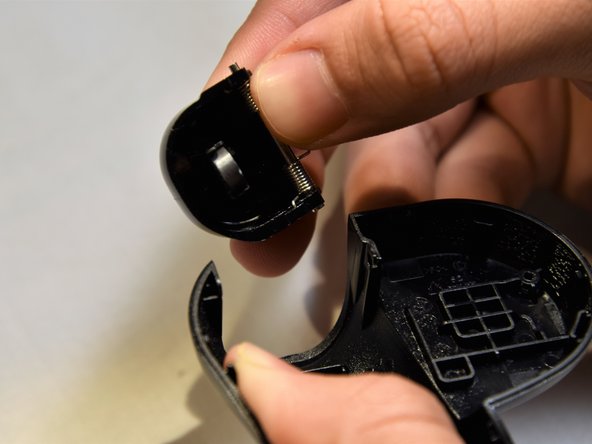
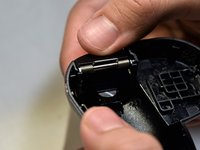
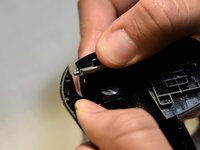
Grasp the trigger with one hand while pushing against the outer wall of the shell.
-
Apply pressure, pulling the wall away from the trigger.
-
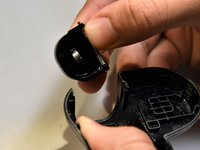
Remove the trigger starting from the freed edge.
-
-


 Ask FixBot







To reassemble your device, follow these instructions in reverse order.
Cancel: I did not complete this guide.
4 other people completed this guide.

Team

Cal Poly, Team S18-G5, White Winter 2019 Member of Cal Poly, Team S18-G5, White Winter 2019
CPSU-WHITE-W19S18G5
2 Members
72 Guides authored
