
HP Probook 4425s Hard Drive Replacement

Kaity and 5 other contributors
Last updated on Jan 10, 2025
Views: 2.4K
View statistics:
- Past 24 Hours:
- 0
- Past 7 Days:
- 12
- Past 30 Days:
- 72
- All Time:
- 2,353
Comments: 0
No one has left comments on this guide. Will you be first?
Go to guide commentsCompleted: 1 2
1 person has marked this guide "completed." Will you be next?
2 people have marked this guide "completed." Including you — great job!
Favorites: 0 1
No one has favorited (and subscribed to) this guide. Will you be the first?
1 person has favorited (and subscribed to) this guide — and that's you!
Introduction
Go to step 1 ↓A hard drive stores digital data such as programs, files, and other forms of information within your computer. If you find that the hard drive on your HP Probook 4425s no longer works, you can follow the instructions within this guide to successfully remove and replace it. Before getting started on this replacement power off your computer and remove it from any external power source to ensure your safety as well as the safety of your device.
What you need
Tools

-
-
-
Remove the four 3 mm Phillips head screws that secure the switch cover in place.
-
-
-
-
Flip over and open the laptop.
-
Remove the now loosened cover by grabbing both sides and sliding up.
-
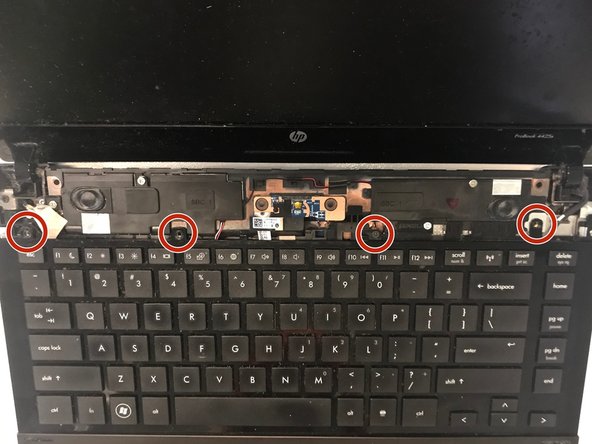
Remove the four 3mm Phillips head black screws directly above the keyboard.
-
-
-
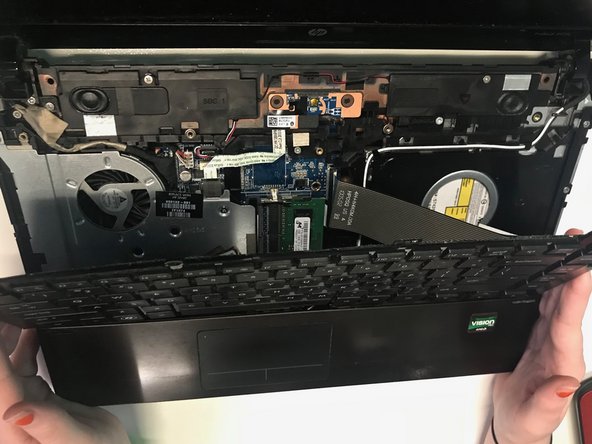
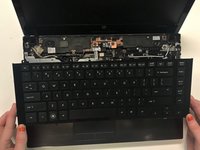
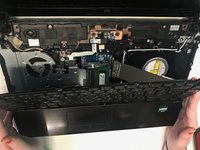
Carefully remove the keyboard by sliding it up towards the screen of the computer in order to release the keyboard ribbon cable.
-
-
-
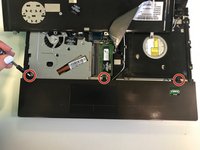
Remove the three black 3 mm Phillips head screws from the under the keyboard that are directly above the mouse pad.
-
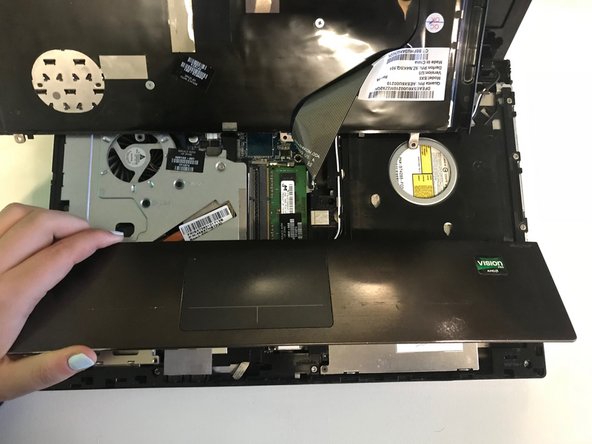
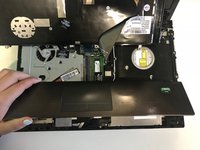
Carefully remove the mouse pad.
-
-
-
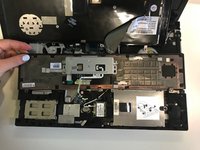
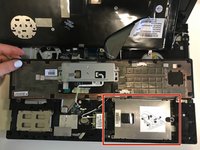
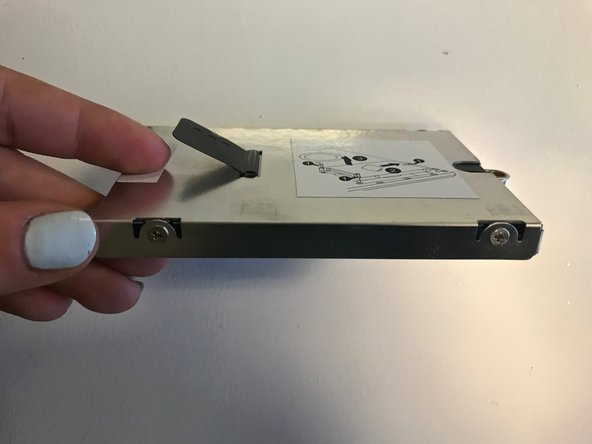
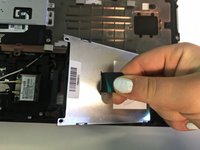
The hard drive should be located on the right side of the laptop under the mouse pad.
-
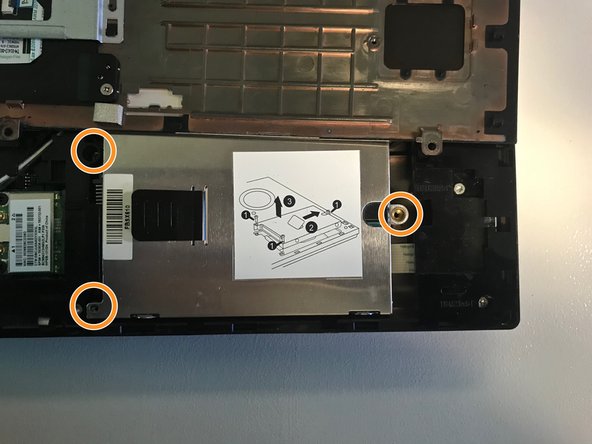
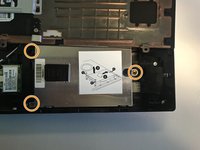
Remove the two black 2 mm Phillips screws holding the hard drive in place on the left side, and remove the larger Phillips head screw on the right side of the hard drive.
-


 Ask FixBot







To reassemble your device, follow these instructions in reverse order.
Cancel: I did not complete this guide.
One other person completed this guide.

Team

University of North Texas, Team S8-G6, Riccardelli Fall 2018 Member of University of North Texas, Team S8-G6, Riccardelli Fall 2018
UNT-RICCARDELLI-F18S8G6
3 Members
36 Guides authored
