Free Shipping on Domestic Orders $75+

HP ProBook 440 G9 Trackpad Replacement

What you need

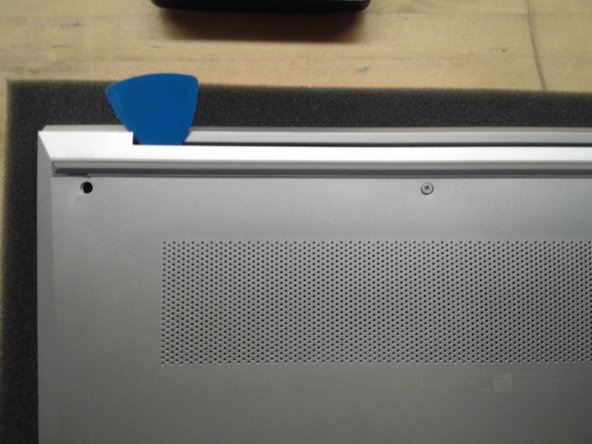
    1. HP ProBook 440 G9 Trackpad Replacement, Remove Bottom Cover: step 1, image 1 of 2 HP ProBook 440 G9 Trackpad Replacement, Remove Bottom Cover: step 1, image 2 of 2
      • Use Phillips #01 screwdriver to unscrew all 6 threaded screws.

      • Do not remove screws from bottom cover as they are intended to stay attached to the bottom cover.

      • Use guitar pick tool to unclip the back cover all around the edges starting from the top.

      Ask FixBot

      Add Comment

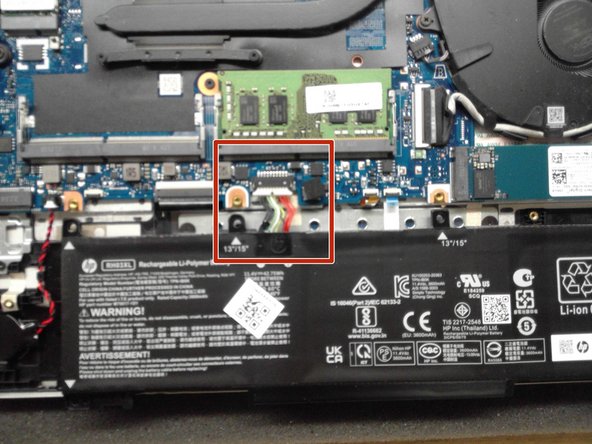
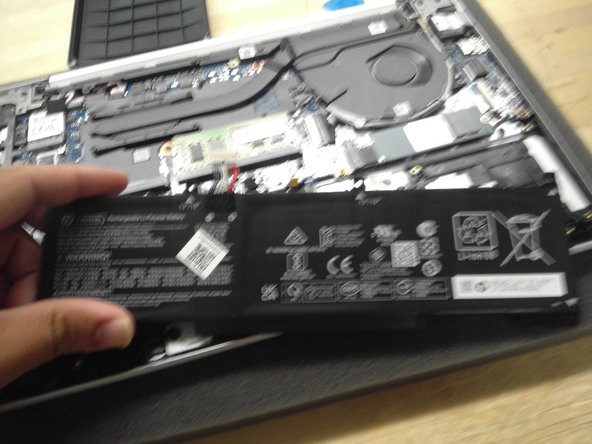
    2. HP ProBook 440 G9 Trackpad Replacement, Remove Battery: step 2, image 1 of 3 HP ProBook 440 G9 Trackpad Replacement, Remove Battery: step 2, image 2 of 3 HP ProBook 440 G9 Trackpad Replacement, Remove Battery: step 2, image 3 of 3
      • Remove all 4 screws from the battery.

      • Disconnect the Battery Connector from the motherboard using the side tabs on the connector.

      • Possible spark may occur at the Battery Connector port if laptop is not fully powered off when replacing the laptop battery.

      • Remove the battery from the laptop.

      Ask FixBot

      Add Comment

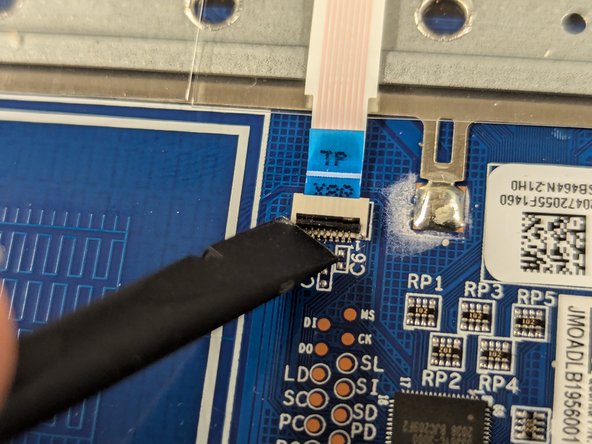
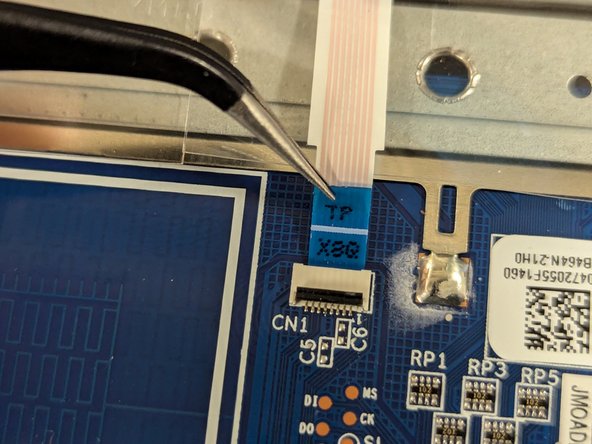
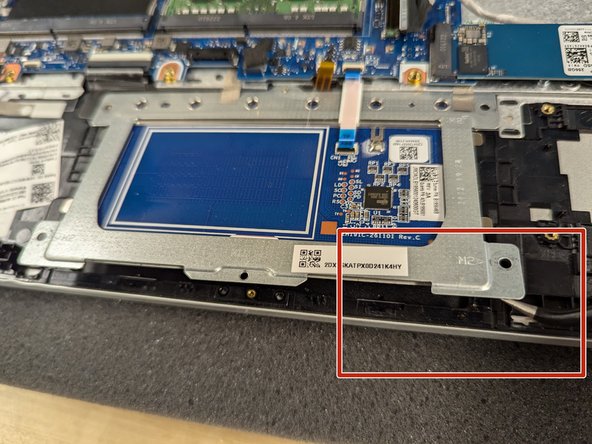
    1. HP ProBook 440 G9 Trackpad Replacement, Detach Trackpad: step 3, image 1 of 3 HP ProBook 440 G9 Trackpad Replacement, Detach Trackpad: step 3, image 2 of 3 HP ProBook 440 G9 Trackpad Replacement, Detach Trackpad: step 3, image 3 of 3
      • Unscrew 4 screws with Phillips #01 screwdriver.

      • Unscrew 2 screws with the Phillips #00 screwdriver.

      • Unlatch the trackpad connector.

      • Pull the tab on the trackpad ribbon straight out from the connector.

      • Trackpad ribbon cable can be easily damaged.

      Ask FixBot

      Add Comment

    2. HP ProBook 440 G9 Trackpad Replacement, Remove Trackpad: step 4, image 1 of 2 HP ProBook 440 G9 Trackpad Replacement, Remove Trackpad: step 4, image 2 of 2
      • Remove 2 silver tape attached to the trackpad frame.

      • Try to not tear tape strips but does not affect trackpad performance if they are damaged.

      • Remove trackpad from laptop frame.

      Ask FixBot

      Add Comment

Conclusion

To reassemble your device, follow these instructions in reverse order.

Cancel: I did not complete this guide.

One other person completed this guide.

Joel

Member since: 04/30/18

509 Reputation

5 Guides authored

0 Guide Comments

Add Comment

View Statistics:

Past 24 Hours: 3

Past 7 Days: 13

Past 30 Days: 52

All Time: 616