Free Shipping on Domestic Orders $75+

HP ProBook 440 G1 Optical Drive Replacement

Views: 1K

View statistics:

Past 24 Hours:
4
Past 7 Days:
19
Past 30 Days:
74
All Time:
1,006
Comments: 0

No one has left comments on this guide. Will you be first?

Go to guide comments
Completed: 1

1 person has marked this guide "completed." Will you be next?

Favorites: 0

No one has favorited (and subscribed to) this guide. Will you be the first?

Time Required: 5 minutes
Difficulty: Easy
HP ProBook 440 G1 Optical Drive Replacement

Introduction

Go to step 1 ↓

How to replace the optical drive of an HP ProBook 440 G1.

What you need

Tools

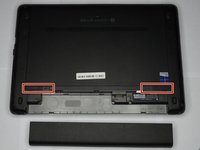
    1. HP ProBook 440 G1 Optical Drive Replacement, Battery: step 1, image 1 of 2 HP ProBook 440 G1 Optical Drive Replacement, Battery: step 1, image 2 of 2
      • Make sure the laptop is turned off before you start.

      • Push and hold the release tab on the right and left toward the center.

      Ask FixBot

      Add Comment

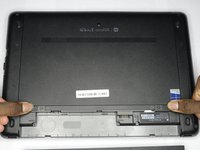
    2. HP ProBook 440 G1 Optical Drive Replacement: step 2, image 1 of 2 HP ProBook 440 G1 Optical Drive Replacement: step 2, image 2 of 2
      • Pull the battery out.

      Ask FixBot

      Add Comment

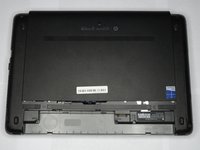
    1. HP ProBook 440 G1 Optical Drive Replacement, Backplate: step 3, image 1 of 3 HP ProBook 440 G1 Optical Drive Replacement, Backplate: step 3, image 2 of 3 HP ProBook 440 G1 Optical Drive Replacement, Backplate: step 3, image 3 of 3
      • Push and hold the release tabs on the right and left toward the center again.

      Ask FixBot

      Add Comment

    2. HP ProBook 440 G1 Optical Drive Replacement: step 4, image 1 of 1
      • Slide the backplate off.

      Ask FixBot

      Add Comment

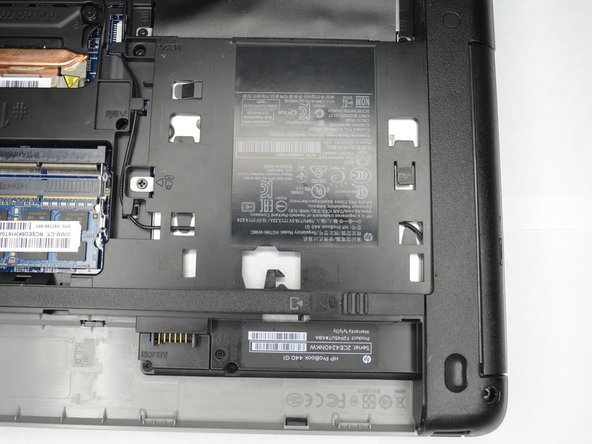
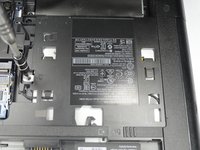
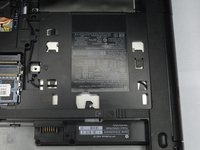
    1. HP ProBook 440 G1 Optical Drive Replacement, Optical Drive: step 5, image 1 of 2 HP ProBook 440 G1 Optical Drive Replacement, Optical Drive: step 5, image 2 of 2
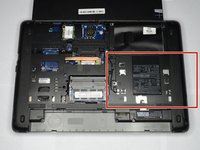
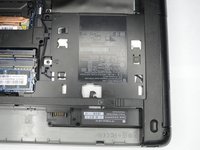
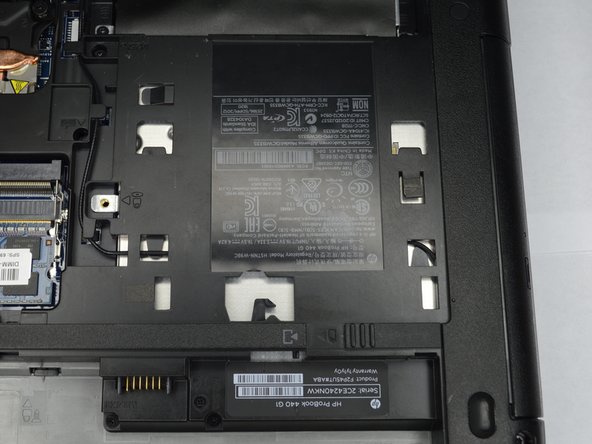
      • Locate the optical drive, near the battery on the right side.

      Ask FixBot

      Add Comment

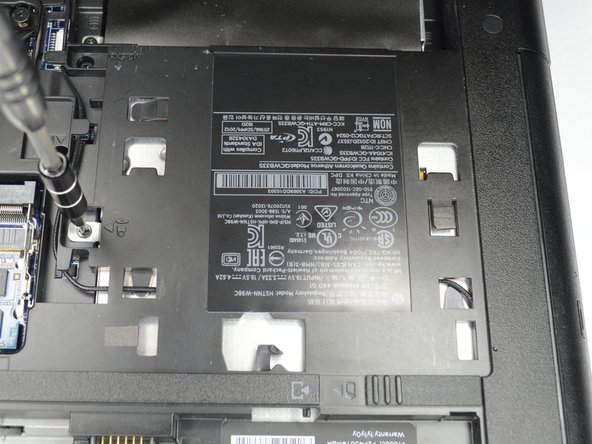
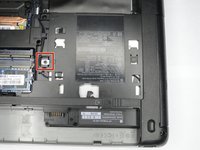
    2. HP ProBook 440 G1 Optical Drive Replacement: step 6, image 1 of 3 HP ProBook 440 G1 Optical Drive Replacement: step 6, image 2 of 3 HP ProBook 440 G1 Optical Drive Replacement: step 6, image 3 of 3
      • Remove the Philips PM2.5x6.0 screw that attaches the optical drive to the computer.

      Ask FixBot

      Add Comment

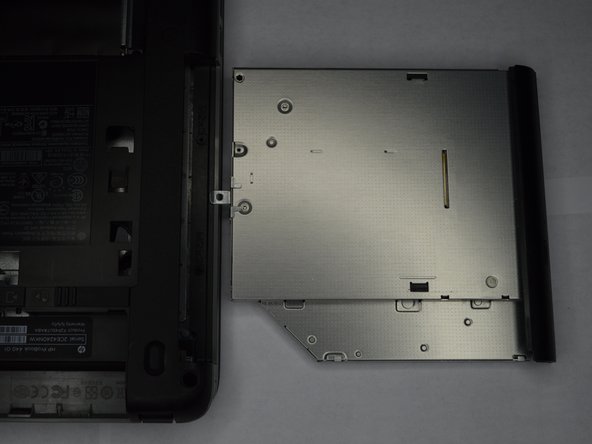
    3. HP ProBook 440 G1 Optical Drive Replacement: step 7, image 1 of 2 HP ProBook 440 G1 Optical Drive Replacement: step 7, image 2 of 2
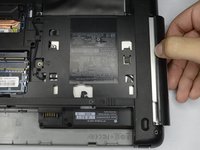
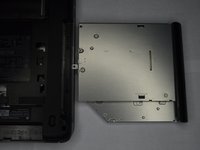
      • Slowly remove the optical drive, by pulling it straight out of the slot.

      Ask FixBot

      Add Comment

Conclusion

To reassemble your device, follow these instructions in reverse order.

Cancel: I did not complete this guide.

One other person completed this guide.

0 Guide Comments

Add Comment

View Statistics:

Past 24 Hours: 4

Past 7 Days: 19

Past 30 Days: 74

All Time: 1,006