
HP Photosmart D110a LCD Screen Replacement

Naveen Krishan and 7 other contributors
Last updated on Jan 10, 2025
Views: 4.9K
View statistics:
- Past 24 Hours:
- 2
- Past 7 Days:
- 22
- Past 30 Days:
- 82
- All Time:
- 4,932
Comments: 1
1 comment on steps.
Completed: 3 4
3 people have marked this guide "completed." Will you be next?
4 people have marked this guide "completed." Including you — great job!
Favorites: 0 1
No one has favorited (and subscribed to) this guide. Will you be the first?
1 person has favorited (and subscribed to) this guide — and that's you!
Action Shots
Be an action hero! This guide needs images that better demonstrate how to perform specific actions.
Step Trimmer
This guide has unnecessary steps. Trim them to be more concise!
Better Introduction
Improve this guide by completing or revising its introduction.
Missing Details
Some of this guide's details are missing. Help users by adding tools, difficulty, or time.
Introduction
Go to step 1 ↓Considering the steps in this guide were completed by 2 people, it is recommended to attempt this guide with 2 or more people.
Required Tools
- T-9 Screwdriver
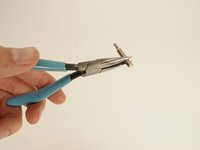
- Needle-Nose Pliers
What you need


-
-
-
Pull down both front panels to open the printer. Lift the scanner flap upward by pulling down on it; there are two mouth pieces that need to be pulled down.
-
Adjust the flap covering the scanner upward, as shown.
 Ask FixBot
-
-
-
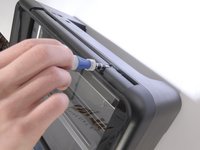
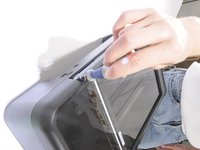
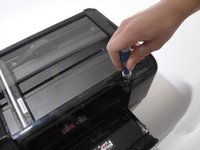
Locate the three screws on top of the printer.
-
The orange circle shows a fourth screw located behind the power panel. Ignore this one for now, as directions to remove this screw are in Step 5.
-
-
-
-
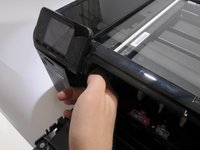
Reach inside the printer's front opening.
-
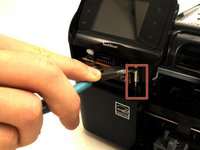
Press the small clip behind the power button.
-
Pull the panel out from right to left.
-
-
-
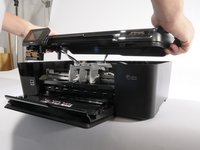
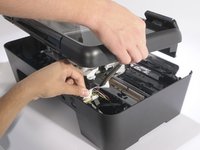
Have one person lift the hood 2-3 inches.
-
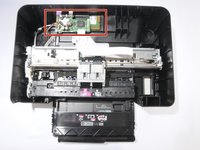
Have the other person disconnect the three cables from the motherboard (the green PCB) to the hood by gently pulling upward on them.
-
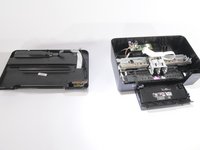
Remove the hood completely.
-
-
-
-
-
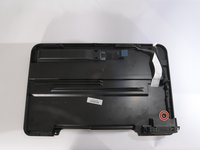
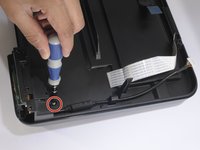
Remove the single T-9 screw from the hood's underside, as shown.
-
-
-
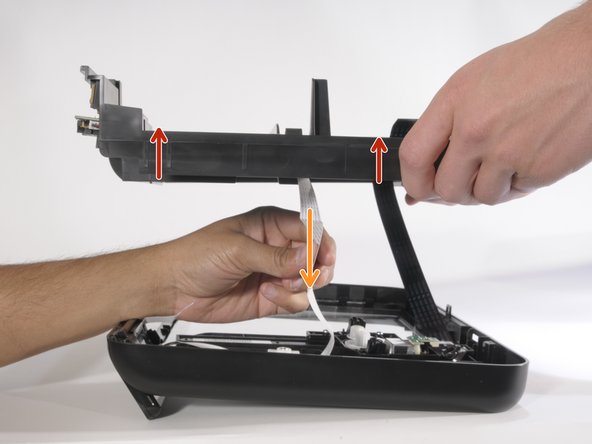
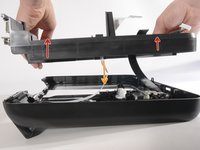
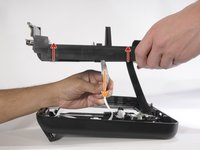
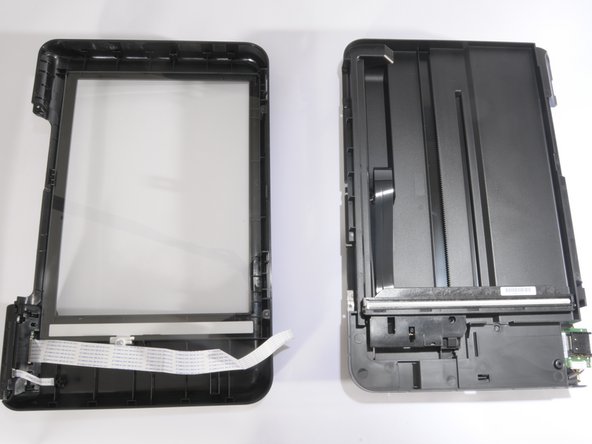
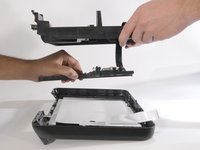
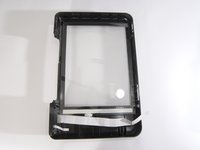
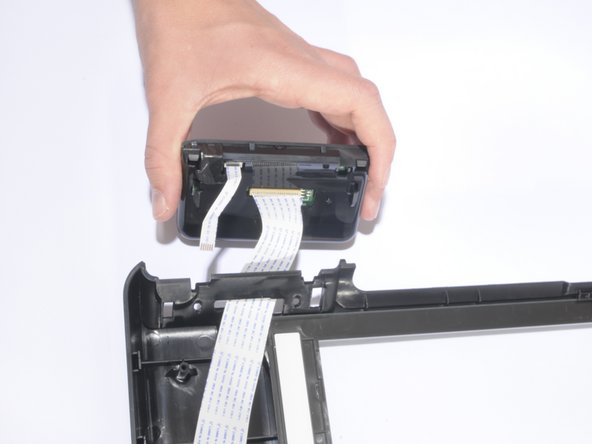
With the screw removed, separate the two pieces of the hood by lifting it vertically.
-
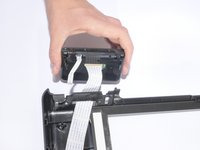
Carefully pull down the white ribbon cable through the top piece of the hood.
-
-
-
-
-
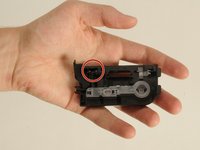
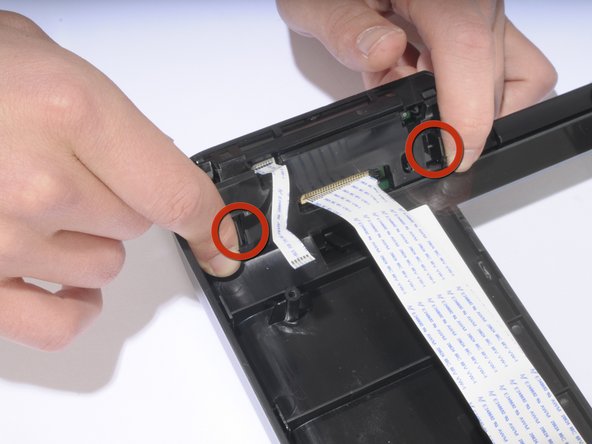
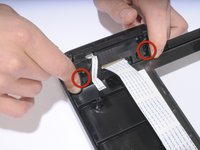
To release the LCD, locate the two mounting slots, and push the sloped slides inward to release the LCD from its slots.
-
-
-
Slide the LCD module downward to remove it from its holders.
-
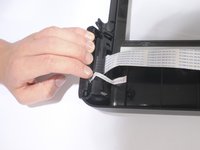
The large ribbon wire from the LCD can be detached if needed.
-
-















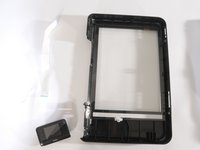
To reassemble your device, follow these instructions in reverse order.
Cancel: I did not complete this guide.
3 other people completed this guide.

Team

Cal Poly, Team 10-38, Forte Spring 2011 Member of Cal Poly, Team 10-38, Forte Spring 2011
CPSU-FORTE-S11S10G38
5 Members
120 Guides authored
