Introduction
To detach the memory you will need a Phillips PH1 screwdriver. Also remember to be gentle with the screws because not all of them will completely detach from the plastic.
What you need
-
-
-
Shut down the computer.
-
Turn computer upside down so the base is facing upward.
 Ask FixBot
-
-
-
Slide latch next to battery icon until battery pops up.
-
Pull the battery away from the computer until completely detached.
-
-
-
-
-
-
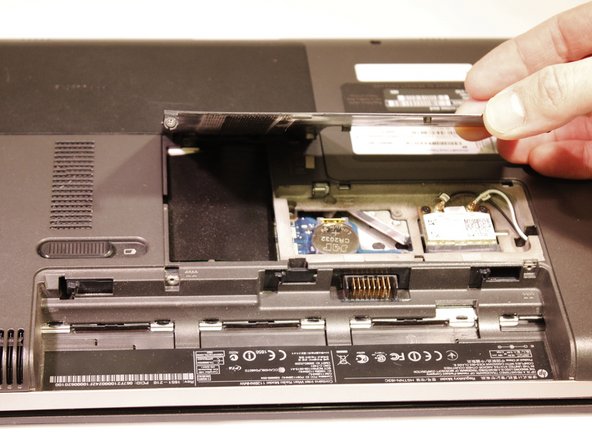
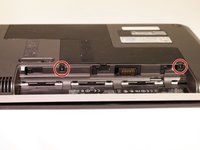
Loosen two 5mm Phillips #1 screws securing plastic cover, until cover is detachable.
-
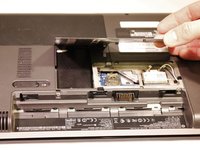
Slide cover toward empty battery area and remove it.
-
-
-
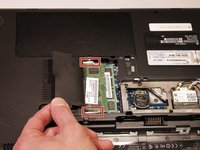
Lift black cover overlaying memory chip.
-
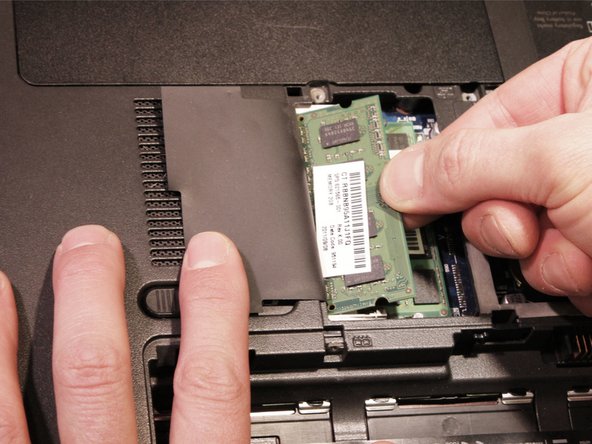
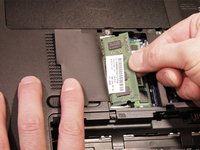
Spread the tabs on each side of the memory slot to release the module.
-
Remove memory by pulling the memory out at an angle, until completely detached.
-
-



To reassemble your device, follow these instructions in reverse order.

Team

Eastern Washington University, Team 2-3, Andersen Winter 2016 Member of Eastern Washington University, Team 2-3, Andersen Winter 2016
EWU-ANDERSEN-W16S2G3
5 Members
72 Guides authored
