
HP Pavillion G7-2235DX Keyboard Replacement

Bre'Anna Sanders and 4 other contributors
Last updated on Feb 6, 2019
Views: 4.9K
View statistics:
- Past 24 Hours:
- 1
- Past 7 Days:
- 25
- Past 30 Days:
- 143
- All Time:
- 4,883
Comments: 0
No one has left comments on this guide. Will you be first?
Go to guide commentsCompleted: 8 9
8 people have marked this guide "completed." Will you be next?
9 people have marked this guide "completed." Including you — great job!
Favorites: 1 2
1 person has favorited (and subscribed to) this guide. Will you be next?
2 people have favorited (and subscribed to) this guide — including you!
What you need
Tools
-
Spudger4.9


-
-
-
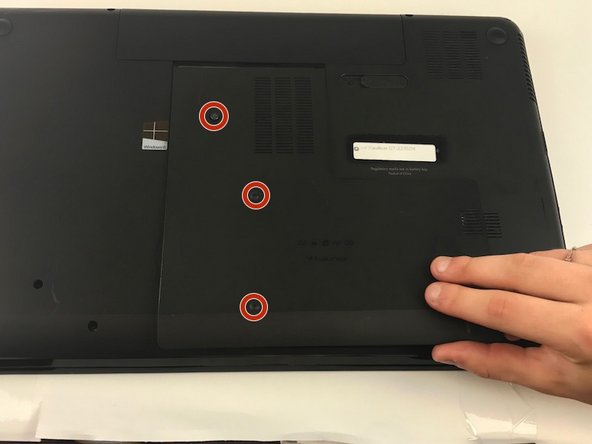
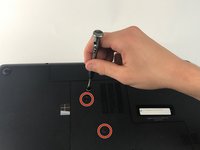
Using a PH Screwdriver, remove the three 7.25mm screws located on the bottom panel.
-
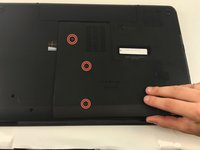
After removing all screws, remove the panel by sliding down.
-
-
-
-
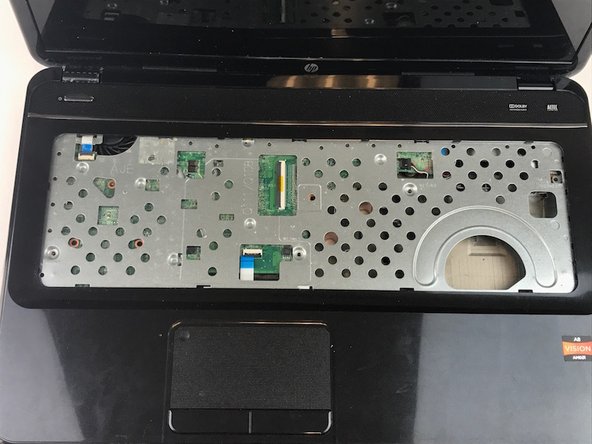
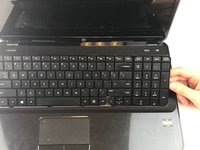
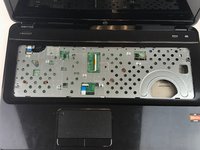
Using a plastic spudger, pry beneath the keyboard near the "delete" key, and pop the keyboard up from the laptop.
-
From the open gap, continue to pry around the perimeter of the keyboard, separating it from the laptop.
-

 Ask FixBot




To reassemble your device, follow these instructions in reverse order.
Cancel: I did not complete this guide.
8 other people completed this guide.

Team

USF Tampa, Team 1-7, Leahy Fall 2016 Member of USF Tampa, Team 1-7, Leahy Fall 2016
USFT-LEAHY-F16S1G7
3 Members
60 Guides authored
