Introduction
If you need to replace your HP Pavilion x360 14-ba253cl display, use this guide to do so. The Digitizer is also connected to the LCD screen, so both can be removed together and bought together. For this guide you will need an opening pick and tweezers. Gloves can be used to protect your hands from contact with any misplaced glass. Power down your laptop before beginning this guide.
What you need
-
-
-
Insert an opening pick between the screen and top case to separate it from the laptop.
 Ask FixBot
-
-
-
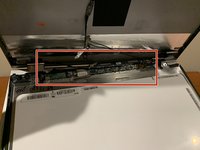
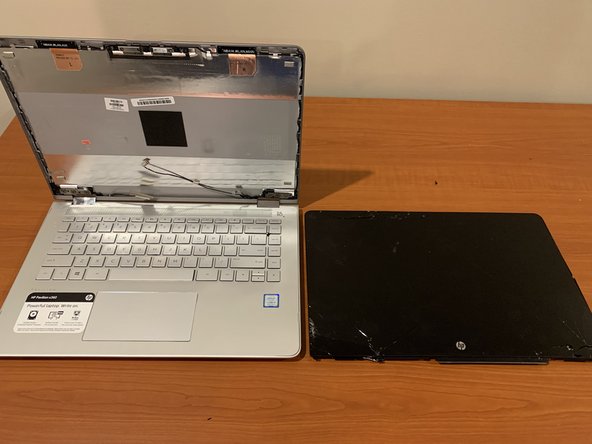
Once the screen is pryed away from the laptop, lay the screen face down onto the keyboard.
-
-
-
Tool used on this step:Tweezers$4.99
-
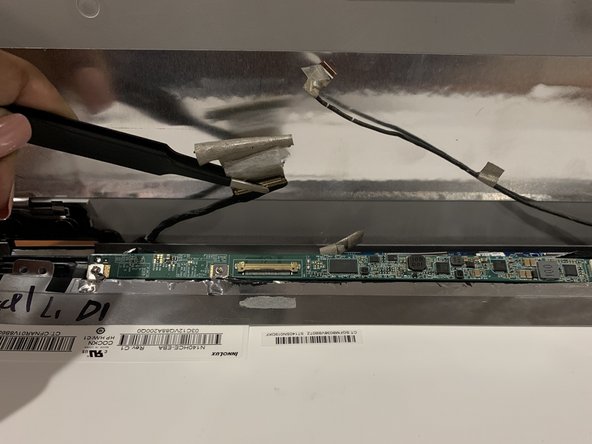
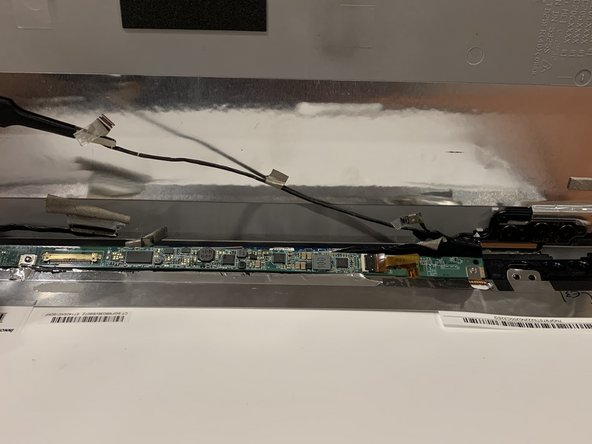
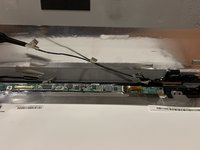
Remove any tape or wires that connect the screen and laptop together using tweezers.
-
-



To reassemble your device, follow these instructions in reverse order.
Cancel: I did not complete this guide.
7 other people completed this guide.

Team

Grand Valley State University, Team S1-G5, DeVasto Fall 2019 Member of Grand Valley State University, Team S1-G5, DeVasto Fall 2019
GVSU-DEVASTO-F19S1G5
4 Members
24 Guides authored
