Introduction
If you notice that your computer is starting to run slow or is unresponsive to certain commands, then it might be time to replace your RAM. RAM is the short term random access memory for your computer, and replacing it is a fairly simple process that does not involve any difficult steps. All it requires to replace is a spudger and a Phillips #0 screwdriver.
What you need
-
-
-
Slide the battery removal switch towards the center of the laptop until the battery pops out.
 Ask FixBot
-
-
-
-
-
Unscrew the two 4mm Phillips #0 screws found in the surface panel.
-
-
-
-
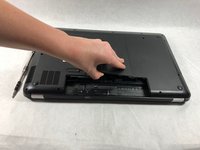
Using the spudger, pry the surface panel off starting from the side where the battery was located.
-
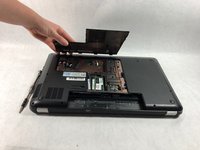
Pry the remainder of the panel off by sliding the spudger underneath the panel and gently lifting.
-
-
-
-
-
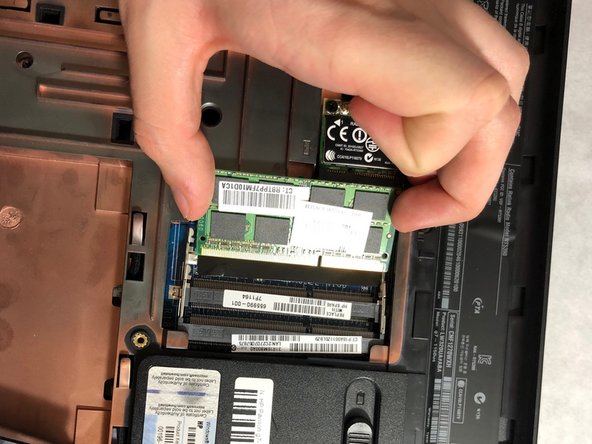
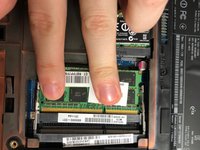
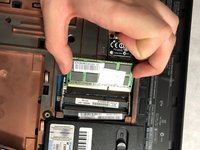
Slide the RAM out of its position in the opposite direction of the battery removal switch.
-




To reassemble your device, follow these instructions in reverse order.

Team

UMass Dartmouth, Team S6-G3, Peak Spring 2019 Member of UMass Dartmouth, Team S6-G3, Peak Spring 2019
UMASSD-PEAK-S19S6G3
3 Members
60 Guides authored
