
HP Pavilion g6-2228tx Optical Drive Replacement

Hai Lin and one other contributor
Last updated on Dec 13, 2018
Views: 1.5K
View statistics:
- Past 24 Hours:
- 2
- Past 7 Days:
- 20
- Past 30 Days:
- 77
- All Time:
- 1,520
Comments: 0
No one has left comments on this guide. Will you be first?
Go to guide commentsCompleted: 0 1
No one has marked this guide "completed." Will you be the first?
1 person has marked this guide "completed." It's you — great job!
Favorites: 0 1
No one has favorited (and subscribed to) this guide. Will you be the first?
1 person has favorited (and subscribed to) this guide — and that's you!
Introduction
Go to step 1 ↓The optical drive allows the laptop to connect with CDs and disc to transfer information. It also allows laptop to play video or songs from the CD
What you need
Tools

-
-
-
-
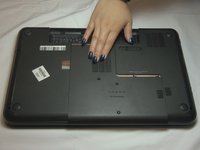
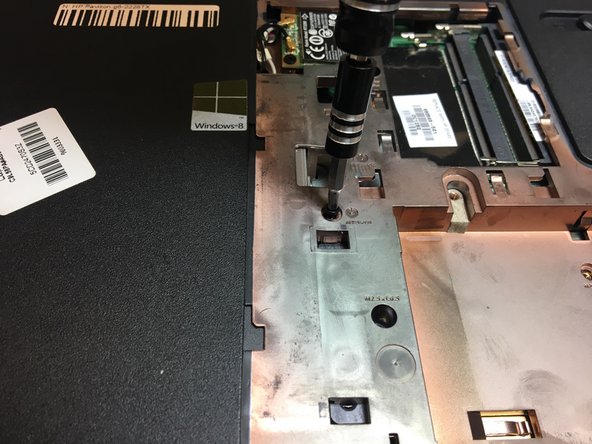
Use a Phillips #0 screw driver to loosen the screw. The screw will not detach from the cover.
-
-
-
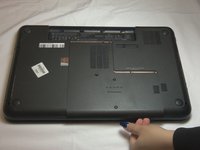
Place your hand on the cover and slide the cover down.
-
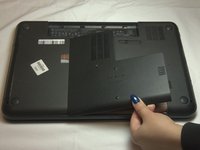
Use your hand to lift the cover from the bottom right and slide the cover to the right to remove the cover.
-
-
-
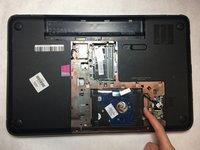
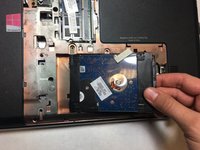
Place one finger on the right side of the hard drive.
-
Push the hard drive to the left and lift the hard drive up to remove it from the device.
-
-
-
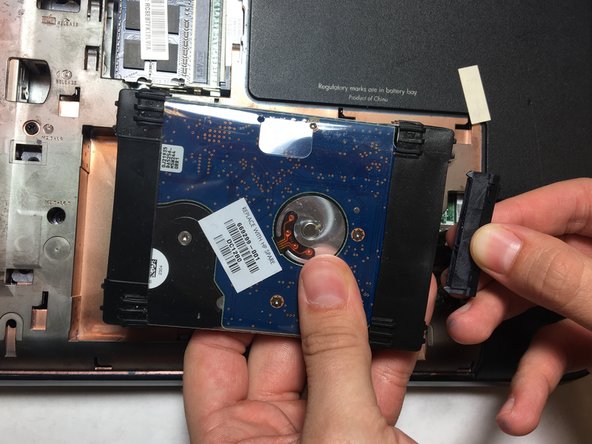
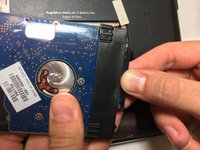
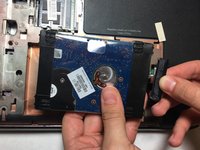
Disconnect the connecting part by pulling the part to the right.
-
Remove the hard drive from the device.
-
-
-
-
-
-
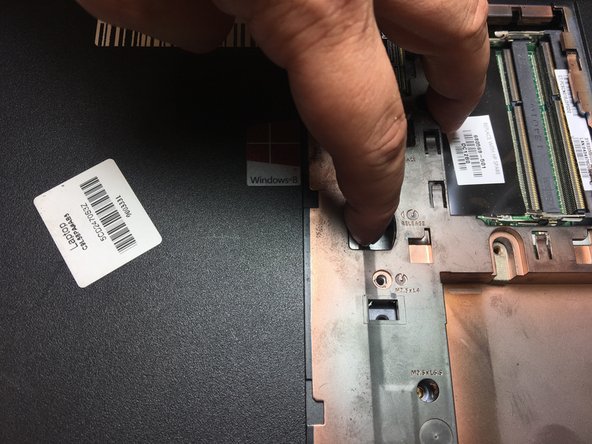
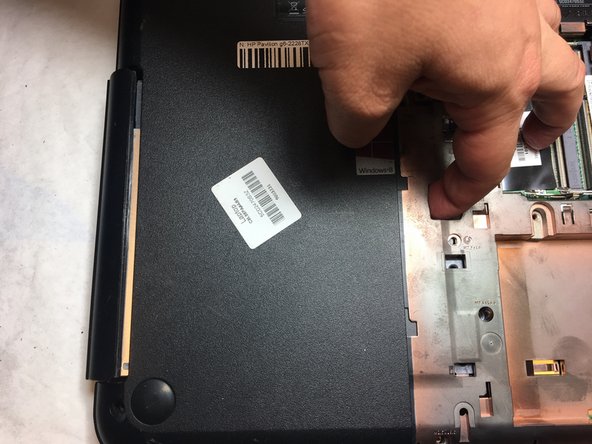
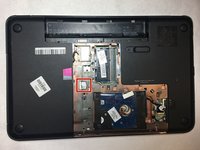
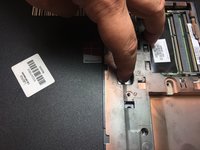
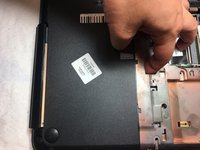
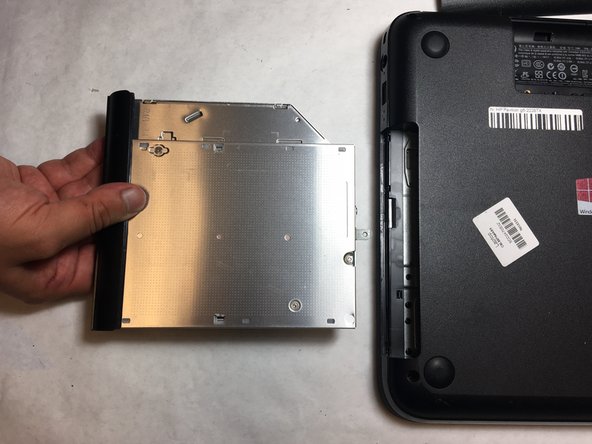
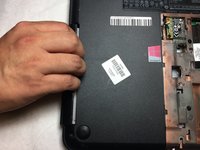
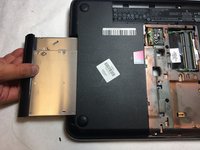
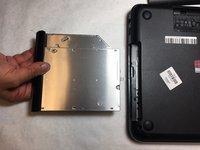
Put one finger into the release hole and push to the left until part of the optical drive comes out from the left of the laptop.
-


 Ask FixBot









To reassemble your device, follow these instructions in reverse order.

Team

UC Davis, Team S4-G6, Lore Fall 2018 Member of UC Davis, Team S4-G6, Lore Fall 2018
UCD-LORE-F18S4G6
3 Members
48 Guides authored
