Free Shipping on Domestic Orders $75+

HP Pavilion dv7-6163us Touchpad Replacement

What you need

    1. HP Pavilion dv7-6163us  Touchpad Replacement, Battery: step 1, image 1 of 1
      • Turn the device over so that the bottom is facing up.

      Ask FixBot
      Add Comment

    2. HP Pavilion dv7-6163us  Touchpad Replacement: step 2, image 1 of 1
      • Place your finger on the battery release latch and slide it to the right to release the battery.

      • The battery will pop up after sliding the latch.

      Ask FixBot

      Add Comment

    3. HP Pavilion dv7-6163us  Touchpad Replacement: step 3, image 1 of 1
      • Firmly grasp the battery and remove it from the device.

      Ask FixBot
      Add Comment

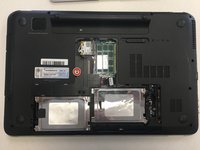
    1. HP Pavilion dv7-6163us  Touchpad Replacement, Touchpad: step 4, image 1 of 2 HP Pavilion dv7-6163us  Touchpad Replacement, Touchpad: step 4, image 2 of 2
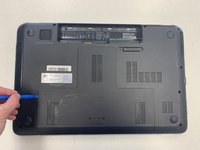
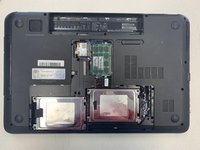
      • Remove service door by prying the plastic opening tool or the spudger under the door.

      • Lift door and set aside.

      Ask FixBot
      Add Comment

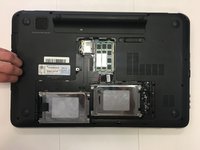
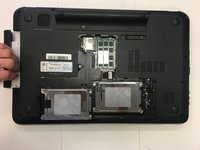
    2. HP Pavilion dv7-6163us  Touchpad Replacement: step 5, image 1 of 3 HP Pavilion dv7-6163us  Touchpad Replacement: step 5, image 2 of 3 HP Pavilion dv7-6163us  Touchpad Replacement: step 5, image 3 of 3
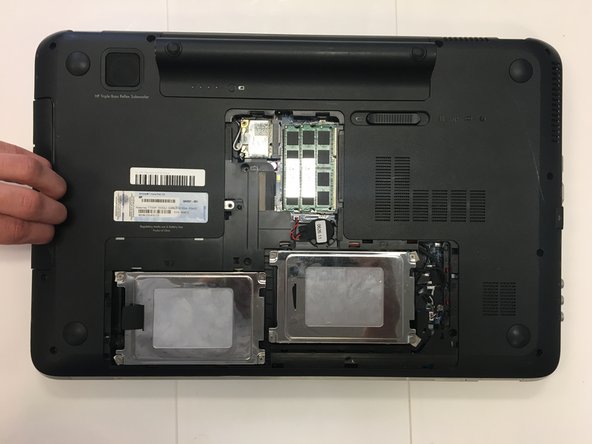
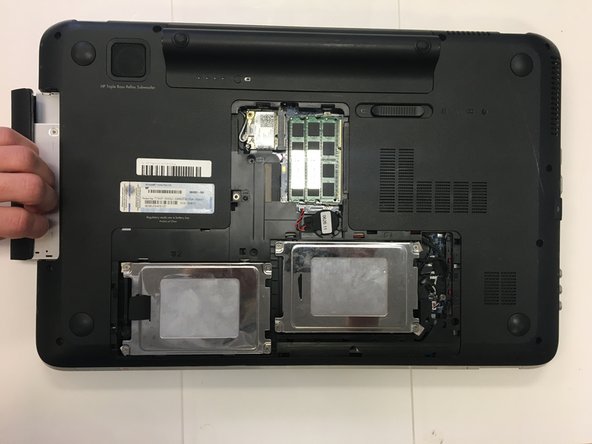
      • Remove the single screw securing the optical drive in place.

      • Detach the optical drive by sliding your fingers between the drive and the body of the laptop.

      • Pull out the optical drive.

      Ask FixBot
      Add Comment

    3. HP Pavilion dv7-6163us  Touchpad Replacement: step 6, image 1 of 1
      • Remove all visible screws:

      • Remove the four 10 mm screws (one at each corner).

      • Remove the remaining twenty-five 3 mm screws.

      Ask FixBot
      Add Comment

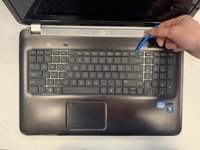
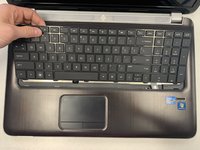
    4. HP Pavilion dv7-6163us  Touchpad Replacement: step 7, image 1 of 3 HP Pavilion dv7-6163us  Touchpad Replacement: step 7, image 2 of 3 HP Pavilion dv7-6163us  Touchpad Replacement: step 7, image 3 of 3
      • Turn the laptop right side up and open the screen.

      • Use the plastic opening tool to loosen and remove the keyboard. Begin in the middle top of the keyboard and work around the edges.

      • The keyboard will snap out, but do not remove it completely. It is still attached to the device by a ribbon cable.

      Ask FixBot
      Add Comment

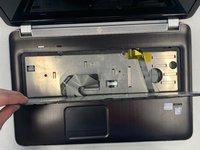
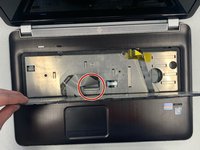
    5. HP Pavilion dv7-6163us  Touchpad Replacement: step 8, image 1 of 2 HP Pavilion dv7-6163us  Touchpad Replacement: step 8, image 2 of 2
      • Flip up the keyboard to access the ribbon cable underneath.

      • Disconnect the keyboard ribbon cable from the motherboard.

      • Remove the keyboard.

      Ask FixBot

      Add Comment

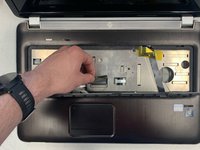
    6. HP Pavilion dv7-6163us  Touchpad Replacement: step 9, image 1 of 3 HP Pavilion dv7-6163us  Touchpad Replacement: step 9, image 2 of 3 HP Pavilion dv7-6163us  Touchpad Replacement: step 9, image 3 of 3
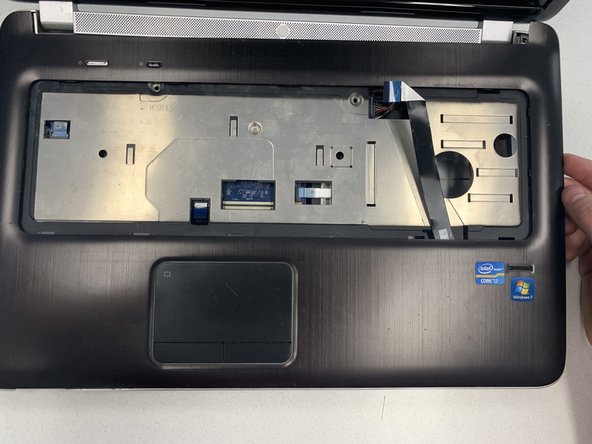
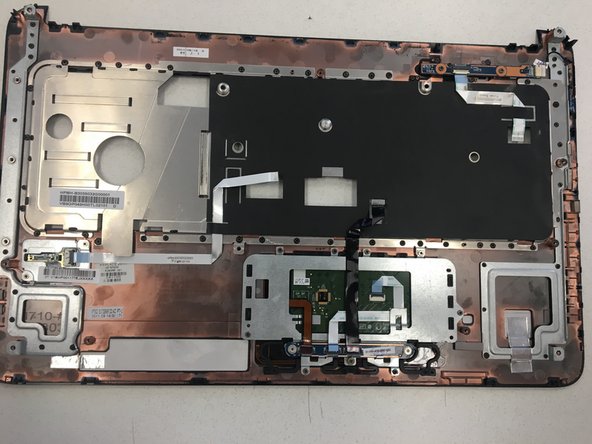
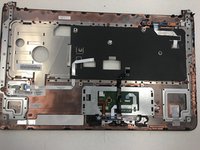
      • Release the faceplate with your fingers or a spudger. Begin at the top left corner and work your way around to snap the faceplate away from the body of the laptop.

      • Turn over the face plate to access the underside of the touchpad.

      Ask FixBot

      Add Comment

    7. HP Pavilion dv7-6163us  Touchpad Replacement: step 10, image 1 of 3 HP Pavilion dv7-6163us  Touchpad Replacement: step 10, image 2 of 3 HP Pavilion dv7-6163us  Touchpad Replacement: step 10, image 3 of 3
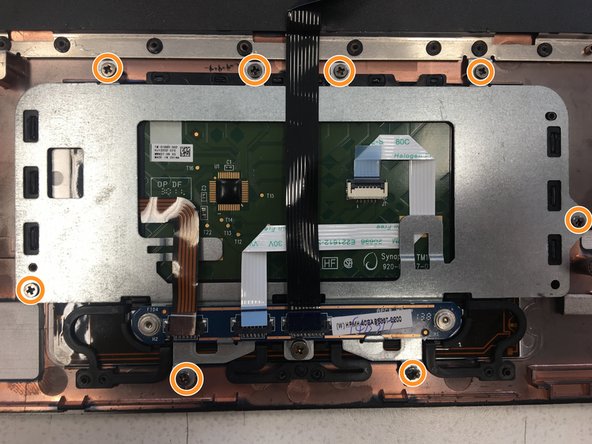
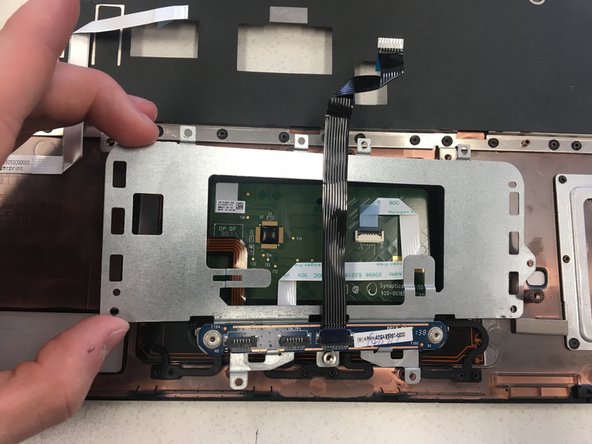
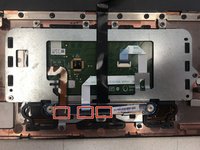
      • Disconnect three ribbon cables.

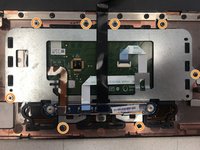
      • Remove the eight screws securing the touchpad plate.

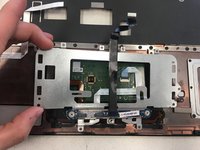
      • Remove the touchpad plate.

      Ask FixBot

      Add Comment
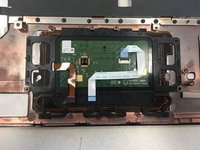
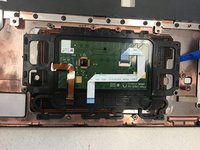
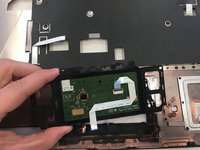
    8. HP Pavilion dv7-6163us  Touchpad Replacement: step 11, image 1 of 3 HP Pavilion dv7-6163us  Touchpad Replacement: step 11, image 2 of 3 HP Pavilion dv7-6163us  Touchpad Replacement: step 11, image 3 of 3
      • Pop out the touchpad using a plastic opening tool. The edges should snap out of place.

      • Remove the touchpad.

      Ask FixBot

      Add Comment

Conclusion

To reassemble your device, follow these instructions in reverse order.

Cancel: I did not complete this guide.

Kaylee Cort

Member since: 01/16/19

169 Reputation

1 Guide authored

0 Guide Comments

Add Comment

View Statistics:

Past 24 Hours: 3

Past 7 Days: 30

Past 30 Days: 91

All Time: 1,572