Free Shipping on Domestic Orders $75+

HP Pavilion dv6700 Display/Monitor Replacement

What you need

    1. HP Pavilion dv6700 Display/Monitor Replacement, Battery: step 1, image 1 of 1
      • Flip over the device so that the bottom is facing you.

      • Locate the battery on the bottom of your laptop.

      Ask FixBot

      Add Comment

    2. HP Pavilion dv6700 Display/Monitor Replacement: step 2, image 1 of 2 HP Pavilion dv6700 Display/Monitor Replacement: step 2, image 2 of 2
      • Slide the tab all the way over to the left until battery pops out. Lift out and remove battery.

      Ask FixBot

      Add Comment

    1. HP Pavilion dv6700 Display/Monitor Replacement, Display/Monitor: step 3, image 1 of 2 HP Pavilion dv6700 Display/Monitor Replacement, Display/Monitor: step 3, image 2 of 2
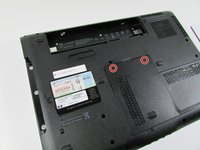
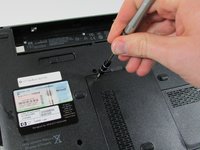
      • Remove the RAM port cover by unscrewing the two screws.

      • These screws can not be fully removed because they’re captive. Loosen them until they turn freely.

      Ask FixBot

      Add Comment

    2. HP Pavilion dv6700 Display/Monitor Replacement: step 4, image 1 of 2 HP Pavilion dv6700 Display/Monitor Replacement: step 4, image 2 of 2
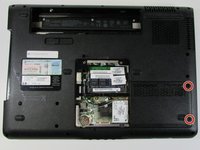
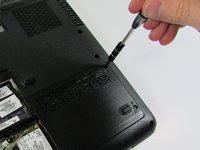
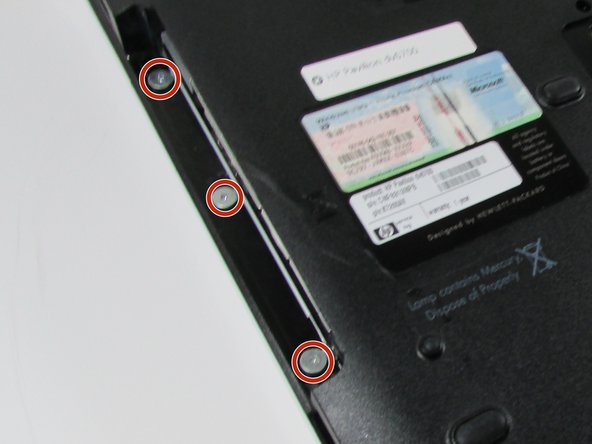
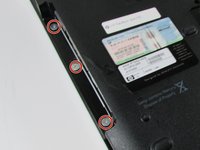
      • Use a Phillips #00 screwdriver to remove the two screws securing Hard Disk Drive (HDD) cover.

      • Screws will not fully remove. Loosen them until they turn freely.

      Ask FixBot

      Add Comment

    3. HP Pavilion dv6700 Display/Monitor Replacement: step 5, image 1 of 3 HP Pavilion dv6700 Display/Monitor Replacement: step 5, image 2 of 3 HP Pavilion dv6700 Display/Monitor Replacement: step 5, image 3 of 3
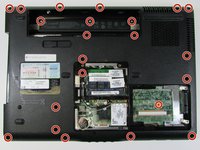
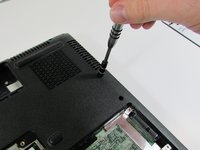
      • Use a Phillips #00 screwdriver to remove the 25 screws securing the bottom of the computer.

      Ask FixBot

      Add Comment

    4. HP Pavilion dv6700 Display/Monitor Replacement: step 6, image 1 of 3 HP Pavilion dv6700 Display/Monitor Replacement: step 6, image 2 of 3 HP Pavilion dv6700 Display/Monitor Replacement: step 6, image 3 of 3
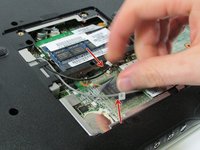
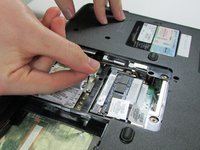
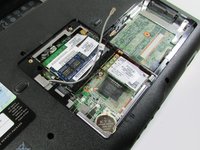
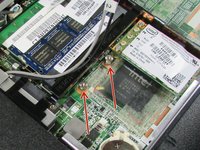
      • Detach WiFi antenna wires.

      • Be sure that the wires are labeled so you remember which ones go where.

      Ask FixBot

      Add Comment

    5. HP Pavilion dv6700 Display/Monitor Replacement: step 7, image 1 of 3 HP Pavilion dv6700 Display/Monitor Replacement: step 7, image 2 of 3 HP Pavilion dv6700 Display/Monitor Replacement: step 7, image 3 of 3
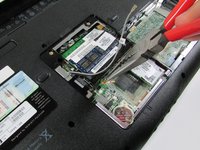
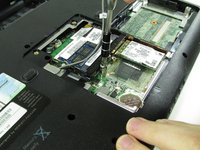
      • Using the Phillips #0 screwdriver remove the 2 screws.

      • Use a needle-nose pliers to do the initial loosening, then switch to using a hex screwdriver (size 5) head to do the rest of the loosening.

      Ask FixBot

      Add Comment

    6. HP Pavilion dv6700 Display/Monitor Replacement: step 8, image 1 of 2 HP Pavilion dv6700 Display/Monitor Replacement: step 8, image 2 of 2
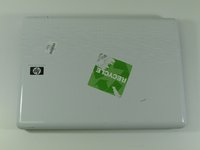
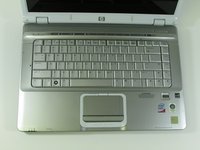
      • Flip over HP Pavilion dv6700 so that the top is facing you.

      • Open up HP Pavilion dv6700.

      Ask FixBot

      Add Comment

    7. HP Pavilion dv6700 Display/Monitor Replacement: step 9, image 1 of 3 HP Pavilion dv6700 Display/Monitor Replacement: step 9, image 2 of 3 HP Pavilion dv6700 Display/Monitor Replacement: step 9, image 3 of 3
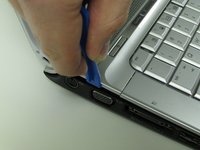
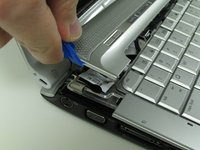
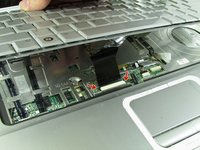
      • Use an iFixit opening tool to pry open the plastic bar above the keyboard.

      • Be careful not to yank so hard that you rip out the ribbon cables underneath. There is enough room to pull safely, but use control to prevent damage.

      Ask FixBot

      Add Comment

    8. HP Pavilion dv6700 Display/Monitor Replacement: step 10, image 1 of 3 HP Pavilion dv6700 Display/Monitor Replacement: step 10, image 2 of 3 HP Pavilion dv6700 Display/Monitor Replacement: step 10, image 3 of 3
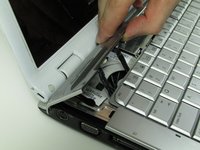
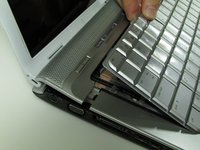
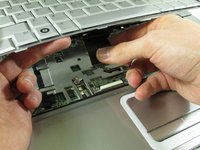
      • Pull out and up on keyboard to remove it.

      • Do not yank it all of the way out, as there is a ribbon cable underneath.

      • Slide the two black locks on the side of the keyboard cable connection port up to release the cable.

      • Grip the ribbon cable near the connection point and gently but firmly pull it out.

      Ask FixBot

      Add Comment

    9. HP Pavilion dv6700 Display/Monitor Replacement: step 11, image 1 of 2 HP Pavilion dv6700 Display/Monitor Replacement: step 11, image 2 of 2
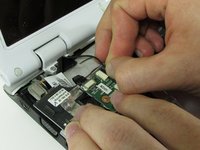
      • Flip over the plastic bar.

      • Detach the display connector.

      • Do not pull on the wires. Pull on the black plastic part or wedge an iFixit opening tool or fingernail between the port and the connector.

      Ask FixBot

      Add Comment

    10. HP Pavilion dv6700 Display/Monitor Replacement: step 12, image 1 of 3 HP Pavilion dv6700 Display/Monitor Replacement: step 12, image 2 of 3 HP Pavilion dv6700 Display/Monitor Replacement: step 12, image 3 of 3
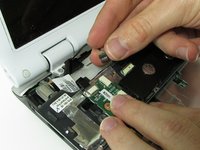
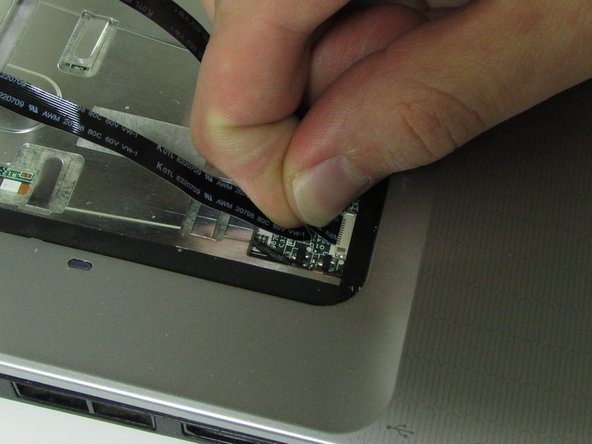
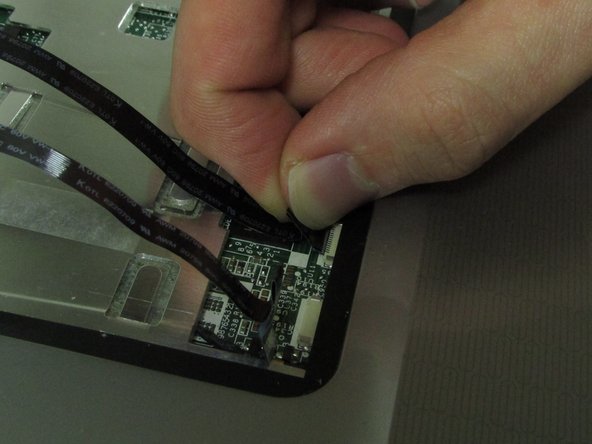
      • Detach the ribbon cables.

      • Pull from the area closest to the connection port gently but firmly.

      Ask FixBot

      Add Comment

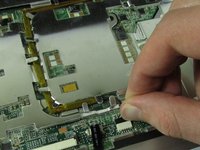
    11. HP Pavilion dv6700 Display/Monitor Replacement: step 13, image 1 of 3 HP Pavilion dv6700 Display/Monitor Replacement: step 13, image 2 of 3 HP Pavilion dv6700 Display/Monitor Replacement: step 13, image 3 of 3
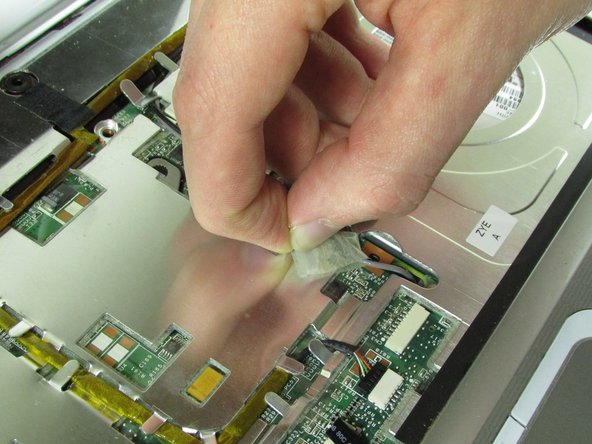
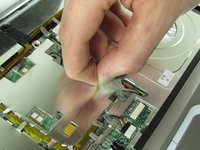
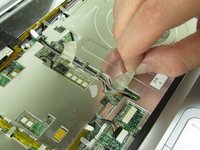
      • Pull up on tape holding down wires.

      Ask FixBot

      Add Comment

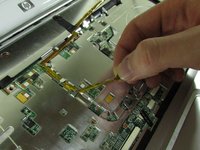
    12. HP Pavilion dv6700 Display/Monitor Replacement: step 14, image 1 of 3 HP Pavilion dv6700 Display/Monitor Replacement: step 14, image 2 of 3 HP Pavilion dv6700 Display/Monitor Replacement: step 14, image 3 of 3
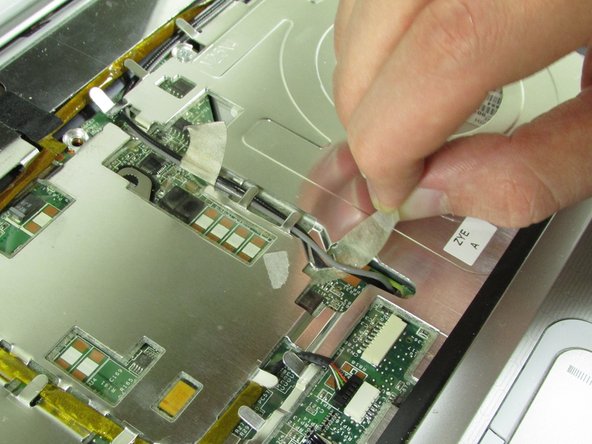
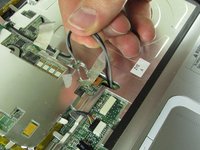
      • Pull up on the WiFi wires and out from under the metal tabs.

      • Do not yank them out. Let them hang loose once they are out from under the tabs.

      Ask FixBot

      Add Comment

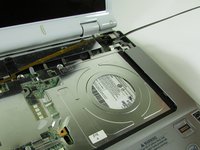
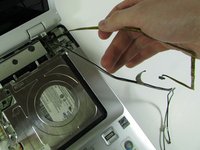
    13. HP Pavilion dv6700 Display/Monitor Replacement: step 15, image 1 of 3 HP Pavilion dv6700 Display/Monitor Replacement: step 15, image 2 of 3 HP Pavilion dv6700 Display/Monitor Replacement: step 15, image 3 of 3
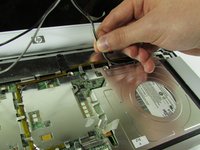
      • Disconnect the connector from the port.

      • Remove the wire from under the metal tabs.

      • Let wire hang loose after removing under the tabs.

      Ask FixBot

      Add Comment

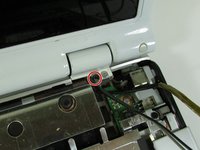
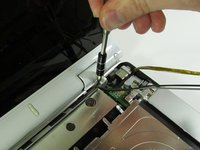
    14. HP Pavilion dv6700 Display/Monitor Replacement: step 16, image 1 of 2 HP Pavilion dv6700 Display/Monitor Replacement: step 16, image 2 of 2
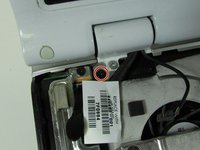
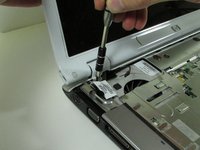
      • Use a Phillips #00 screwdriver to remove the black screw located in the top right corner near the display.

      Ask FixBot

      Add Comment

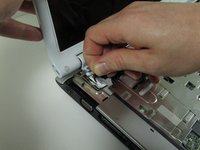
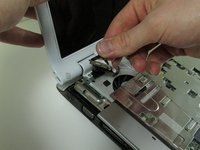
    15. HP Pavilion dv6700 Display/Monitor Replacement: step 17, image 1 of 2 HP Pavilion dv6700 Display/Monitor Replacement: step 17, image 2 of 2
      • Pull upward on the screen connector tab.

      • It will be firmly secured, so don't be afraid to use a little extra force to pull it off.

      Ask FixBot

      Add Comment

    16. HP Pavilion dv6700 Display/Monitor Replacement: step 18, image 1 of 2 HP Pavilion dv6700 Display/Monitor Replacement: step 18, image 2 of 2
      • Use a Phillips #00 screwdriver to remove the black screw securing the screen.

      • Keep your hand on the screen to secure it, as once you remove this screw, it will come loose.

      • Lift the screen off and set it aside.

      Ask FixBot

      Add Comment

Conclusion

To reassemble your device, follow these instructions in reverse order.

Cancel: I did not complete this guide.

2 other people completed this guide.

0 Guide Comments

Add Comment

View Statistics:

Past 24 Hours: 0

Past 7 Days: 3

Past 30 Days: 25

All Time: 2,654