Free Shipping on Domestic Orders $75+

HP Pavilion dv6000 LCD Screen Replacement

What you need

  1. HP Pavilion dv6000 LCD Screen Replacement, LCD Screen: step 1, image 1 of 2 HP Pavilion dv6000 LCD Screen Replacement, LCD Screen: step 1, image 2 of 2
    • Remove rubber screw covers from the LCD screen. The top covers pop off with a fingernail but the two on the bottom may require a screwdriver or flat tool.

    • Remove the six 7.15mm screws underneath the stoppers. There are four on top and two on bottom.

    Ask FixBot

    Add Comment

  2. HP Pavilion dv6000 LCD Screen Replacement: step 2, image 1 of 2 HP Pavilion dv6000 LCD Screen Replacement: step 2, image 2 of 2
    • Press the tabs on the sides of the screen in and pop the plastic off. Careful, the plastic is very flimsy and may break.

    Ask FixBot

    Add Comment

  3. HP Pavilion dv6000 LCD Screen Replacement: step 3, image 1 of 2 HP Pavilion dv6000 LCD Screen Replacement: step 3, image 2 of 2
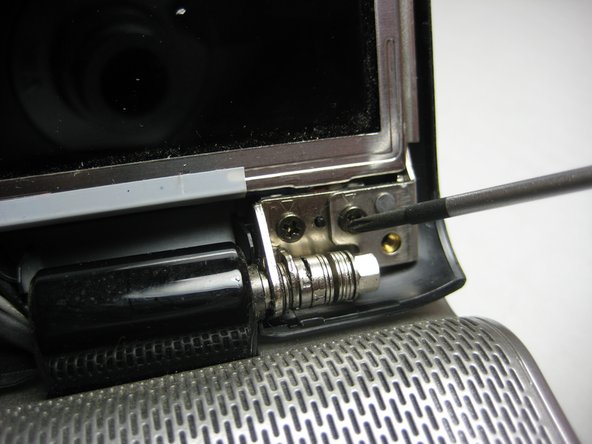
    • Remove the two screws (5.8mm) on either side of the LCD near the hinge. Remove the screws on the outermost side first.

    Ask FixBot

    Add Comment

  4. HP Pavilion dv6000 LCD Screen Replacement: step 4, image 1 of 2 HP Pavilion dv6000 LCD Screen Replacement: step 4, image 2 of 2
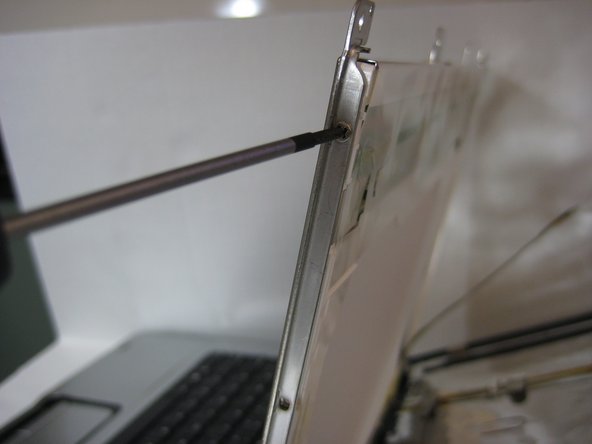
    • Take out the two 3.58mm screws on the LCD at the top (one on each edge).

    Ask FixBot

    Add Comment

  5. HP Pavilion dv6000 LCD Screen Replacement: step 5, image 1 of 1
    • Hold on to the LCD screen to prevent it from falling over and remove the two 3.58mm screws on the sides at the bottom.

    Ask FixBot

    Add Comment

  6. HP Pavilion dv6000 LCD Screen Replacement: step 6, image 1 of 3 HP Pavilion dv6000 LCD Screen Replacement: step 6, image 2 of 3 HP Pavilion dv6000 LCD Screen Replacement: step 6, image 3 of 3
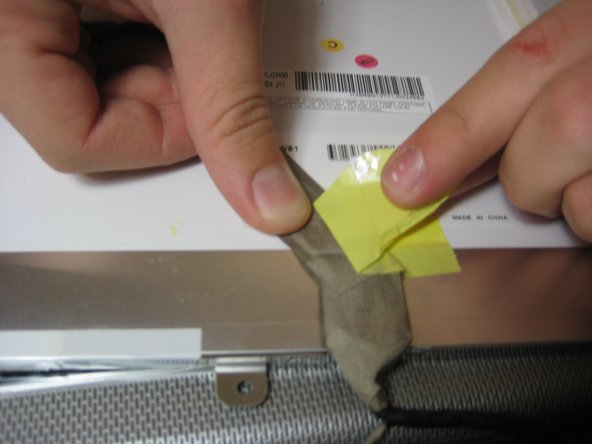
    • Let the screen gently rest on the keyboard.

    • Remove the tape from the ribbon.

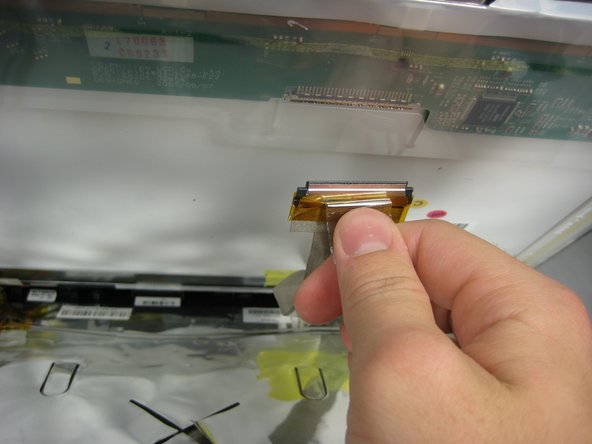
    • Stop here and check the cable

    Ask FixBot

    Add Comment

Conclusion

To reassemble your device, follow these instructions in reverse order.

Cancel: I did not complete this guide.

16 other people completed this guide.

Ben Hirsch

Member since: 10/05/10

3,877 Reputation

10 Guides authored

Team

Cal Poly, Team 21-33, Regan Fall 2010 Member of Cal Poly, Team 21-33, Regan Fall 2010

CPSU-REGAN-F10S21G33

4 Members

12 Guides authored

1 Guide Comment

after replacing my cracked screen the back light does not show again

firelionkofi - Reply Share

Add Comment

View Statistics:

Past 24 Hours: 3

Past 7 Days: 13

Past 30 Days: 61

All Time: 40,041