
HP Pavilion dv1000 Bluetooth Card Replacement

Ross Johnson and 6 other contributors
Last updated on Jun 24, 2014
Views: 5.7K
View statistics:
- Past 24 Hours:
- 4
- Past 7 Days:
- 32
- Past 30 Days:
- 99
- All Time:
- 5,696
Comments: 3
3 comments on steps.
Completed: 3 4
3 people have marked this guide "completed." Will you be next?
4 people have marked this guide "completed." Including you — great job!
Favorites: 4 5
4 people have favorited (and subscribed to) this guide. Will you be next?
5 people have favorited (and subscribed to) this guide — including you!
Needs Better Images
Better photos will improve this guide. Help out by taking, editing, or uploading new ones!
Step Trimmer
This guide has unnecessary steps. Trim them to be more concise!
Introduction
Go to step 1 ↓This guide will teach you how to safely take apart your laptop and access the faulty or broken Bluetooth card, in order to repair or replace it.
What you need
Tools

-
-
-
Shut down the computer.
-
Disconnect all external devices and cables from the computer.
 Ask FixBot
-
-
-
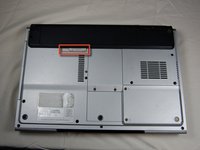
Locate the gray sliding tab next to the black bar where the battery is located.
-
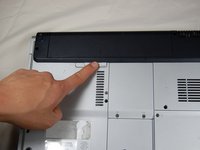
Slide the gray sliding tab to the left until you hear a distinct click.
-
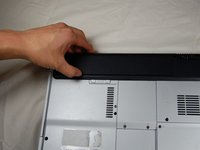
The inside edge of the battery should pop up.
-
-
-
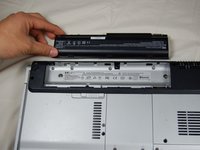
Grasp the inside edge of the battery.
-
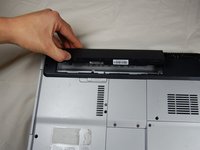
Lift the inside edge of the battery up to detach the battery from the laptop.
-
-
-
-
-
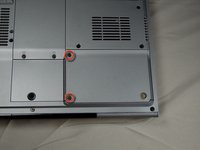
Identify the two screws that attach the hard drive access panel.
-
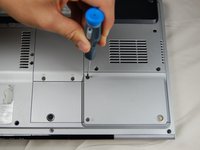
Remove the identified screws with your #00 Philips screwdriver.
-
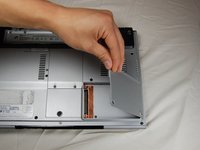
Lift the left edge of the access panel up and to the right to detach the hard drive access panel from the laptop.
-
-
-
-
Identify the plastic tab located on the left side of the hard drive.
-
Grasp the tab, gently lift up, and slide the tab to the left to remove the hard drive from the laptop.
-
-
-
-
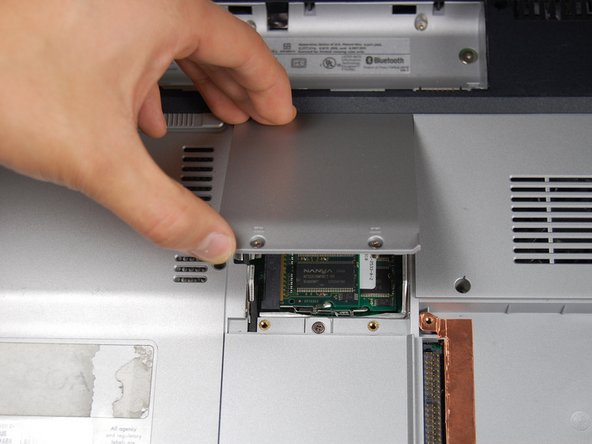
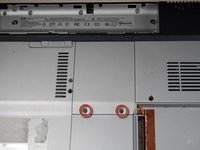
Locate the two screws holding down the RAM access cover
-
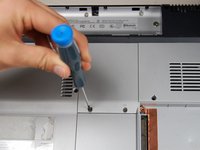
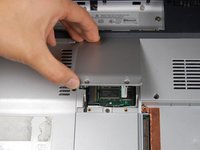
Unscrew the two screws with a size 00 Philips screwdriver.
-
-
-
Gently pull apart the metal tabs located on both sides of the stick of RAM.
-
The RAM stick should tilt upwards.
-
-
-
-
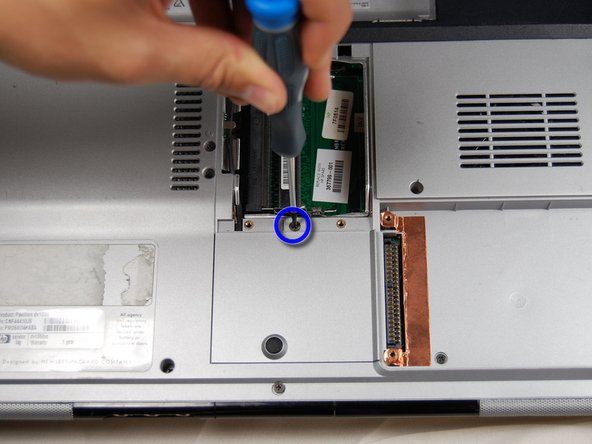
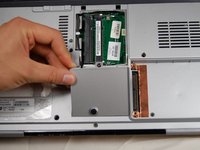
Locate the small panel below the panel you just removed.
-
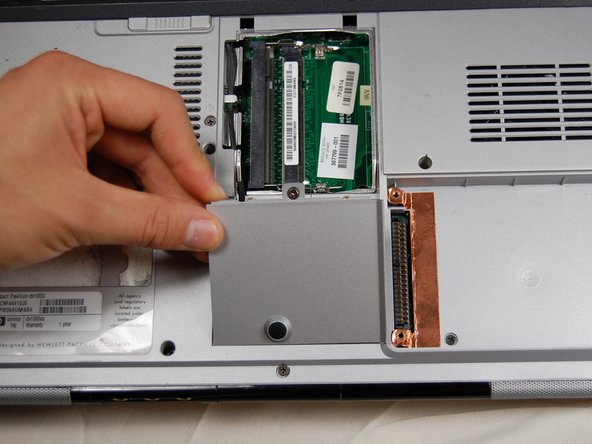
Loosen the one screw in the middle with a #00 Phillips screwdriver. Again, the screw will not fall out of the panel when loosened.
-
Lift the panel up and out of its slot to remove.
-
-
-
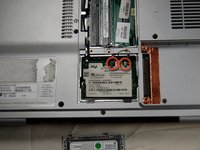
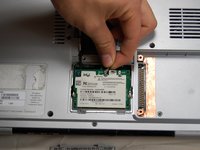
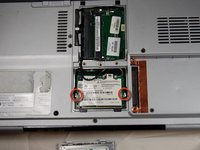
Identify the two connections at the top of the bluetooth card.
-
Using your fingers, gently pull up on the white clip until it releases.
-
Remove the black clip in the same manner as the white clip
-
-
-
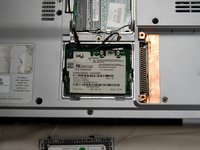
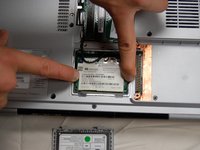
Locate the two clips on either side of the Bluetooth card.
-
Using your fingers, press the clips outwards, away from the card until the card pops up.
-
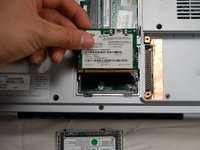
Grab the card gently from the top and pull the card up and out of the slot.
-
-










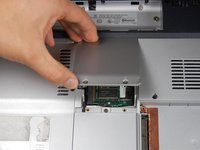
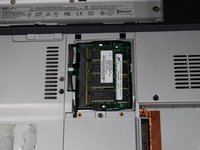


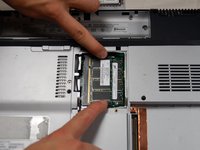
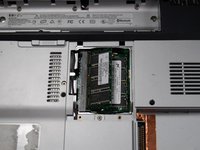






To reassemble your device, follow these instructions in reverse order.
Cancel: I did not complete this guide.
3 other people completed this guide.

Team

Cal Poly, Team 10-37, Forte Spring 2011 Member of Cal Poly, Team 10-37, Forte Spring 2011
CPSU-FORTE-S11S10G37
5 Members
96 Guides authored
