Introduction
If your HP Pavilion dm4-1265dx laptop has a portion of its original RAM capacity or no longer boots citing a POST failure, use this guide to replace the RAM.
Computer RAM is used to store information that your computer needs quick access to. Faulty RAM will prevent your device from booting.
Keep in mind that this device has two RAM sticks and if only one fails, the device will still turn on. Both sticks failing at the same time is unlikely and is probably the result of a different issue.
Before beginning, make sure to power off your laptop completely and disconnect from any external power source.
What you need
-
-
-
Push the sliding lock to release the battery.
-
Remove the battery by lifting it away from the device.
-
-
-
-
Orient the device so that the empty battery port is closest to you.
-
Loosen the two captive screws holding the back panel in place using a Phillips #0 screwdriver.
-
-
-
-
-
-
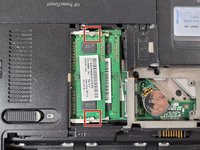
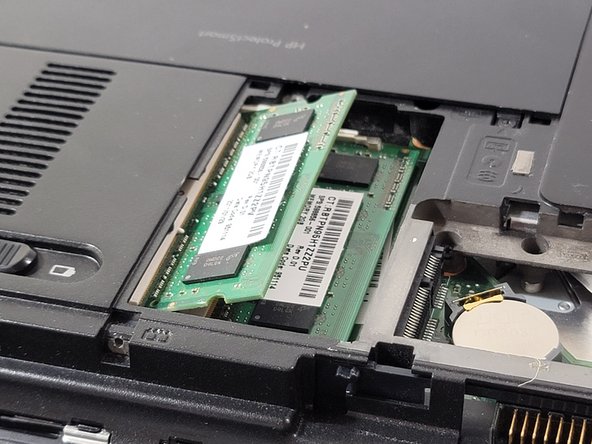
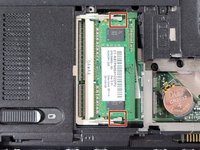
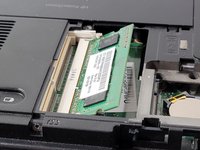
Push the two clips on either side of the top RAM stick away from each other.
-
-
-
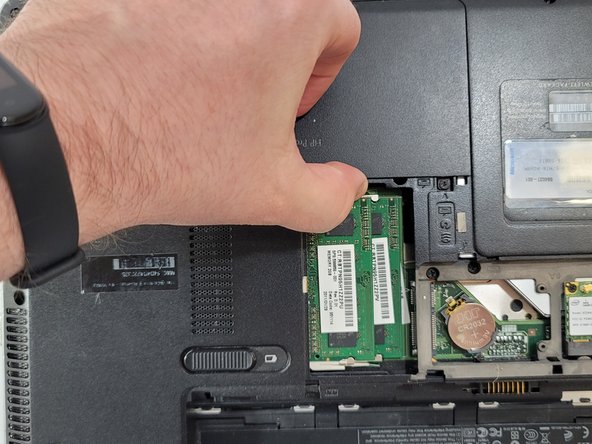
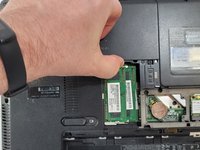
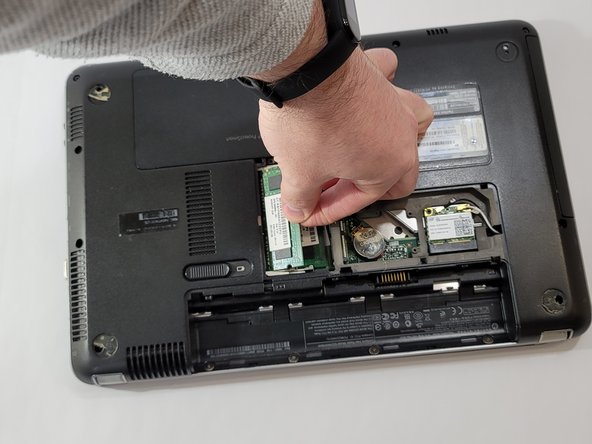
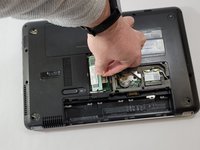
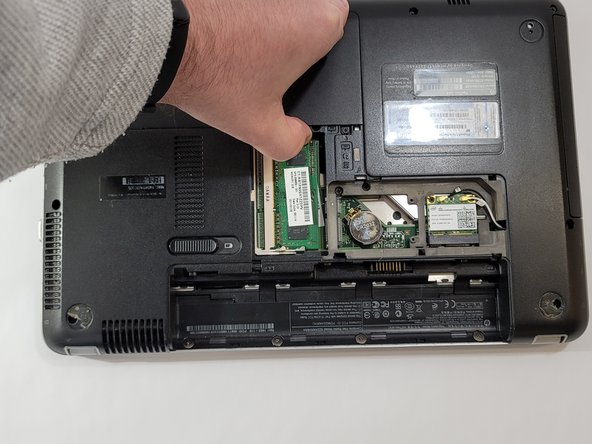
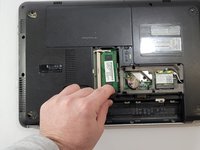
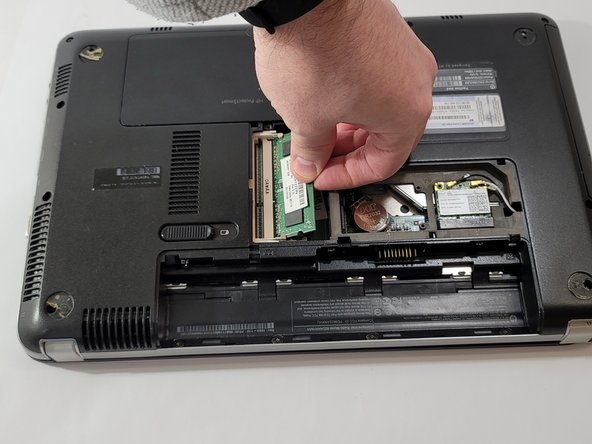
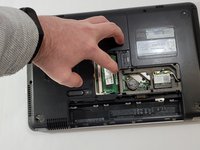
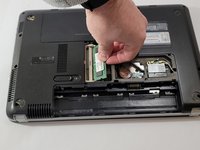
Pull the top RAM stick upwards.
-
Gently pull the RAM stick away from the socket.
-
-
-
Push the two clips on either side of the lower RAM stick away from each other.
-
-
-
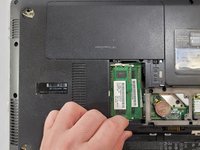
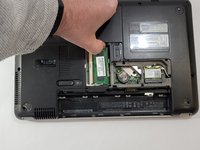
Pull the lower RAM stick upwards.
-
Gently pull the RAM stick away from the socket.
-
-

 Ask FixBot








To reassemble your device, follow these instructions in reverse order.

Team

Casper College, Team 1-1, Lareau Spring 2022 Member of Casper College, Team 1-1, Lareau Spring 2022
CASC-LAREAU-S22S1G1
4 Members
60 Guides authored
