Introduction
If you need to do any internal work on this device, start with this battery replacement guide. For this guide, you will not need any additional tools. This step is extremely easy to complete and there is little risk involved if performed according to instructions.
-
-
-
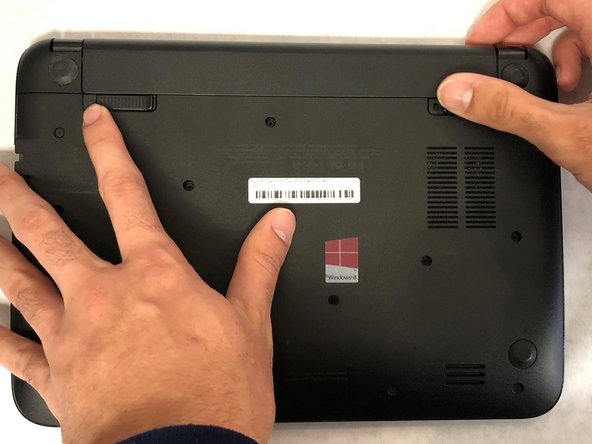
Push slider on left-hand side of device into unlocked position. This slider is not spring loaded so it should stay in position afterwards.
-
-
-
-
Push in right-hand slider with your thumb and simultaneously apply slight pressure away from your body.
-

 Ask FixBot



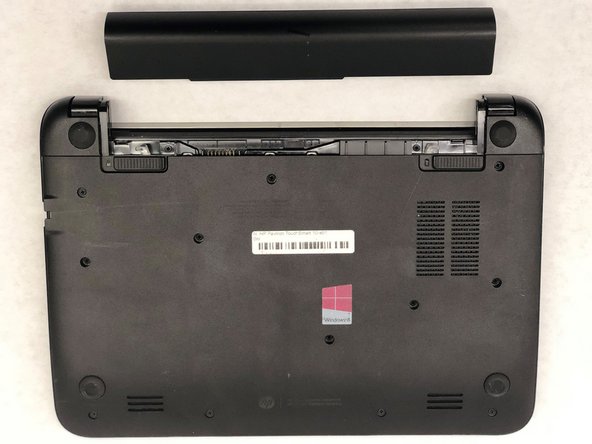
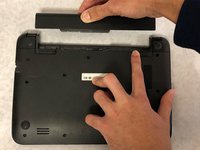
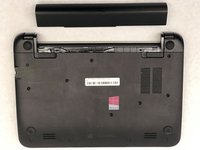
To reassemble your device, follow these instructions in reverse order.
Cancel: I did not complete this guide.
One other person completed this guide.

Team

Washington State, Team S1-G5, Hope Fall 2018 Member of Washington State, Team S1-G5, Hope Fall 2018
WSU-HOPE-F18S1G5
3 Members
12 Guides authored
