
HP Pavilion N3350 Optical Drive Replacement

Lyndon Davis and 2 other contributors
Last updated on May 23, 2018
Views: 686
View statistics:
- Past 24 Hours:
- 1
- Past 7 Days:
- 21
- Past 30 Days:
- 70
- All Time:
- 686
Comments: 0
No one has left comments on this guide. Will you be first?
Go to guide commentsCompleted: 1 2
1 person has marked this guide "completed." Will you be next?
2 people have marked this guide "completed." Including you — great job!
Favorites: 0 1
No one has favorited (and subscribed to) this guide. Will you be the first?
1 person has favorited (and subscribed to) this guide — and that's you!
Featured Student Guide
This guide has been the hard work of our awesome students and is found to be exceptionally cool by the iFixit staff.
Introduction
Go to step 1 ↓If your optical drive is not reading anything inserted, or is malfunctioning, it is possible that it is dirty or damaged due to electrical or physical circumstances. Once new optical drives are purchased, follow this guide to replace them.
What you need
Tools
-
Spudger4.9


-
-
-
Open your laptop. Beneath the screen, here is a large plastic piece that contains slots for a speaker, the power button, and numerous indicator lights.
-
To remove this, pry it open with a spudger tool gently. It should pop out of place.
 Ask FixBot
-
-
-
Remove the three 6mm screws using a Phillips #1 screwdriver.
-
Once the screws are removed, the keyboard is free from the base of the laptop.
-
-
-
-
-
-
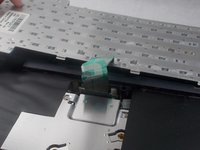
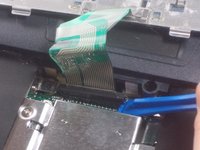
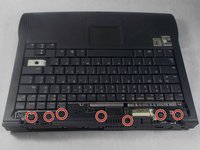
Remove the 6 millimeter screws indicated with a Phillips #1 screwdriver.
-
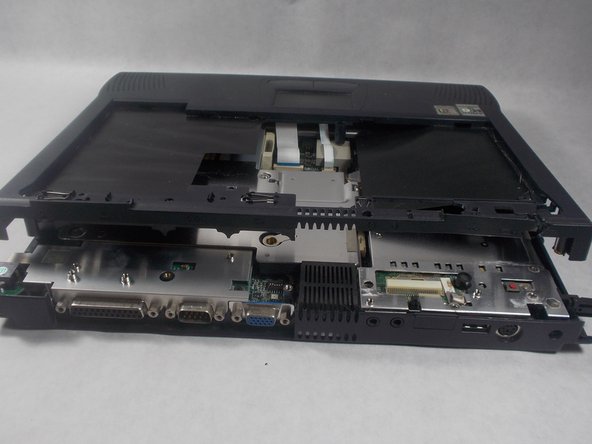
Remove the top plastic covering from the base of the device.
-
-
-
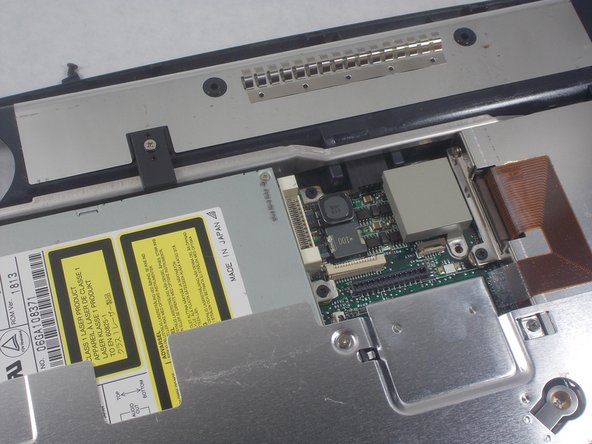
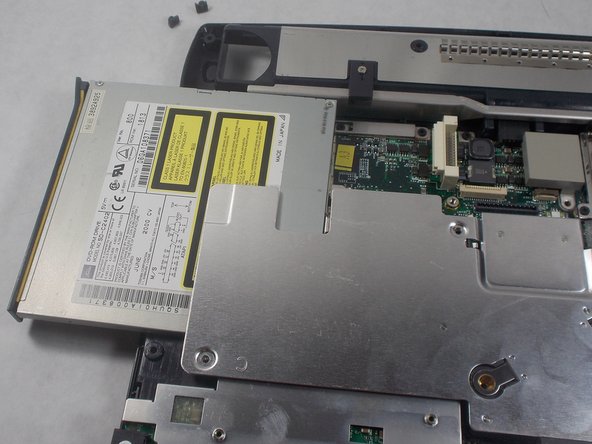
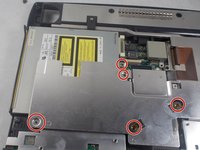
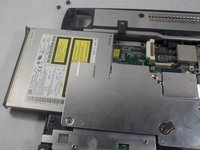
The 1 centimeter screws indicated need to be removed using a Phillips #1 screwdriver to free the CD/DVD combo drive.
-
Once freed, the CD/DVD combo drive should slide out and remove easily.
-
-
-
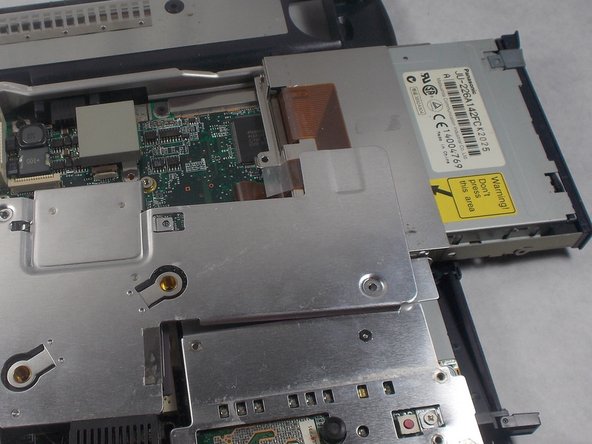
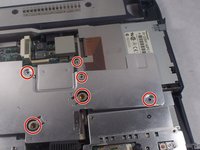
The 1 centimeter screws indicated must be removed with a Phillips #1 screwdriver to free the floppy disc drive.
-
Remove the floppy disc drive from the device.
-
-



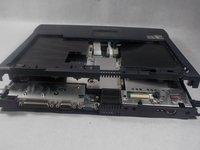

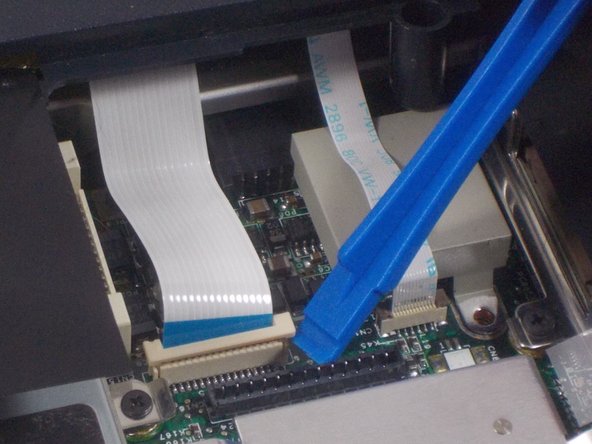
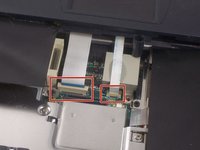
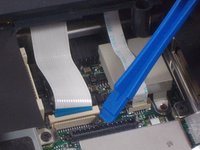



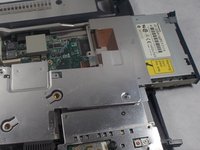
To reassemble your device, follow these instructions in reverse order.
Cancel: I did not complete this guide.
One other person completed this guide.

Team

UMass Dartmouth, Team S3-G8, Peak Spring 2018 Member of UMass Dartmouth, Team S3-G8, Peak Spring 2018
UMASSD-PEAK-S18S3G8
3 Members
96 Guides authored
