Free Shipping on Domestic Orders $75+

HP Pavilion G7-2289wm Touchpad Replacement

What you need

    1. HP Pavilion G7-2289wm Touchpad Replacement, Battery: step 1, image 1 of 1
      • Located on the bottom side of your laptop, slide the battery release latch to the left, towards the center of the laptop.

      • Lift the battery up, and pull towards the center of the laptop to remove it.

      Ask FixBot

      Add Comment

    1. HP Pavilion G7-2289wm Touchpad Replacement, Hard Drive: step 2, image 1 of 1
      • Loosen the screw that secures the service cover using a Phillips #0 screwdriver.

      • Pull the edge of the service cover toward you to remove it.

      Ask FixBot

      Add Comment

    2. HP Pavilion G7-2289wm Touchpad Replacement: step 3, image 1 of 1
      • Disconnect the hard drive connector cable from the motherboard.

      Ask FixBot

      Add Comment

    3. HP Pavilion G7-2289wm Touchpad Replacement: step 4, image 1 of 1
      • Lift the front edge of the hard drive, then pull the hard drive out gently.

      Ask FixBot

      Add Comment

    1. HP Pavilion G7-2289wm Touchpad Replacement, Keyboard: step 5, image 1 of 1
      • Remove all the screw that secures the keyboard to the computer using a Phillips #0 screwdriver.

      Ask FixBot

      Add Comment

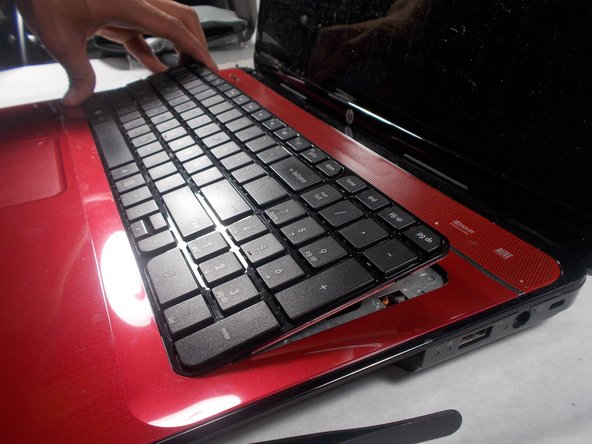
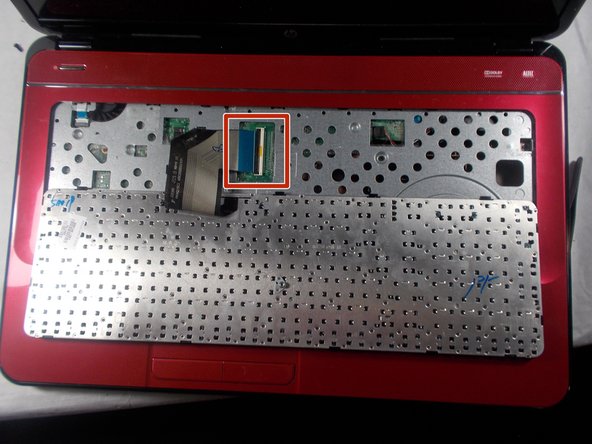
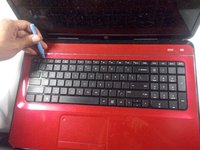
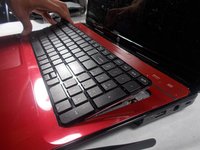
    2. HP Pavilion G7-2289wm Touchpad Replacement: step 6, image 1 of 3 HP Pavilion G7-2289wm Touchpad Replacement: step 6, image 2 of 3 HP Pavilion G7-2289wm Touchpad Replacement: step 6, image 3 of 3
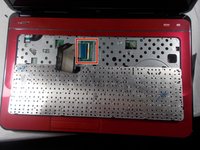
      • Flip your laptop around to the front, using an opening tool, pry around the perimeter of the keyboard.

      • Lift the keyboard from the top backward towards the touch pad.

      • Unlatch the keyboard connector from the motherboard and remove the keyboard.

      Ask FixBot

      Add Comment

    1. HP Pavilion G7-2289wm Touchpad Replacement, Touchpad: step 7, image 1 of 2 HP Pavilion G7-2289wm Touchpad Replacement, Touchpad: step 7, image 2 of 2
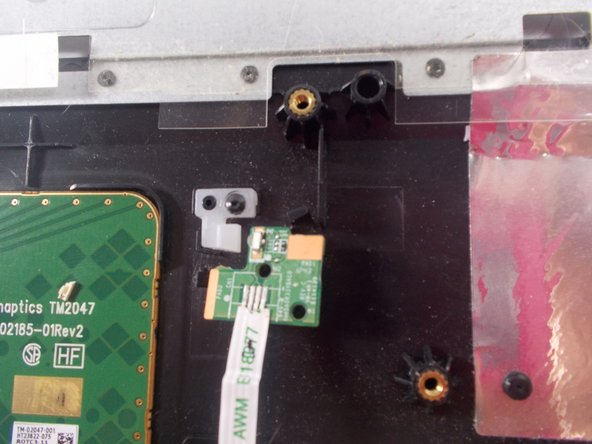
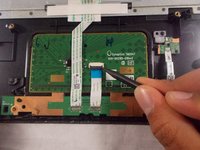
      • Remove the wires attached to the button pad.

      Ask FixBot

      Add Comment

    2. HP Pavilion G7-2289wm Touchpad Replacement: step 8, image 1 of 1
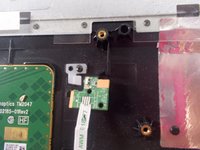
      • Carefully lift and remove the button board.

      Ask FixBot

      Add Comment

      • Remove all screws from the bottom of the laptop.

      Ask FixBot

      Add Comment

Conclusion

To reassemble your device, follow these instructions in reverse order.

Cancel: I did not complete this guide.

Ryson Smith

Member since: 03/19/18

636 Reputation

6 Guides authored

Team

0 Guide Comments

Add Comment

View Statistics:

Past 24 Hours: 1

Past 7 Days: 3

Past 30 Days: 31

All Time: 833