Free Shipping on Domestic Orders $75+

HP Pavilion G7-2235DX Screen Replacement

What you need

    1. HP Pavilion G7-2235DX Screen Replacement, Fan: step 1, image 1 of 1
      • Flip the laptop over and remove six 7.25mm screws.

      Ask FixBot

      Add Comment

    2. HP Pavilion G7-2235DX Screen Replacement: step 2, image 1 of 2 HP Pavilion G7-2235DX Screen Replacement: step 2, image 2 of 2
      • Using the plastic opening tool or spudger, separate the keyboard from the frame of the laptop.

      • Gently pull the keyboard away from the laptop, toward you, until it is completely separated from the laptop.

      Ask FixBot

      Add Comment

    3. HP Pavilion G7-2235DX Screen Replacement: step 3, image 1 of 2 HP Pavilion G7-2235DX Screen Replacement: step 3, image 2 of 2
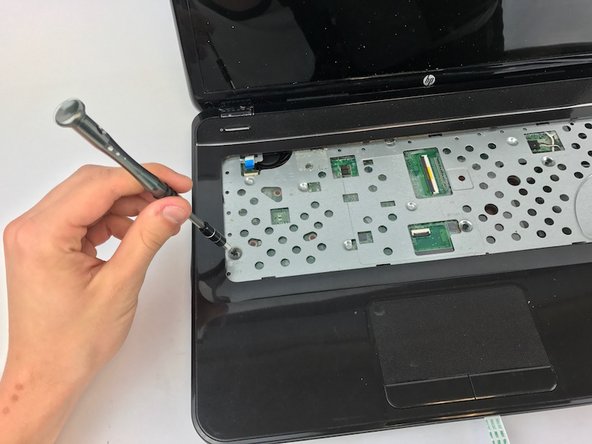
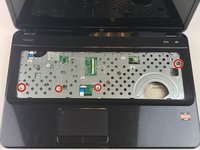
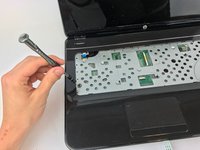
      • Remove the four 7.25mm screws located by the red markers.

      Ask FixBot

      Add Comment

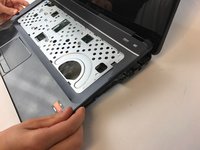
    4. HP Pavilion G7-2235DX Screen Replacement: step 4, image 1 of 2 HP Pavilion G7-2235DX Screen Replacement: step 4, image 2 of 2
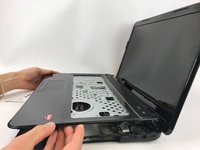
      • Gently lift the panel up, exposing the inside of the laptop.

      Ask FixBot

      Add Comment

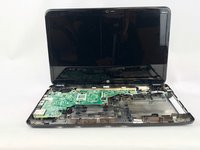
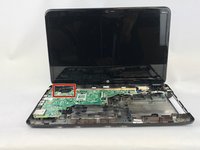
    5. HP Pavilion G7-2235DX Screen Replacement: step 5, image 1 of 2 HP Pavilion G7-2235DX Screen Replacement: step 5, image 2 of 2
      • The fan is located in the top, left hand corner. Now, it can be gently lifted out using your hands.

      Ask FixBot

      Add Comment

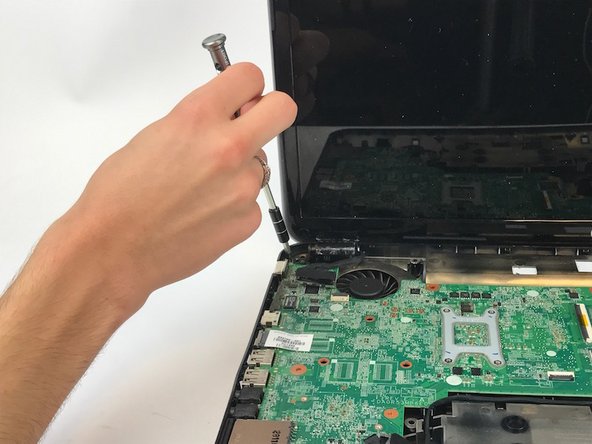
    1. HP Pavilion G7-2235DX Screen Replacement, Screen: step 6, image 1 of 1
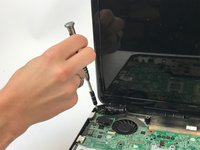
      • To remove the laptop's screen, you will have to remove a total of four 7.25mm screws.

      • First, remove the two 7.25mm screws found in the upper right corner as shown.

      Ask FixBot

      Add Comment

    2. HP Pavilion G7-2235DX Screen Replacement: step 7, image 1 of 2 HP Pavilion G7-2235DX Screen Replacement: step 7, image 2 of 2
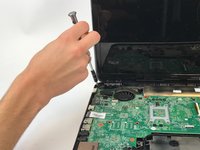
      • Next, unscrew the two 7.25mm screws in the upper left corner of the laptop as shown.

      Ask FixBot

      Add Comment

    3. HP Pavilion G7-2235DX Screen Replacement: step 8, image 1 of 2 HP Pavilion G7-2235DX Screen Replacement: step 8, image 2 of 2
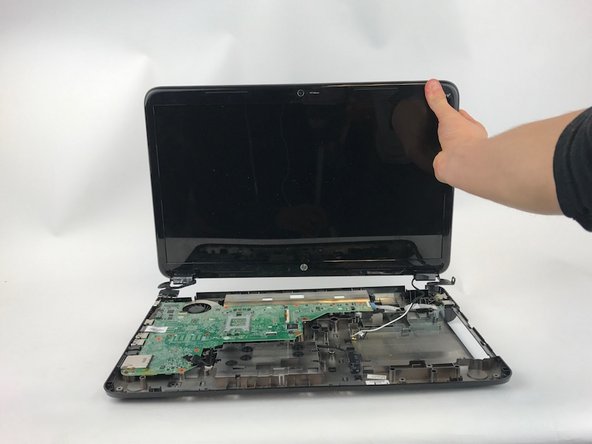
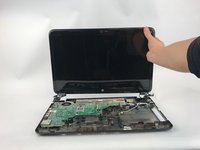
      • Once all of the screws have been removed, gently lift the laptop's screen from the base of the computer.

      Ask FixBot

      Add Comment

Conclusion

To reassemble your device, follow these instructions in reverse order.

Cancel: I did not complete this guide.

3 other people completed this guide.

Bre'Anna Sanders

Member since: 10/11/16

161 Reputation

2 Guides authored

Team

USF Tampa, Team 1-7, Leahy Fall 2016 Member of USF Tampa, Team 1-7, Leahy Fall 2016

USFT-LEAHY-F16S1G7

3 Members

60 Guides authored

0 Guide Comments

Add Comment

View Statistics:

Past 24 Hours: 2

Past 7 Days: 4

Past 30 Days: 28

All Time: 764