Free Shipping on Domestic Orders $75+

HP Pavilion G6-1d16dx Screen hinges Replacement

What you need

    1. HP Pavilion G6-1d16dx Screen hinges Replacement, Battery: step 1, image 1 of 1
      • Flip the computer so that the bottom side is facing up, and locate the battery above the screen hinges.

      Ask FixBot

      Add Comment

    2. HP Pavilion G6-1d16dx Screen hinges Replacement: step 2, image 1 of 1
      • Slide the switch under the battery compartment to release the battery.

      Ask FixBot

      Add Comment

    3. HP Pavilion G6-1d16dx Screen hinges Replacement: step 3, image 1 of 1
      • Remove the battery.

      • The battery will have popped out of the compartment when it was released.

      Ask FixBot

      Add Comment

    1. HP Pavilion G6-1d16dx Screen hinges Replacement, Motherboard: step 4, image 1 of 1
      • Unscrew the two silver screws holding the protective cover in place until they make a clicking noise.

      • The screws do not remove from the cover.

      Ask FixBot

      Add Comment

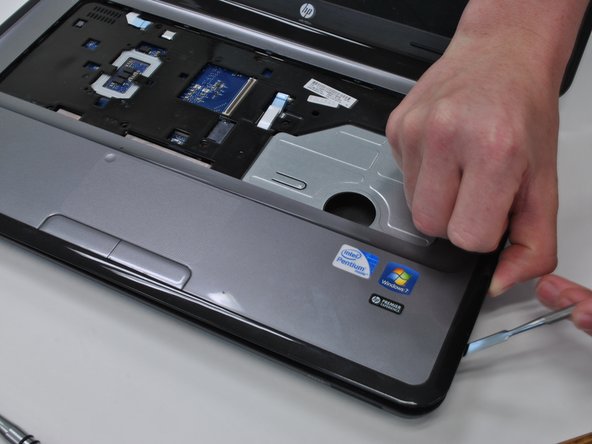
    2. HP Pavilion G6-1d16dx Screen hinges Replacement: step 5, image 1 of 2 HP Pavilion G6-1d16dx Screen hinges Replacement: step 5, image 2 of 2
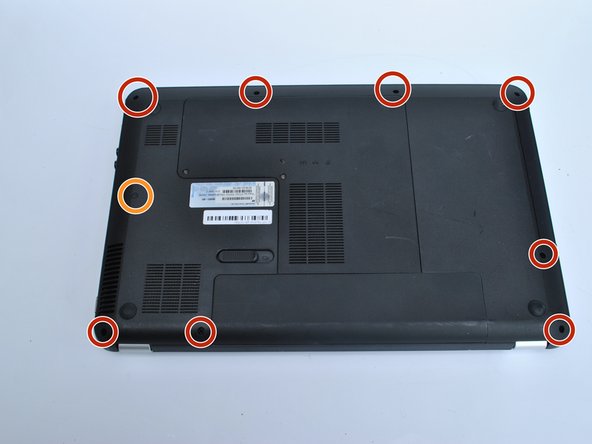
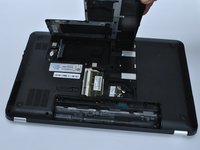
      • Unsnap the Cover by lifting the edge along the battery compartment.

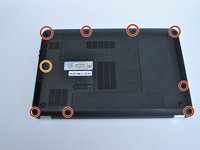
      • Remove all of the body screws.

      • Remove the rubber cap and the screw underneath it.

      Ask FixBot

      Add Comment

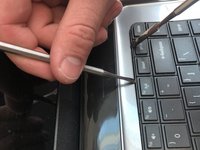
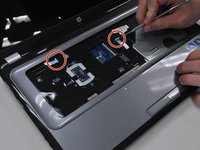
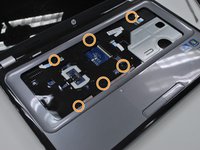
    3. HP Pavilion G6-1d16dx Screen hinges Replacement: step 6, image 1 of 3 HP Pavilion G6-1d16dx Screen hinges Replacement: step 6, image 2 of 3 HP Pavilion G6-1d16dx Screen hinges Replacement: step 6, image 3 of 3
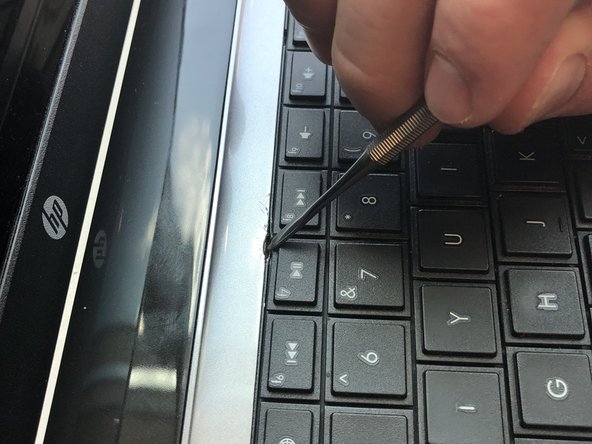
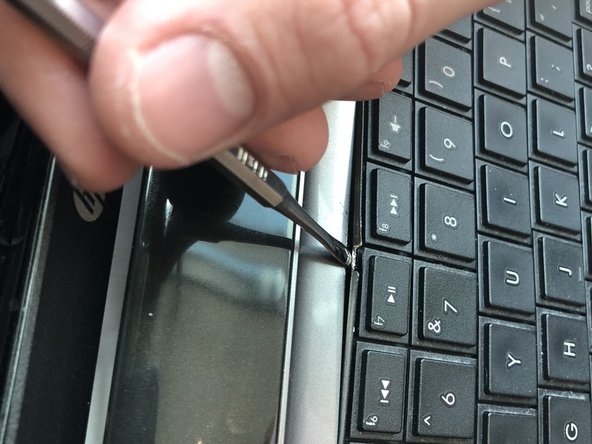
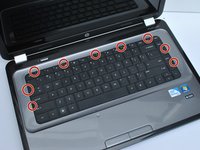
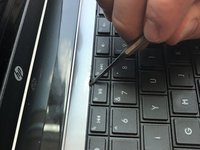
      • The keyboard is held in by nine tabs

      • Using a metal tool, depress the center tab and pry up the keyboard by pivoting the tool towards the screen.

      Ask FixBot

      Add Comment

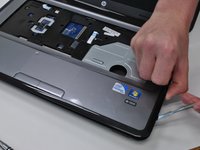
    4. HP Pavilion G6-1d16dx Screen hinges Replacement: step 7, image 1 of 2 HP Pavilion G6-1d16dx Screen hinges Replacement: step 7, image 2 of 2
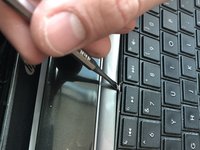
      • Slide the tool that is now under the keyboard sideways along the edge and use another tool to depress the other tabs along the edge of the keyboard.

      • As you depress the tabs, the edges of the keyboard will pop up.

      • Lift off the keyboard

      Ask FixBot

      Add Comment

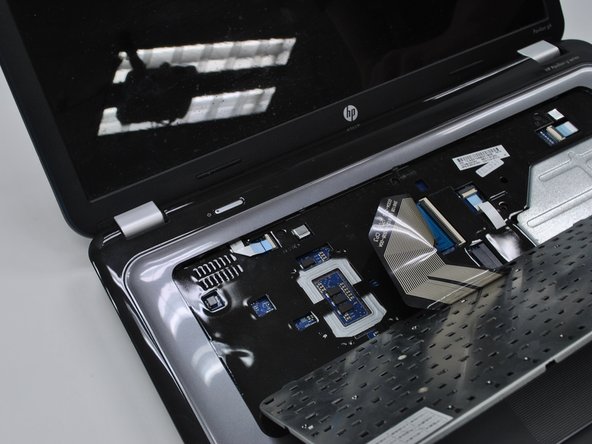
    5. HP Pavilion G6-1d16dx Screen hinges Replacement: step 8, image 1 of 1
      • Flip up the black tab holding the keyboard in place via the ribbon cable and pull out the cable

      Ask FixBot

      Add Comment

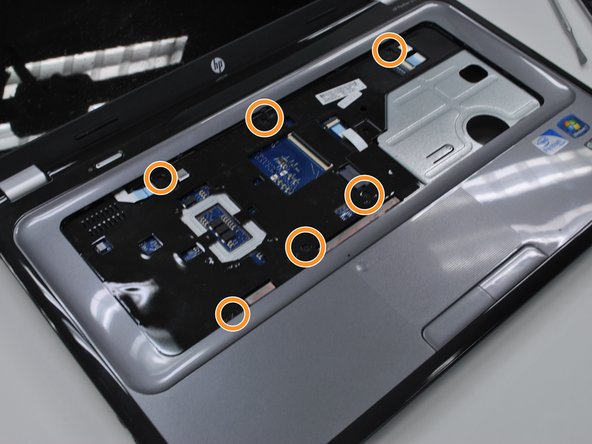
    6. HP Pavilion G6-1d16dx Screen hinges Replacement: step 9, image 1 of 3 HP Pavilion G6-1d16dx Screen hinges Replacement: step 9, image 2 of 3 HP Pavilion G6-1d16dx Screen hinges Replacement: step 9, image 3 of 3
      • Remove the two remaining ribbon cables.

      • Remove the screws holding in the protective cover underneath the keyboard.

      • Pop the cover off using any flat metal tool, starting with where you took out the optical drive

      • It will be very sticky near the edge closest to the screen. This is where the sticker in the battery compartment is stuck to. just use a little more force.

      Ask FixBot

      Add Comment

    7. HP Pavilion G6-1d16dx Screen hinges Replacement: step 10, image 1 of 1
      • Unplug the ribbon cable on the right side of the motherboard.

      Ask FixBot

      Add Comment

    8. HP Pavilion G6-1d16dx Screen hinges Replacement: step 11, image 1 of 2 HP Pavilion G6-1d16dx Screen hinges Replacement: step 11, image 2 of 2
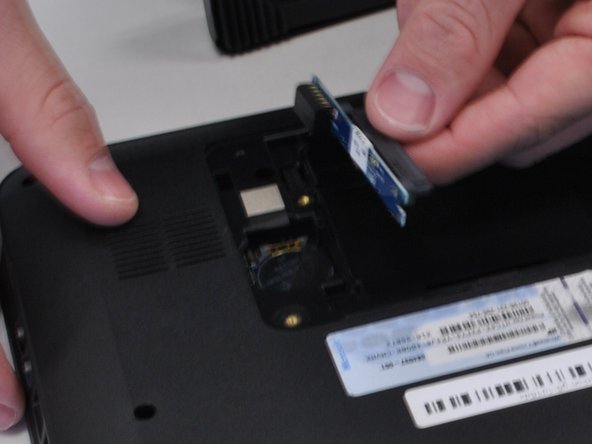
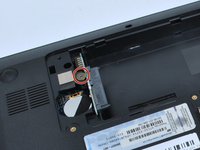
      • Underneath the computer, unscrew the hard drive connector screw, and pop out the hard drive plug-in.

      Ask FixBot

      Add Comment

    9. HP Pavilion G6-1d16dx Screen hinges Replacement: step 12, image 1 of 1
      • Unscrew all mother board screws and lift the motherboard out of the body.

      • For replacing the screen hinges and screen, skip this step

      Ask FixBot

      Add Comment

    1. HP Pavilion G6-1d16dx Screen hinges Replacement, Screen hinges: step 13, image 1 of 1
      • Remove the five screws holding hinges to base.

      • Do not unscrew the motherboard screws

      Ask FixBot

      Add Comment

    2. HP Pavilion G6-1d16dx Screen hinges Replacement: step 14, image 1 of 2 HP Pavilion G6-1d16dx Screen hinges Replacement: step 14, image 2 of 2
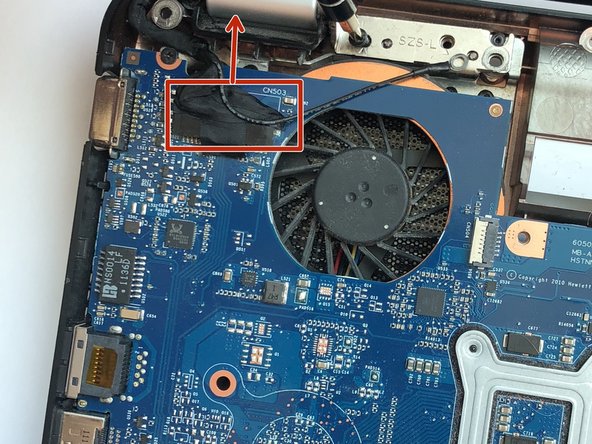
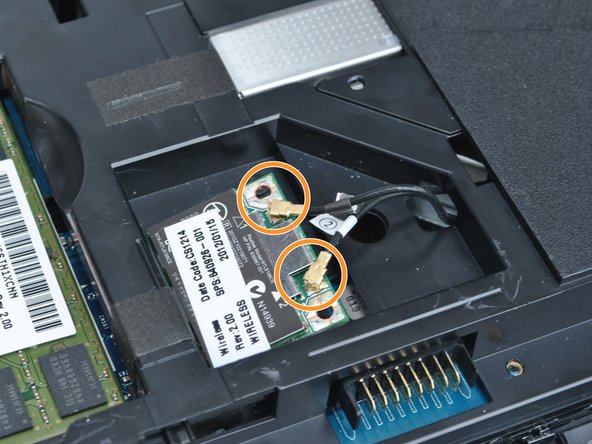
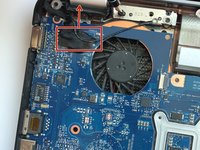
      • Lift the tape tab up from the screen plug, and unplug the screen from the motherboard.

      • Unplug the wires from the wireless card and pull them through the body.

      Ask FixBot

      Add Comment

    3. HP Pavilion G6-1d16dx Screen hinges Replacement: step 15, image 1 of 1
      • Remove the sticky tabs on the bottom of the screen just outside the hinges, and remove the two screws underneath.

      Ask FixBot

      Add Comment

    4. HP Pavilion G6-1d16dx Screen hinges Replacement: step 16, image 1 of 1
      • Pry off the plastic surrounding the screen with any flat metal tool.

      Ask FixBot

      Add Comment

    5. HP Pavilion G6-1d16dx Screen hinges Replacement: step 17, image 1 of 1
      • Remove the screws holding the hinge covers in place.

      • Remove the hinge covers.

      Ask FixBot

      Add Comment

    6. HP Pavilion G6-1d16dx Screen hinges Replacement: step 18, image 1 of 1
      • Use a pair of pliers to unscrew the nut and pull out the hinge.

      Ask FixBot

      Add Comment

Conclusion

To reassemble your device, follow these instructions in reverse order.

Cancel: I did not complete this guide.

2 other people completed this guide.

1 Guide Comment

Not so good a manual. See my remarks.

This laptop is of extremely poor building quality. Disaster lures in every badly made detail.

Eveline Bernard - Reply Share

Add Comment

View Statistics:

Past 24 Hours: 1

Past 7 Days: 9

Past 30 Days: 46

All Time: 4,103