What you need
-
-
-
Slide switch inward, then pull the battery away from its slot.
-
Once free, place the battery to the side.
-
-
-
-
-
Flip the laptop over and open it so the keyboard is visible.
-
Using a spudger, gently pry the keyboard away from the laptop using the three indicated markers.
-
Continue gently pulling the keyboard away from the laptop until it completely detaches.
-
-
-
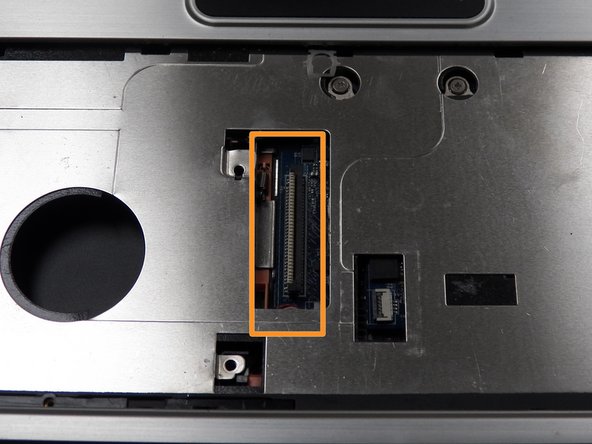
Once the keyboard is completely detached, locate the ribbon housing inside the laptop.
-
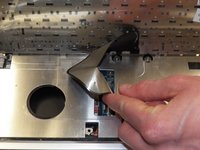
Gently pull the ribbon cable from the connector housing.
-
-

 Ask FixBot


To reassemble your device, follow these instructions in reverse order.
Cancel: I did not complete this guide.
One other person completed this guide.

Team

University of Kentucky Louisville, Team 1-7, Rountree Winter 2015 Member of University of Kentucky Louisville, Team 1-7, Rountree Winter 2015
LOUISVILLE-ROUNTREE-W15S1G7
4 Members
60 Guides authored
