Free Shipping on Domestic Orders $75+

HP Pavilion 15-p043cl Repair RAM Replacement

What you need

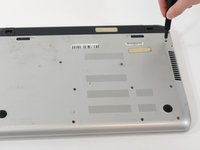
    1. HP Pavilion 15-p043cl Repair RAM Replacement, Optical Drive: step 1, image 1 of 2 HP Pavilion 15-p043cl Repair RAM Replacement, Optical Drive: step 1, image 2 of 2
      • Flip over the laptop so that the screws on the bottom are exposed.

      Ask FixBot

      Add Comment

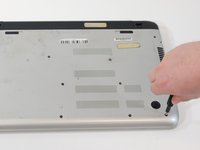
    2. HP Pavilion 15-p043cl Repair RAM Replacement: step 2, image 1 of 2 HP Pavilion 15-p043cl Repair RAM Replacement: step 2, image 2 of 2
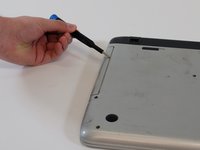
      • Use a #1 Phillips screwdriver to remove the single 8 mm screw that secures the optical drive.

      • There is a CD/DVD symbol on the case that helps identify the correct screw.

      Ask FixBot

      Add Comment

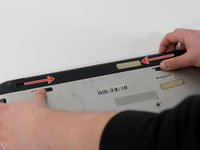
    3. HP Pavilion 15-p043cl Repair RAM Replacement: step 3, image 1 of 3 HP Pavilion 15-p043cl Repair RAM Replacement: step 3, image 2 of 3 HP Pavilion 15-p043cl Repair RAM Replacement: step 3, image 3 of 3
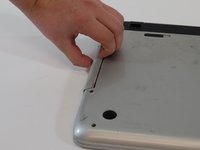
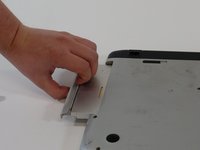
      • Use your fingers or a wedge to pull out the Optical Drive from it's slot.

      • If the faceplate of the drive is pulled off it can be reattached.

      Ask FixBot

      Add Comment

    1. HP Pavilion 15-p043cl Repair RAM Replacement, RAM: step 4, image 1 of 3 HP Pavilion 15-p043cl Repair RAM Replacement, RAM: step 4, image 2 of 3 HP Pavilion 15-p043cl Repair RAM Replacement, RAM: step 4, image 3 of 3
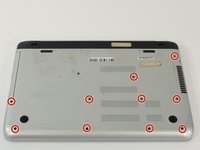
      • Use a #1 Phillips-head screwdriver to remove the ten additional 8 mm bottom case screws.

      Ask FixBot

      Add Comment

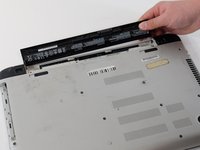
    2. HP Pavilion 15-p043cl Repair RAM Replacement: step 5, image 1 of 2 HP Pavilion 15-p043cl Repair RAM Replacement: step 5, image 2 of 2
      • Pull out the battery by positioning the switch with the lock symbol on unlock and pushing the switch with the battery towards the center of the laptop

      Ask FixBot

      Add Comment

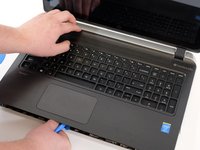
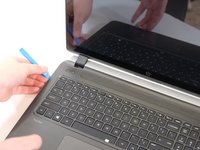
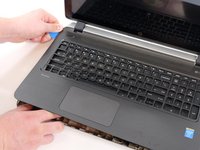
    3. HP Pavilion 15-p043cl Repair RAM Replacement: step 6, image 1 of 3 HP Pavilion 15-p043cl Repair RAM Replacement: step 6, image 2 of 3 HP Pavilion 15-p043cl Repair RAM Replacement: step 6, image 3 of 3
      • Flip over the laptop so the HP symbol is facing up.

      • Open the lid of the laptop.

      • Using the spudger, pry between the case and keyboard/mousepad area. Work all the way around the case.

      Ask FixBot

      Add Comment

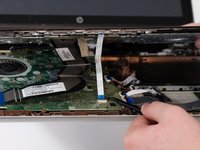
    4. HP Pavilion 15-p043cl Repair RAM Replacement: step 7, image 1 of 3 HP Pavilion 15-p043cl Repair RAM Replacement: step 7, image 2 of 3 HP Pavilion 15-p043cl Repair RAM Replacement: step 7, image 3 of 3
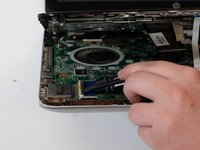
      • Carefully remove the keyboard area.

      • Make sure to unplug the 3 ribbon cables connecting the keyboard. mousepad, and power button to the motherboard.

      Ask FixBot

      Add Comment

    5. HP Pavilion 15-p043cl Repair RAM Replacement: step 8, image 1 of 2 HP Pavilion 15-p043cl Repair RAM Replacement: step 8, image 2 of 2
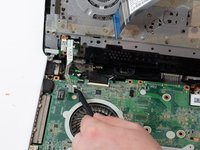
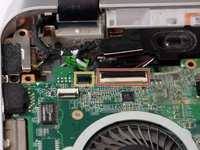
      • Remove the remaining ribbon cables.

      • Remove the connection to the HDMI port.

      Ask FixBot

      Add Comment

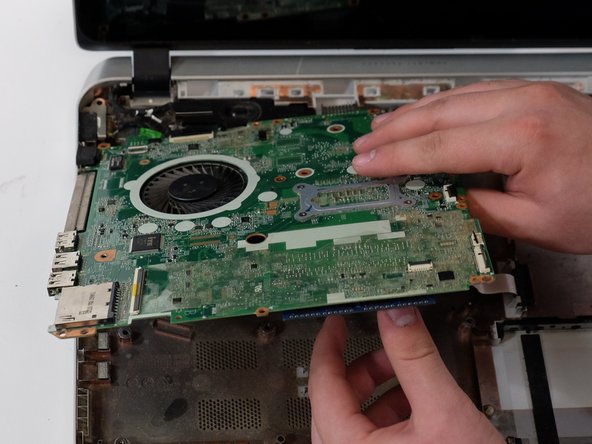
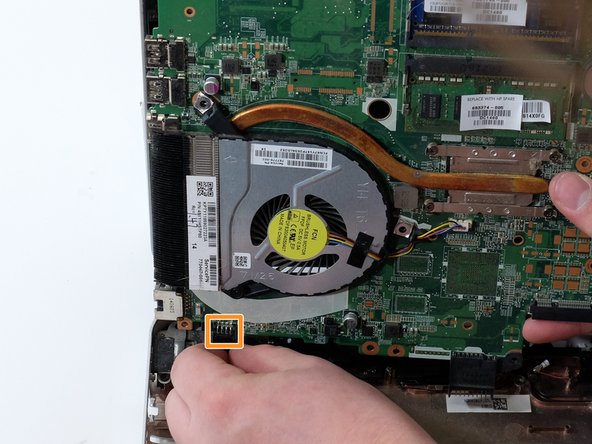
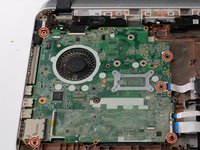
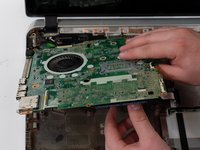
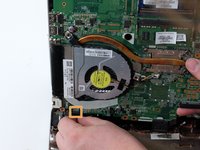
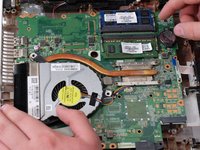
    6. HP Pavilion 15-p043cl Repair RAM Replacement: step 9, image 1 of 3 HP Pavilion 15-p043cl Repair RAM Replacement: step 9, image 2 of 3 HP Pavilion 15-p043cl Repair RAM Replacement: step 9, image 3 of 3
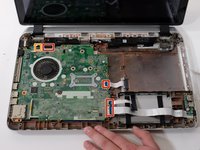
      • Remove the remaining motherboard screws.

      • Gently lift the motherboard up, towards the screen of the laptop. Remove the remaining display connector.

      Ask FixBot

      Add Comment

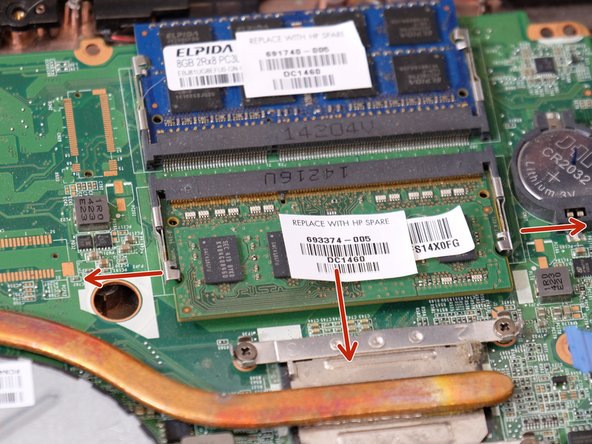
    7. HP Pavilion 15-p043cl Repair RAM Replacement: step 10, image 1 of 2 HP Pavilion 15-p043cl Repair RAM Replacement: step 10, image 2 of 2
      • Locate the RAM.

      • Pull the metal tabs to the side while pulling the RAM module out and slightly up.

      Ask FixBot

      Add Comment

Conclusion

To reassemble your device, follow these instructions in reverse order.

Cancel: I did not complete this guide.

0 Guide Comments

Add Comment

View Statistics:

Past 24 Hours: 0

Past 7 Days: 6

Past 30 Days: 28

All Time: 431