
HP Pavilion 15-e043cl Wi-Fi Card Replacement

Cace Letendre and 5 other contributors
Last updated on May 7, 2024
Views: 496
View statistics:
- Past 24 Hours:
- 1
- Past 7 Days:
- 16
- Past 30 Days:
- 62
- All Time:
- 496
Comments: 0
No one has left comments on this guide. Will you be first?
Go to guide commentsCompleted: 1 2
1 person has marked this guide "completed." Will you be next?
2 people have marked this guide "completed." Including you — great job!
Favorites: 0 1
No one has favorited (and subscribed to) this guide. Will you be the first?
1 person has favorited (and subscribed to) this guide — and that's you!
Introduction
Go to step 1 ↓If your HP Pavilion 15-e043cl isn't able to connect to Wi-Fi, and it is able to be powered on and is functionally normal otherwise, then the laptop may have a faulty Wi-Fi card.
Check to make sure that the laptop is not detecting any Wi-Fi networks whatsoever in the Wi-Fi network settings area. If networks are showing up, then the router itself is most likely the issue and not the laptop. Otherwise, this guide will show how to replace the Wi-Fi card.
The Wi-Fi card locates Wi-Fi networks for your device to connect, and it will connect you to the internet depending on what network you choose and connect to. A faulty card will not be able to locate networks even within the vicinity of local networks.
Before beginning, make sure to power off the device completely, and disconnect and charge adapters and other power sources.
What you need
Tools


-
-
-
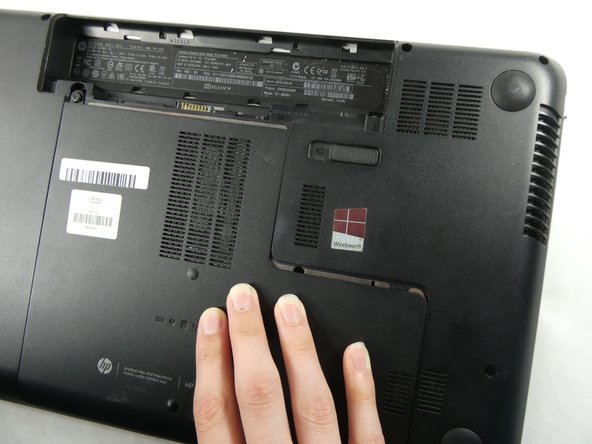
Flip the device over.
-
Slide the battery switch on the right half of the laptop.
 Ask FixBot
-
-
-
-
-
Unscrew the single Phillips #0 captive screw that was previously hidden by the battery.
-
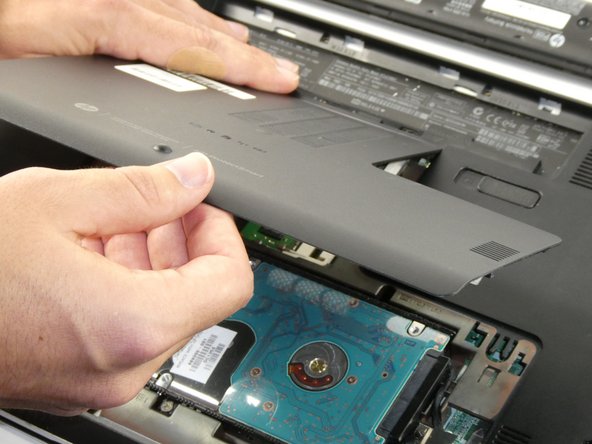
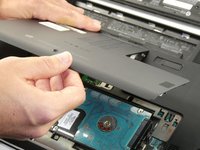
Slide the maintenance panel away from the battery compartment to release it.
-
-
-
-
Tool used on this step:Tweezers$4.99
-
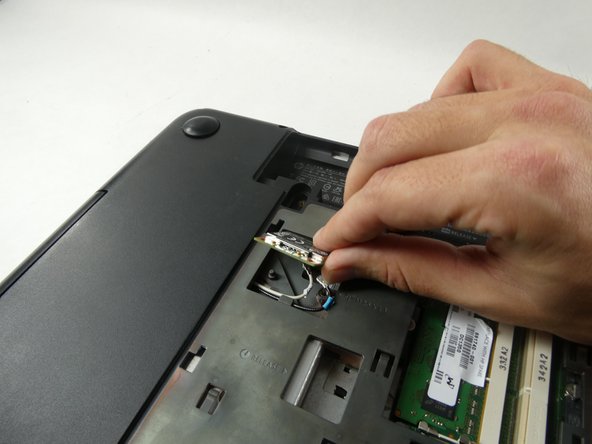
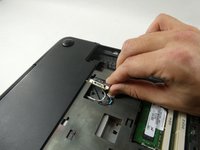
Use tweezers to remove the white and black mini jumper cable attached to the Wi-Fi card.
-
-
-
-
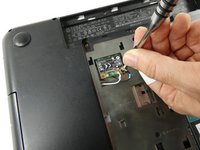
Remove the single 2.5 mm screw with a Phillips #0 screwdriver from the Wi-Fi card.
-
Lift the Wi-Fi card out of the device.
-
-




To reassemble your device, follow these instructions in reverse order.
Cancel: I did not complete this guide.
One other person completed this guide.

Team

UMass Dartmouth, Team 4-5, Sinclaire Fall 2022 Member of UMass Dartmouth, Team 4-5, Sinclaire Fall 2022
UMASSD-SINCLAIRE-F22S4G5
5 Members
84 Guides authored
