Introduction
If the bottom case of your device become cracked or damaged, this guide will show you how to replace it.
What you need
-
-
-
Use the nylon spudger to remove the rubber pads near the hinge for the screen. Then remove the screws under the pads.
-
Use Phillips #0 to remove four 9mm screws.
-
Use Phillips #0 to remove seven 6mm screws.
 Ask FixBot
-
-
-
-
Use the nylon spudger to pry the back casing near the hinges for the screen.
-
Continue to pry along the edge of the back case until the back is ready to be removed.
-
-
-
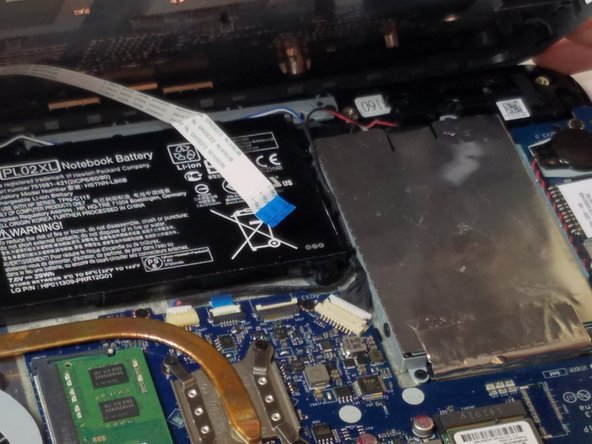
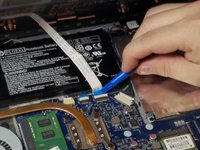
Use the plastic opening tool to lift up on the white tab that is holding the cable in place on the motherboard.
-
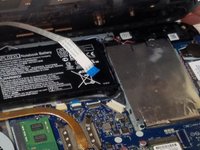
Now carefully pull the cable out of place and remove the entire back casing.
-
-


To reassemble your device, follow these instructions in reverse order.
Cancel: I did not complete this guide.
One other person completed this guide.

Team

USF Tampa, Team 11-5, Blackwell Fall 2016 Member of USF Tampa, Team 11-5, Blackwell Fall 2016
USFT-BLACKWELL-F16S11G5
3 Members
60 Guides authored
