Free Shipping on Domestic Orders $75+

HP Officejet Pro 8625 Display Replacement

Views: 997

View statistics:

Past 24 Hours:
1
Past 7 Days:
13
Past 30 Days:
67
All Time:
997
Comments: 0

No one has left comments on this guide. Will you be first?

Go to guide comments
Completed: 0

No one has marked this guide "completed." Will you be the first?

Favorites: 0

No one has favorited (and subscribed to) this guide. Will you be the first?

Time Required: 15 - 20 minutes
Difficulty: Moderate
HP Officejet Pro 8625 Display  Replacement

Introduction

Go to step 1 ↓

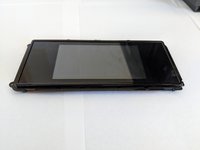
If the display on your printer is no longer working, you may need to replace it. This guide will show you how. You will need a T9 Torx screwdriver and a T6 Torx screwdriver to remove the screws in this guide.

What you need

Tools

    1. HP Officejet Pro 8625 Display  Replacement, Display Motherboard: step 1, image 1 of 2 HP Officejet Pro 8625 Display  Replacement, Display Motherboard: step 1, image 2 of 2
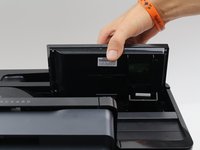
      • Disconnect the display by holding it in place while pulling down on the plastic hinge.

      • Slowly apply more and more force as it does take a lot to separate, do not worry about the hinge or display breaking.

      Ask FixBot

      Add Comment

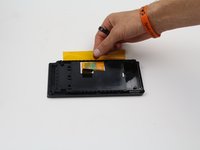
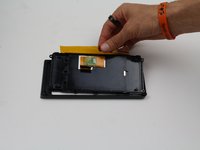
    2. HP Officejet Pro 8625 Display  Replacement: step 2, image 1 of 3 HP Officejet Pro 8625 Display  Replacement: step 2, image 2 of 3 HP Officejet Pro 8625 Display  Replacement: step 2, image 3 of 3
      • Lift the display as high as it will allow to expose the back of the display.

      • Pinch the sides of the cover and pull away from the printer to reveal the connector.

      • Remove the connector by pulling both away from the display and towards the printer.

      Ask FixBot

      Add Comment

    3. HP Officejet Pro 8625 Display  Replacement: step 3, image 1 of 3 HP Officejet Pro 8625 Display  Replacement: step 3, image 2 of 3 HP Officejet Pro 8625 Display  Replacement: step 3, image 3 of 3
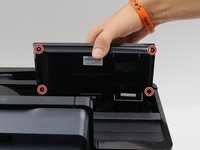
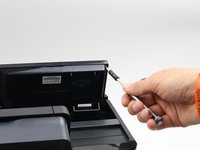
      • Remove the four 6.2 mm T9 screws from the back of the display.

      • Pull the display assembly up and away from the printer.

      Ask FixBot

      Add Comment

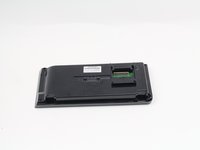
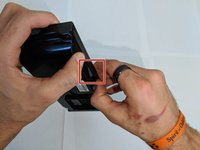
    4. HP Officejet Pro 8625 Display  Replacement: step 4, image 1 of 2 HP Officejet Pro 8625 Display  Replacement: step 4, image 2 of 2
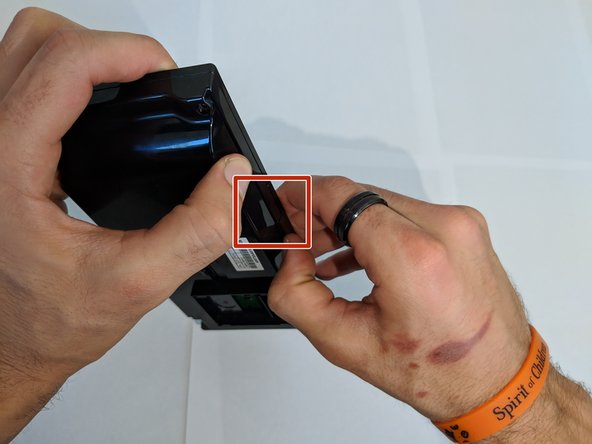
      • Remove the back cover from the display assembly by pressing down on the point of connection.

      • If you use a plastic spudger for this step, be careful not to brake the plastic as you do not need to use much force to remove the back cover.

      Ask FixBot

      Add Comment

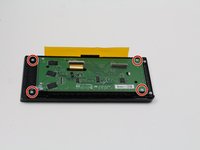
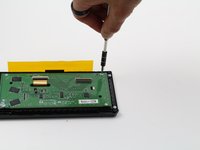
    5. HP Officejet Pro 8625 Display  Replacement: step 5, image 1 of 2 HP Officejet Pro 8625 Display  Replacement: step 5, image 2 of 2
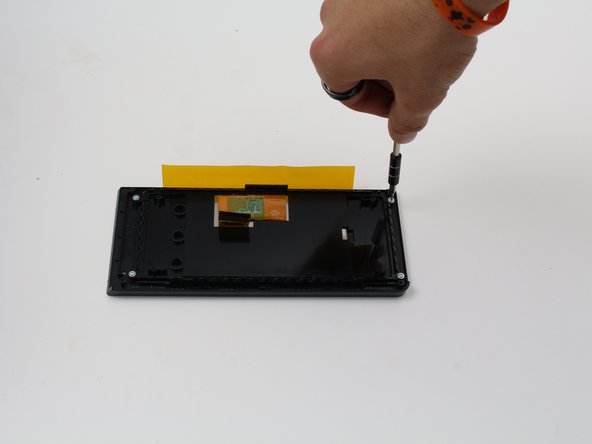
      • Remove the four 4.8 mm T6 screws from the back of the display motherboard.

      Ask FixBot

      Add Comment

    6. HP Officejet Pro 8625 Display  Replacement: step 6, image 1 of 2 HP Officejet Pro 8625 Display  Replacement: step 6, image 2 of 2
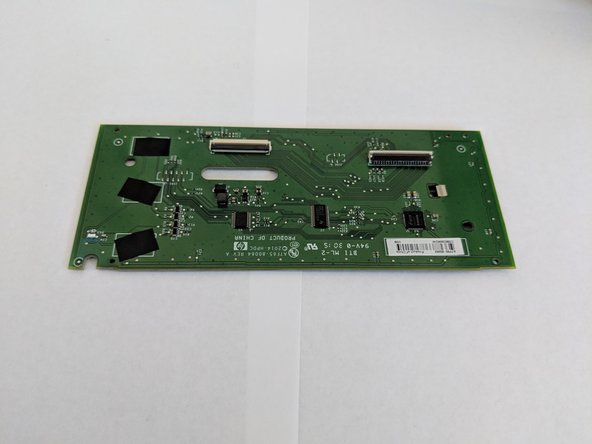
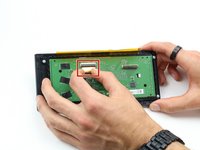
      • Remove the connection on the front of the display motherboard.

      • Remove the display motherboard.

      Ask FixBot

      Add Comment

    1. HP Officejet Pro 8625 Display  Replacement, Display: step 7, image 1 of 2 HP Officejet Pro 8625 Display  Replacement, Display: step 7, image 2 of 2
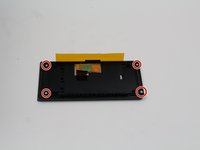
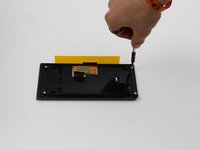
      • Remove the four 4.8 mm screws from the back of the display using a T6 screwdriver.

      Ask FixBot

      Add Comment

    2. HP Officejet Pro 8625 Display  Replacement: step 8, image 1 of 3 HP Officejet Pro 8625 Display  Replacement: step 8, image 2 of 3 HP Officejet Pro 8625 Display  Replacement: step 8, image 3 of 3
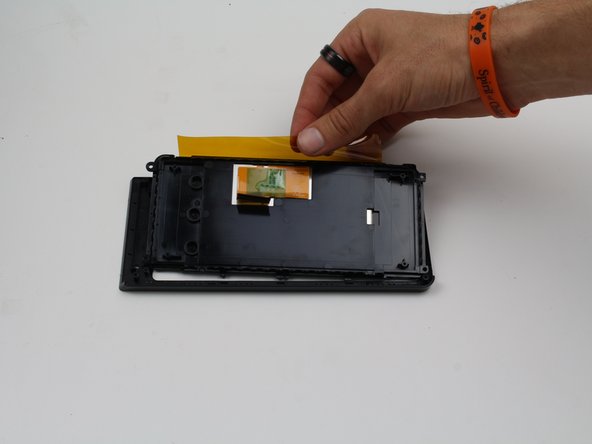
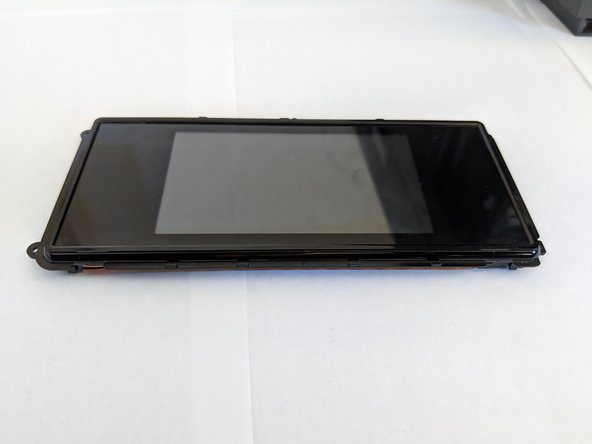
      • Lift the display out of the case.

      Ask FixBot

      Add Comment

Conclusion

To reassemble your device, follow these instructions in reverse order.

Cancel: I did not complete this guide.

Cole Andrews

Member since: 10/08/18

273 Reputation

2 Guides authored

Team

Cal Poly, Team S13-G3, White Fall 2018 Member of Cal Poly, Team S13-G3, White Fall 2018

CPSU-WHITE-F18S13G3

3 Members

84 Guides authored

0 Guide Comments

Add Comment

View Statistics:

Past 24 Hours: 1

Past 7 Days: 13

Past 30 Days: 67

All Time: 997