Free Shipping on Domestic Orders $75+

HP Officejet Pro 8620 Power Adapter Replacement

What you need

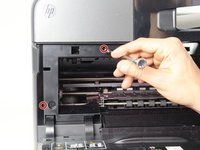
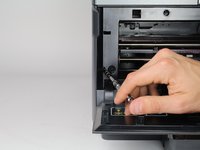
  1. HP Officejet Pro 8620 Power Adapter Replacement, Left Panel: step 1, image 1 of 3 HP Officejet Pro 8620 Power Adapter Replacement, Left Panel: step 1, image 2 of 3 HP Officejet Pro 8620 Power Adapter Replacement, Left Panel: step 1, image 3 of 3
    • Turn off the printer and remove the power cable.

    • Remove two 13mm T9 screws using a T9-Torx screwdriver. Turn counterclockwise until the screws are released.

    Ask FixBot

    Add Comment

  2. HP Officejet Pro 8620 Power Adapter Replacement: step 2, image 1 of 2 HP Officejet Pro 8620 Power Adapter Replacement: step 2, image 2 of 2
    • Open the front door by placing your finger on the indented groove on the left side of the printer and pulling down

    • This will give you access to the two T9-TORX 13mm screws that need to be removed to release the panel.

    Ask FixBot

    Add Comment

  3. HP Officejet Pro 8620 Power Adapter Replacement: step 3, image 1 of 2 HP Officejet Pro 8620 Power Adapter Replacement: step 3, image 2 of 2
    • Remove the two 13mm screws with a T9-TORX screwdriver by turning counter-clockwise (left).

    Ask FixBot

    Add Comment

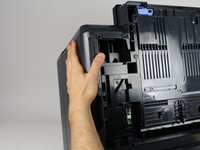
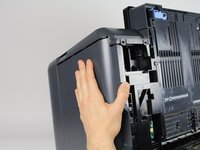
  4. HP Officejet Pro 8620 Power Adapter Replacement: step 4, image 1 of 3 HP Officejet Pro 8620 Power Adapter Replacement: step 4, image 2 of 3 HP Officejet Pro 8620 Power Adapter Replacement: step 4, image 3 of 3
    • Gently remove the left side panel by placing your palm flat against the surface and pulling down.

    Ask FixBot

    Add Comment

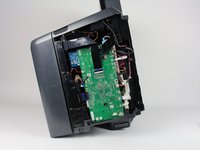
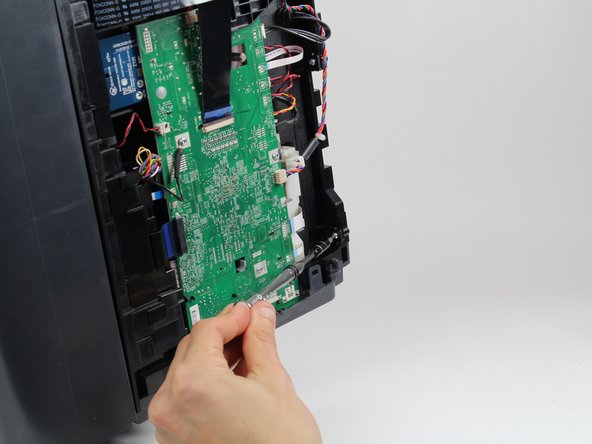
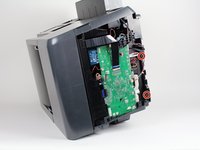
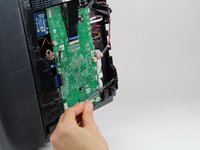
  5. HP Officejet Pro 8620 Power Adapter Replacement, Power Adapter: step 5, image 1 of 3 HP Officejet Pro 8620 Power Adapter Replacement, Power Adapter: step 5, image 2 of 3 HP Officejet Pro 8620 Power Adapter Replacement, Power Adapter: step 5, image 3 of 3
    • Remove two screws 13mm screws with a T9-Torx screwdriver by rotating them counterclockwise.

    Ask FixBot

    Add Comment

  6. HP Officejet Pro 8620 Power Adapter Replacement: step 6, image 1 of 3 HP Officejet Pro 8620 Power Adapter Replacement: step 6, image 2 of 3 HP Officejet Pro 8620 Power Adapter Replacement: step 6, image 3 of 3
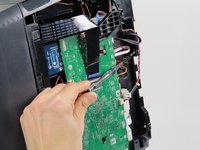
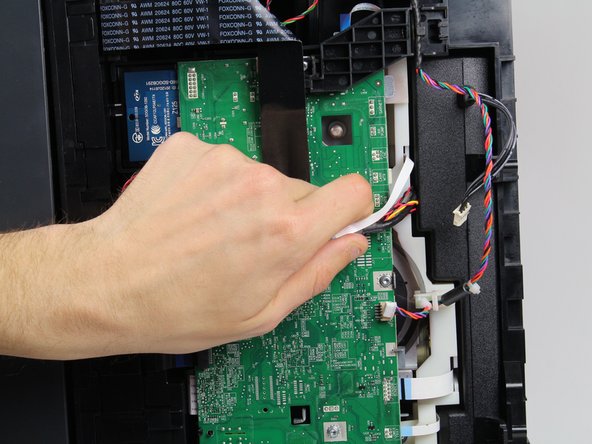
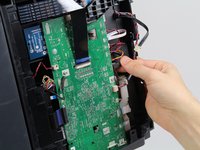
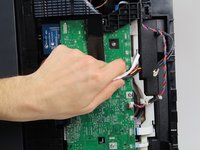
    • Unplug the black cable .

    • Move all the cables and wires to the top of the motherboard to allow the power adapter underneath to be removed freely.

    Ask FixBot

    Add Comment

  7. HP Officejet Pro 8620 Power Adapter Replacement: step 7, image 1 of 1
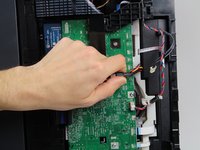
    • Gently bend the black ribbon cable.

    • Remove one 8mm T8 screw underneath the ribbon cable by rotating it counterclockwise with a T8 -Torx screwdriver.

    • Take out the black plastic cover and the colored wires connected to it.

    • Now you have cleared a passage for the power adapter to be taken out.

    Ask FixBot

    Add Comment

  8. HP Officejet Pro 8620 Power Adapter Replacement: step 8, image 1 of 1
    • Gently pulling out the power adapter.

    • Be careful with all the wires when pulling out the adapter.

    Ask FixBot

    Add Comment

Conclusion

To reassemble your device, follow these instructions in reverse order.

Cancel: I did not complete this guide.

Scott

Member since: 01/24/18

656 Reputation

3 Guides authored

Team

Cal Poly, Team S19-G2, Livingston Spring 2018 Member of Cal Poly, Team S19-G2, Livingston Spring 2018

CPSU-LIVINGSTON-S18S19G2

1 Member

6 Guides authored

0 Guide Comments

Add Comment

View Statistics:

Past 24 Hours: 2

Past 7 Days: 11

Past 30 Days: 33

All Time: 2,752