
HP Officejet Pro 8620 Display Replacement

Dallas Rocha and 3 other contributors
Last updated on Mar 23, 2018
Views: 6K
View statistics:
- Past 24 Hours:
- 4
- Past 7 Days:
- 18
- Past 30 Days:
- 102
- All Time:
- 6,044
Comments: 1
1 comment on steps.
Completed: 4 5
4 people have marked this guide "completed." Will you be next?
5 people have marked this guide "completed." Including you — great job!
Favorites: 0 1
No one has favorited (and subscribed to) this guide. Will you be the first?
1 person has favorited (and subscribed to) this guide — and that's you!
Introduction
Go to step 1 ↓Follow this guide to remove a faulty display in your HP Officejet Pro 8620. If the touch-screen display is unresponsive, has image burn in, or stuck pixels you will need to replace the display.
What you need
Tools


-
-
-
Place the printer on its back and rotate the display clockwise to gain access to the underside of the display.
 Ask FixBot
-
-
-
Locate the control arm on the underside of the display. You will need to detach this to access the screws.
-
Place a finger behind the control arm.
-
Separate the display unit from the control arm by pulling down with your finger and using your other hand to push the display unit up.
-
-
-
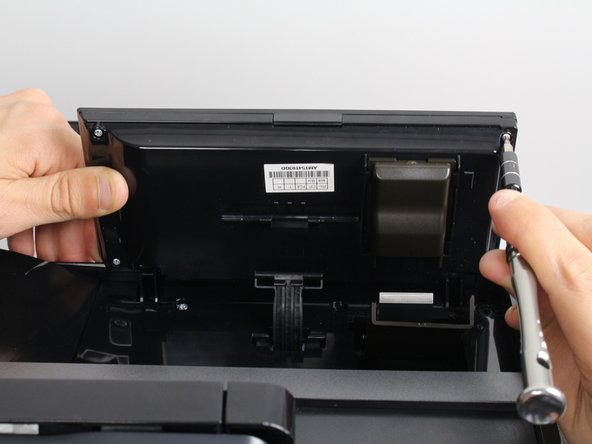
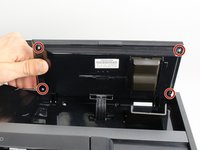
Remove the four 11mm T9-Torx screws on the underside of the display unit by rotating the screwdriver counter clockwise.
-
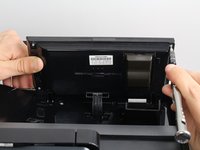
Open the display unit to expose the circuit board by separating the back and front panels.
-
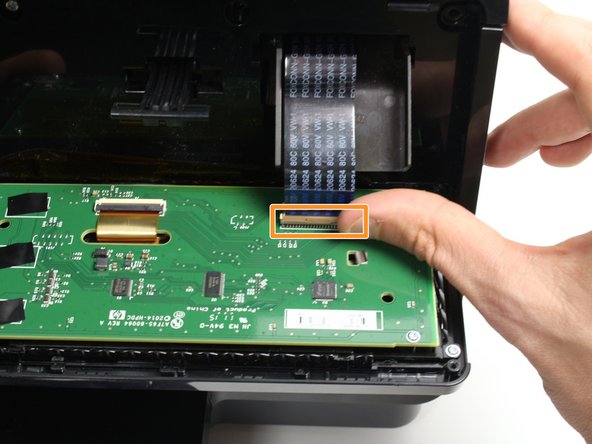
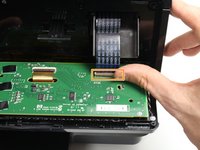
Remove the ribbon cable by gently releasing the plastic locking mechanism and pulling the cable away from the circuit board.
-
-
-
-
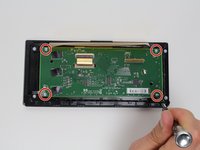
Remove the four 7mm T9-Torx screws from the circuit board that are holding the screen in place using a T9-Torx screwdriver and turning counter clockwise.
-
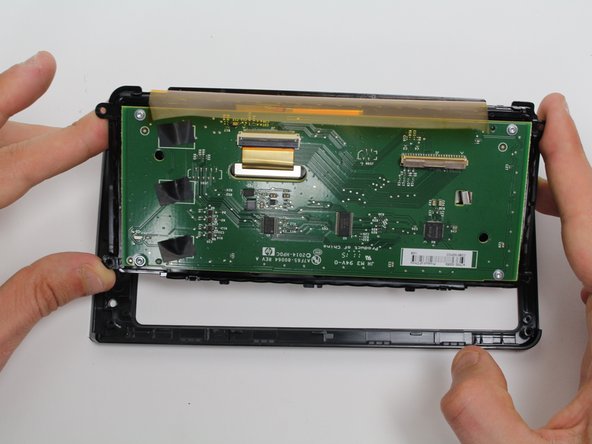
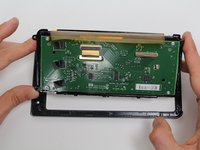
Lift the circuit board/screen panel from the black frame.
-
-



To reassemble your device, follow these instructions in reverse order.
Cancel: I did not complete this guide.
4 other people completed this guide.

Team

Cal Poly, Team S19-G2, Livingston Winter 2018 Member of Cal Poly, Team S19-G2, Livingston Winter 2018
CPSU-LIVINGSTON-W18S19G2
3 Members
48 Guides authored
