Free Shipping on Domestic Orders $75+

HP Officejet 4630 Scanner Head Replacement

Views: 2.2K

View statistics:

Past 24 Hours:
6
Past 7 Days:
24
Past 30 Days:
96
All Time:
2,214
Comments: 4

4 comments on steps.

Completed: 0

No one has marked this guide "completed." Will you be the first?

Favorites: 0

No one has favorited (and subscribed to) this guide. Will you be the first?

Time Required: 20 minutes
Difficulty: Difficult
HP Officejet 4630 Scanner Head Replacement

Introduction

Go to step 1 ↓

The scanner head is necessary for copying and faxing. Follow the guide to replace this crucial part.

What you need

Tools

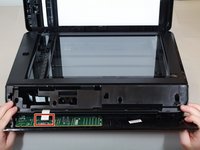
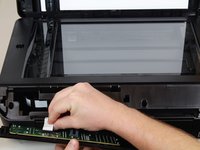
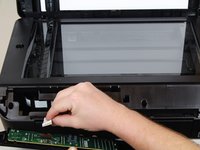
    1. HP Officejet 4630 Scanner Head Replacement, LCD Display: step 1, image 1 of 3 HP Officejet 4630 Scanner Head Replacement, LCD Display: step 1, image 2 of 3 HP Officejet 4630 Scanner Head Replacement, LCD Display: step 1, image 3 of 3
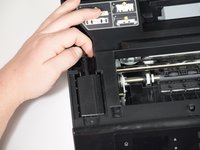
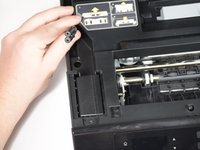
      • There is a hidden screw underneath the model sticker on the front panel.

      • Peel the model sticker off the cover.

      • This will expose the T10 screw securing the panel.

      Ask FixBot

      Add Comment

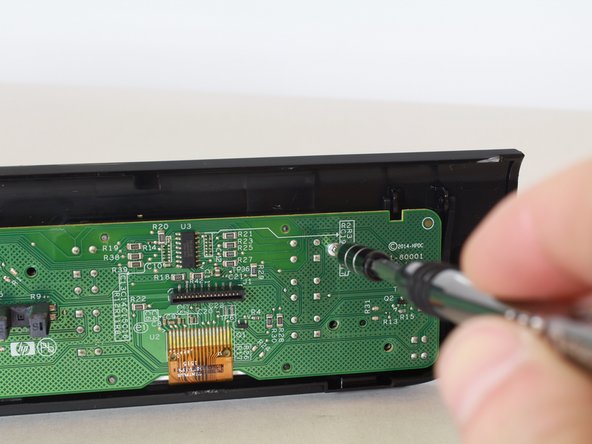
    2. HP Officejet 4630 Scanner Head Replacement: step 2, image 1 of 3 HP Officejet 4630 Scanner Head Replacement: step 2, image 2 of 3 HP Officejet 4630 Scanner Head Replacement: step 2, image 3 of 3
      • Remove the single 12mm-T10 screw securing the front panel to the printer body.

      • Loosen the panel cover from the printer body.

      • There is a ribbon cable connected to the backside of the cover. Disconnect the cable before separating the panel completely.

      Ask FixBot

      Add Comment

    3. HP Officejet 4630 Scanner Head Replacement: step 3, image 1 of 3 HP Officejet 4630 Scanner Head Replacement: step 3, image 2 of 3 HP Officejet 4630 Scanner Head Replacement: step 3, image 3 of 3
      • Gently remove the No-Fuss ribbon cable from the front panel.

      Ask FixBot

      Add Comment

    4. HP Officejet 4630 Scanner Head Replacement: step 4, image 1 of 3 HP Officejet 4630 Scanner Head Replacement: step 4, image 2 of 3 HP Officejet 4630 Scanner Head Replacement: step 4, image 3 of 3
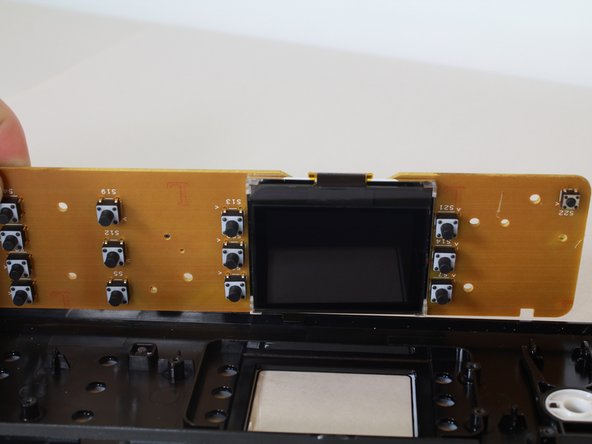
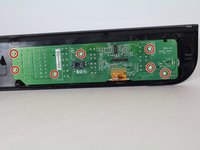
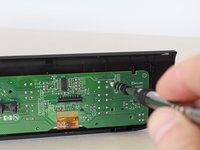
      • Remove the seven 8mm screws using the Torx T6 screwdriver.

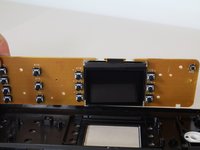
      • Remove the motherboard from the front-panel housing.

      • The LCD display is on the opposite side.

      Ask FixBot

      Add Comment

    1. HP Officejet 4630 Scanner Head Replacement, Power Supply: step 5, image 1 of 3 HP Officejet 4630 Scanner Head Replacement, Power Supply: step 5, image 2 of 3 HP Officejet 4630 Scanner Head Replacement, Power Supply: step 5, image 3 of 3
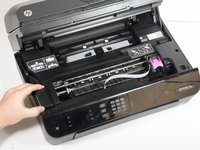
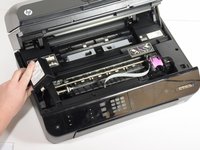
      • Lift the hood of the printer.

      Ask FixBot

      Add Comment

    2. HP Officejet 4630 Scanner Head Replacement: step 6, image 1 of 3 HP Officejet 4630 Scanner Head Replacement: step 6, image 2 of 3 HP Officejet 4630 Scanner Head Replacement: step 6, image 3 of 3
      • Remove the two T10 11mm screws.

      Ask FixBot

      Add Comment

    3. HP Officejet 4630 Scanner Head Replacement: step 7, image 1 of 3 HP Officejet 4630 Scanner Head Replacement: step 7, image 2 of 3 HP Officejet 4630 Scanner Head Replacement: step 7, image 3 of 3
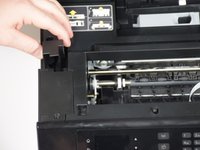
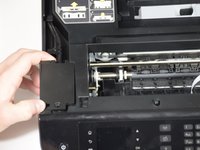
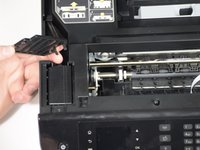
      • Remove the panels covering the power brick and cord.

      Ask FixBot

      Add Comment

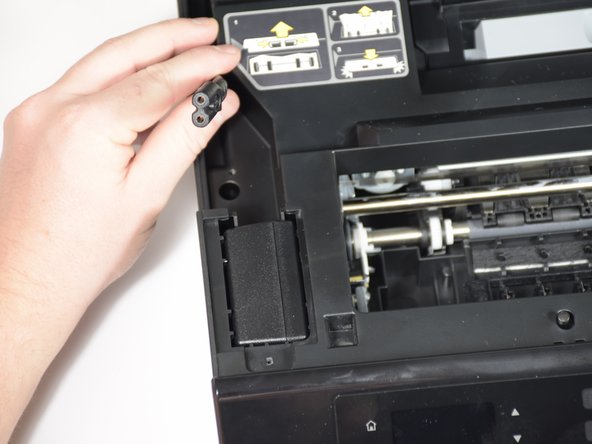
    4. HP Officejet 4630 Scanner Head Replacement: step 8, image 1 of 2 HP Officejet 4630 Scanner Head Replacement: step 8, image 2 of 2
      • Remove the cord from the power supply.

      Ask FixBot

      Add Comment

    5. HP Officejet 4630 Scanner Head Replacement: step 9, image 1 of 3 HP Officejet 4630 Scanner Head Replacement: step 9, image 2 of 3 HP Officejet 4630 Scanner Head Replacement: step 9, image 3 of 3
      • Slide the power supply out from the chassis.

      • The power supply is still attached; don't pull too quickly.

      Ask FixBot

      Add Comment

    6. HP Officejet 4630 Scanner Head Replacement: step 10, image 1 of 1
      • Remove final cable from power supply.

      Ask FixBot

      Add Comment

    1. HP Officejet 4630 Scanner Head Replacement, Scanner Head: step 11, image 1 of 1
      • Remove eight T10 1mm screws from the top hood of the printer.

      Ask FixBot

      Add Comment

    2. HP Officejet 4630 Scanner Head Replacement: step 12, image 1 of 3 HP Officejet 4630 Scanner Head Replacement: step 12, image 2 of 3 HP Officejet 4630 Scanner Head Replacement: step 12, image 3 of 3
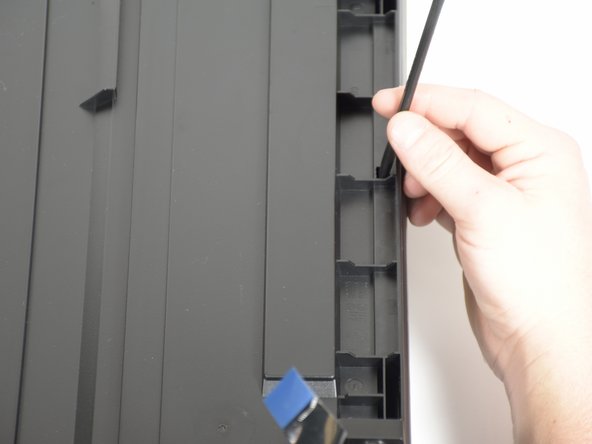
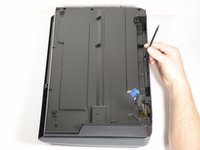
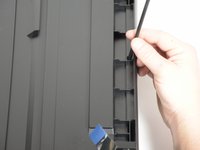
      • Use the nylon spudger to pry the tab.

      • Lift up the entire panel.

      Ask FixBot

      Add Comment

    3. HP Officejet 4630 Scanner Head Replacement: step 13, image 1 of 3 HP Officejet 4630 Scanner Head Replacement: step 13, image 2 of 3 HP Officejet 4630 Scanner Head Replacement: step 13, image 3 of 3
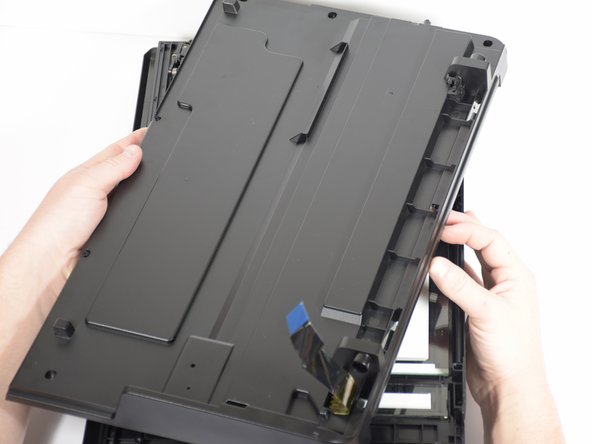
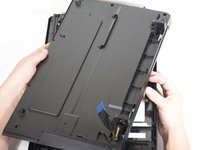
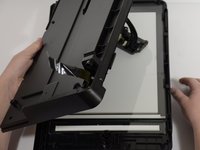
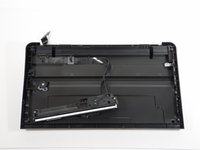
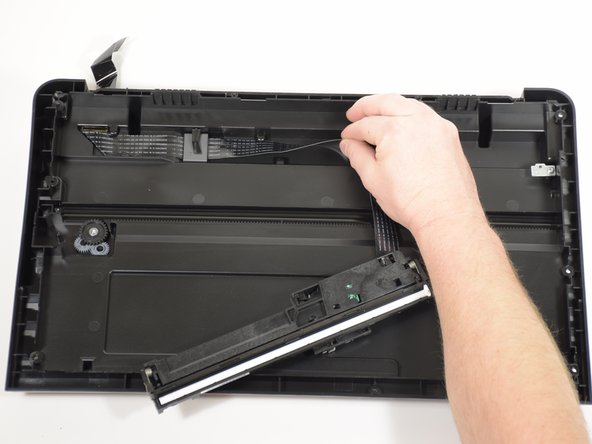
      • Lift and flip the entire panel.

      • Be aware of the scanner head attached to the panel.

      Ask FixBot

      Add Comment

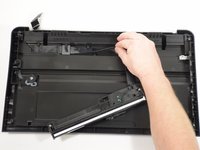
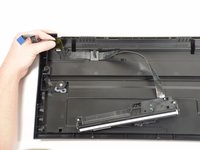
    4. HP Officejet 4630 Scanner Head Replacement: step 14, image 1 of 3 HP Officejet 4630 Scanner Head Replacement: step 14, image 2 of 3 HP Officejet 4630 Scanner Head Replacement: step 14, image 3 of 3
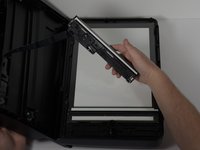
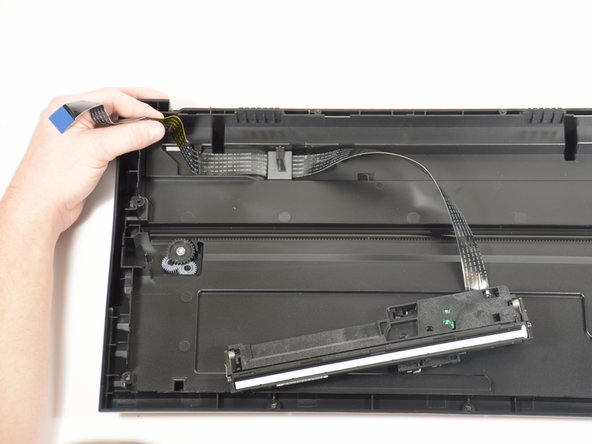
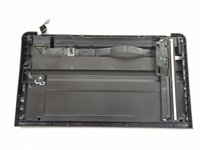
      • Start with the scanner head in place.

      • Unwind the ribbon from the track.

      • Detach ribbon completely.

      Ask FixBot

      Add Comment

Conclusion

To reassemble your device, follow these instructions in reverse order.

Cancel: I did not complete this guide.

Maya Willis

Member since: 01/24/18

424 Reputation

3 Guides authored

Team

Cal Poly, Team S18-G3, Livingston Winter 2018 Member of Cal Poly, Team S18-G3, Livingston Winter 2018

CPSU-LIVINGSTON-W18S18G3

4 Members

84 Guides authored

0 Guide Comments

Add Comment

View Statistics:

Past 24 Hours: 6

Past 7 Days: 24

Past 30 Days: 96

All Time: 2,214