Introduction
Is your HP Mini 210-2070NR failing to boot, making unusual clicking noises, or frequently freezing? These are common signs of a failing hard drive. Upgrading to a new drive can resolve boot errors like "No Boot Device Found," significantly improve your laptop's speed, and provide more storage space for your files.
The hard drive is the primary storage component of your netbook, housing the operating system and all your personal data. Before you begin, try to back up your important files if the drive is still partially accessible. Keep in mind that a new drive will require a fresh installation of an operating system once the hardware replacement is complete.
This repair is straightforward and only requires a Phillips #00 screwdriver to remove the internal mounting screws. To protect the delicate internal electronics from static discharge, ensure you have powered down the device and removed the battery and service cover before beginning disassembly.
What you need
-
-
Close the laptop and turn it over so that the underside is up and the silver battery bay is facing towards you.
 Ask FixBot
-
-
-
The battery locking latch is on the bottom right corner; slide it inward to unlock the battery.
-
Slide the battery release latch inwards.
-
Pull the battery towards you to remove it.
-
-
-
Slide the service access cover release lever to the right.
-
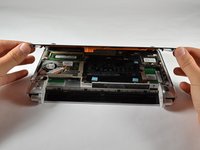
While holding the lever to the right, lift up the laptop's bottom cover gently and remove the cover.
-
-
-
-
Locate the hard drive, where the HP Product sticker used to be.
-
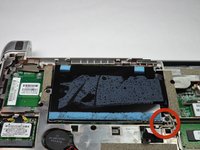
Locate the hard drive cable, connected to the hard drive.
-
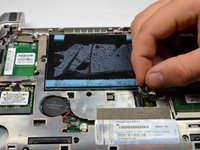
Disconnect the hard drive cable by gently pulling upward.
-
-
-
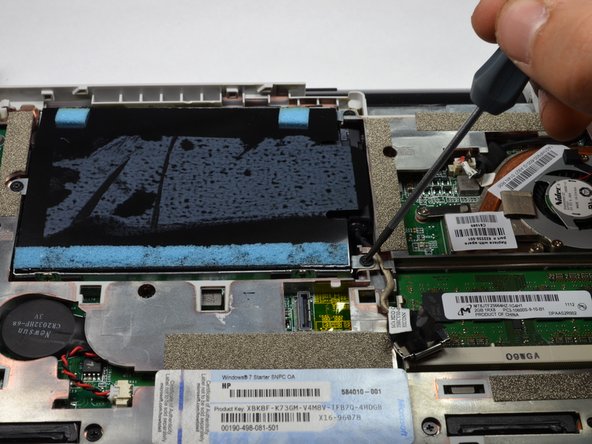
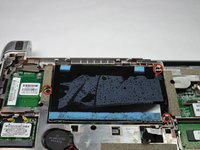
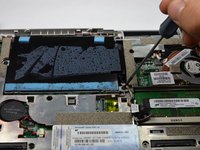
Using a #00 Phillips screwdriver, unscrew and remove the three 2.0 x 4.0 Philips screws holding the hard drive in place.
-
-
-
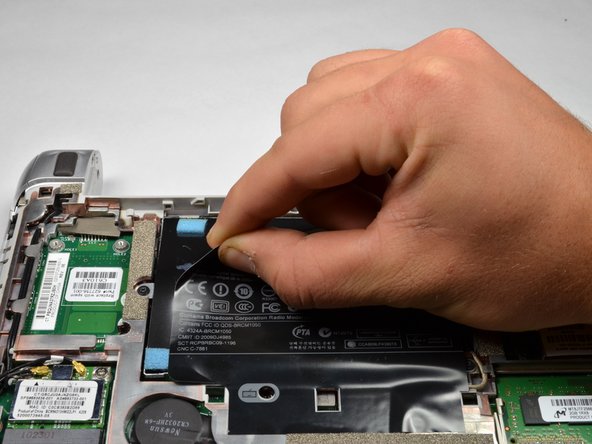
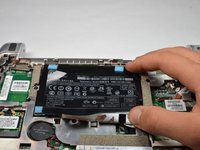
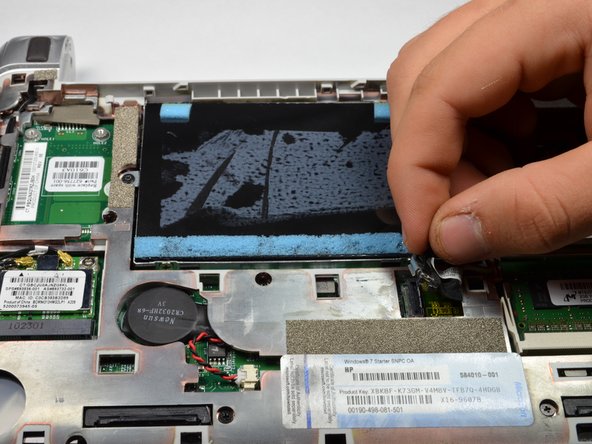
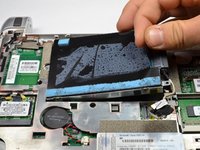
Use the Mylar Tab located on the right side of the hard drive to pry up the hard drive.
-
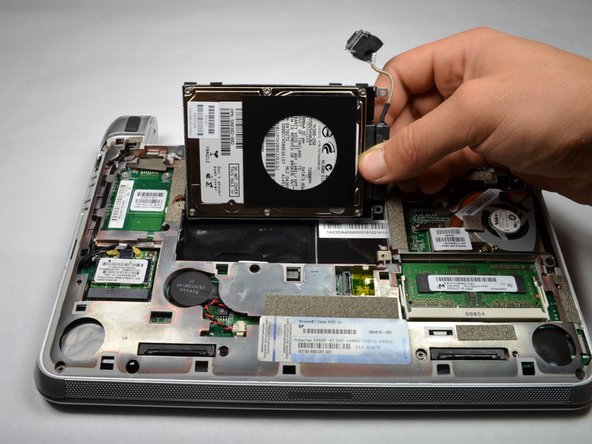
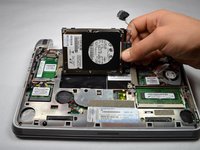
Remove the hard drive.
-
-
-
Lay the hard drive down with the underside facing up.
-
Pull and remove the hard drive pin connector from the hard drive.
-


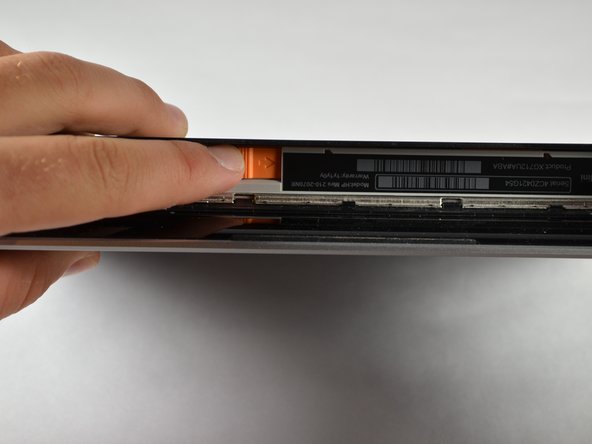
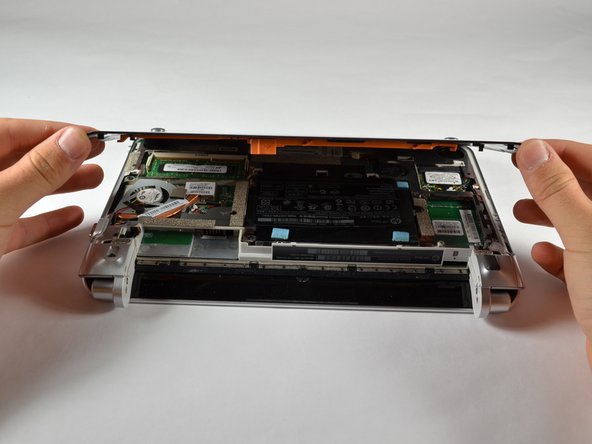







To reassemble your device, follow these instructions in reverse order. Take your e-waste to an R2 or e-Stewards certified recycler.
Cancel: I did not complete this guide.
4 other people completed this guide.

Team

Cal Poly, Team 3-23, Amido Fall 2012 Member of Cal Poly, Team 3-23, Amido Fall 2012
CPSU-AMIDO-F12S3G23
4 Members
6 Guides authored
