
HP G71t-300 Wi-Fi Card Replacement

Cecil Lam and 5 other contributors
Last updated on Mar 7, 2024
Views: 539
View statistics:
- Past 24 Hours:
- 3
- Past 7 Days:
- 26
- Past 30 Days:
- 97
- All Time:
- 539
Comments: 0
No one has left comments on this guide. Will you be first?
Go to guide commentsCompleted: 0 1
No one has marked this guide "completed." Will you be the first?
1 person has marked this guide "completed." It's you — great job!
Favorites: 0 1
No one has favorited (and subscribed to) this guide. Will you be the first?
1 person has favorited (and subscribed to) this guide — and that's you!
Introduction
Go to step 1 ↓If you choose to replace the module with different specifications, download the driver for the new module before replacing the wifi module.
What you need
Tools


-
-
Tool used on this step:Anti-Static Wrist Strap$7.95
-
Ground yourself by either touching an unpainted metal surface or by using the Anti-Static wrist strap.
-
Turn off the computer and remove the charger from the charging port.
-
Turn the laptop over and slide the battery release catch to the right. The battery will pop up from its slot. Remove the battery using your fingers.
 Ask FixBot
-
-
-
Remove the 6mm screw from the cover above the battery using a Phillips #0 screwdriver.
-
-
-
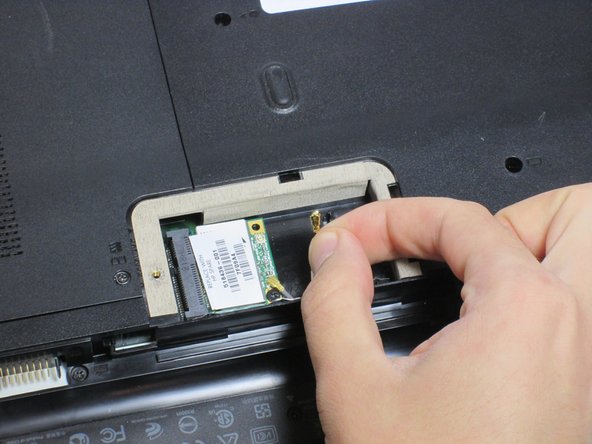
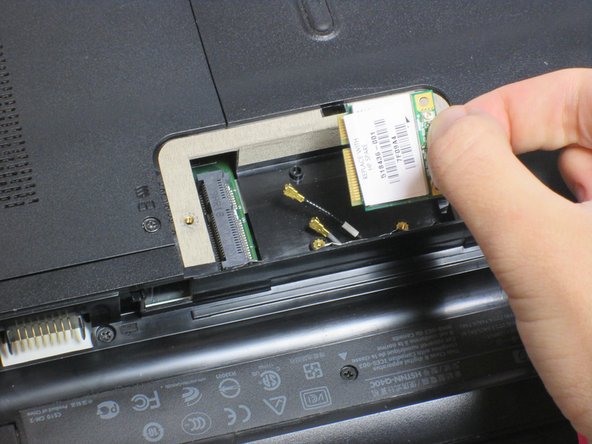
Gently remove the 2 cables clips to avoid damage.
-
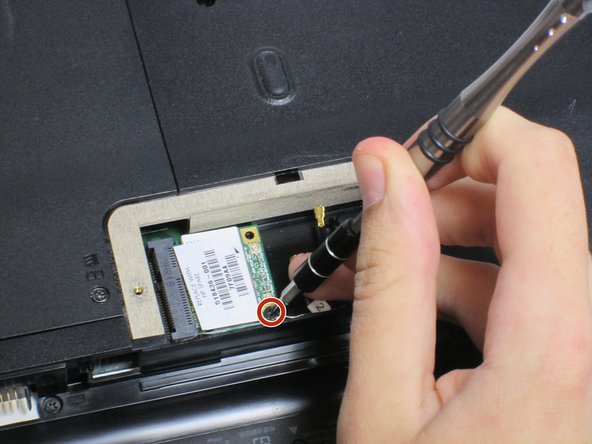
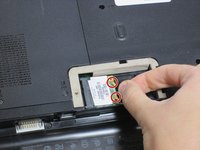
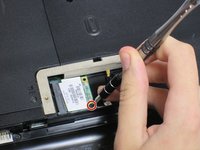
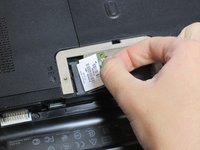
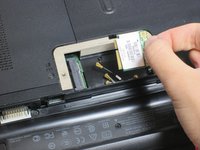
Remove the 3mm screw holding the Wi-Fi module using a Phillips #0 screwdriver.
-
-
-


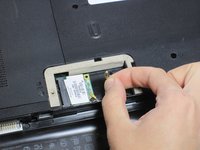

To reassemble your device, follow these instructions in reverse order.

Team

UC Davis, Team 2-3, Oliver Fall 2016 Member of UC Davis, Team 2-3, Oliver Fall 2016
UCD-OLIVER-F16S2G3
5 Members
72 Guides authored
