Introduction
This guide will show users how to replace the CD/DVD Drive for the device. You will need a Phillips #1 screwdriver and a plastic prying tool.
What you need
-
-
-
Turn the device over so the bottom is facing up.
-
Slide the battery release to the left until you hear a click.
-
Once you hear a click, the battery will have been released from the battery compartment.
 Ask FixBot
-
-
-
-
Find the hard drive compartment with two Phillips head screws.
-
Use the PH1 screwdriver to loosen and remove both screws.
-
Gently remove the hard drive compartment.
-
-
-
On the far left of the hard drive compartment, find the Phillips head screw.
-
Remove the Phillips head screw with the PH1 screwdriver.
-
-
-
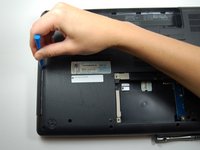
Get the plastic opening tool and place it between the laptop and the CD/DVD drive. Place it toward the center of the drive for maximum support.
-
Carefully pry the CD/DVD drive open.
-
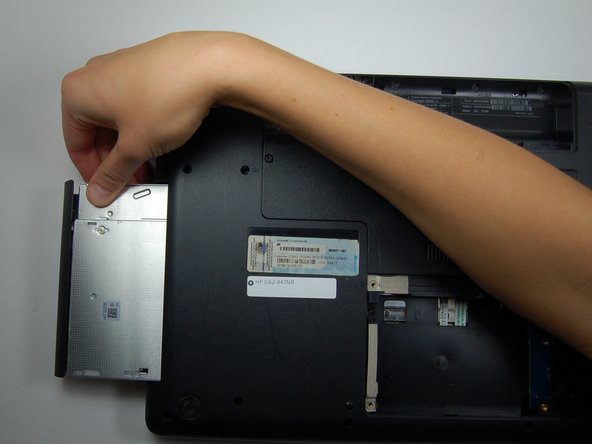
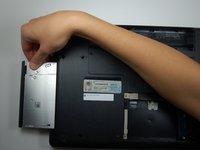
Slide the CD/DVD drive out once it is pried open.
-
-


To reassemble your device, follow these instructions in reverse order.

Team

Texas Tech, Team 6-1, Bennett Fall 2016 Member of Texas Tech, Team 6-1, Bennett Fall 2016
TTU-BENNETT-F16S6G1
3 Members
36 Guides authored
