Introduction
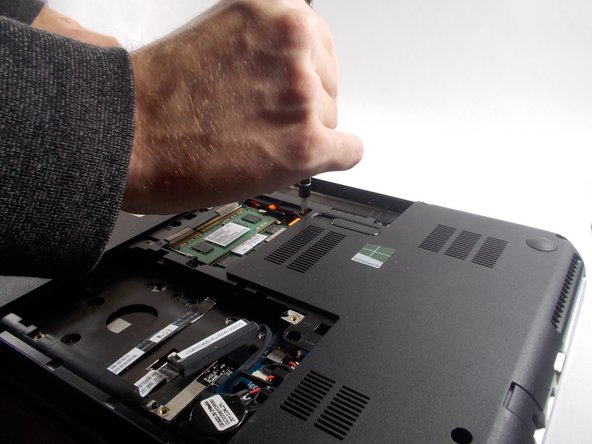
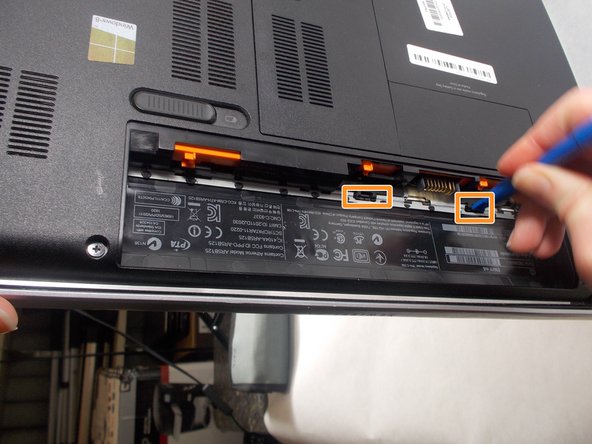
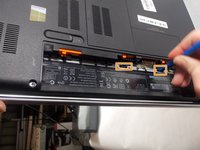
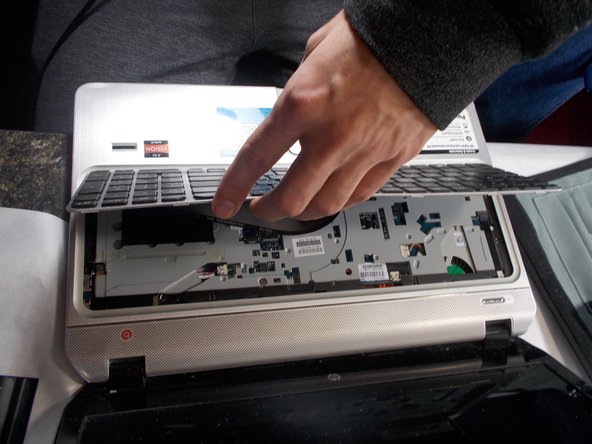
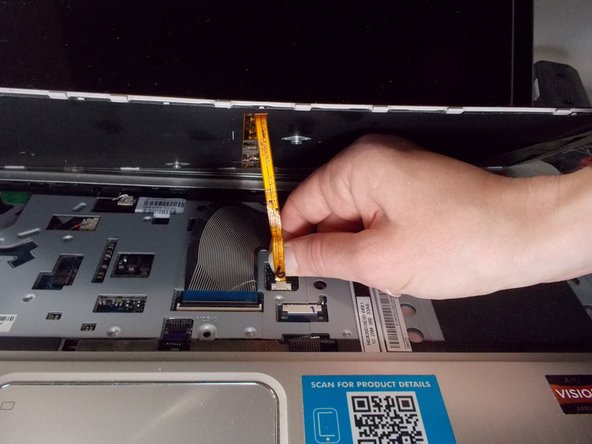
Once the battery is removed, you will need to remove the bottom cover. Pull the cover off of the computer. There will be two screws that need to be removed which hold the keyboard in place. You will need a plastic prying tool to push the keyboard out. Carefully remove the two ribbons connecting the keyboard to the laptop and then you can remove the keyboard.
What you need
-
-
-
Turn the computer completely off.
-
Disconnect any devices you have on it.
-
Turn the computer upside down on a flat surface.
 Ask FixBot
-
-
-
Push the battery release latch with one hand.
-
Grab the battery with the other hand.
-
Lift out on an angle.
-
-
-
-
-
Release the screw in the center of the service cover.
-
Slide the battery release latch and pull cover towards you.
-
Lift cover off.
-
-
-
-
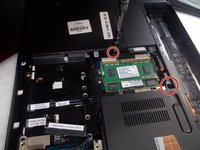
Remove the two JIS #0 screws that secure the keyboard to the computer.
-
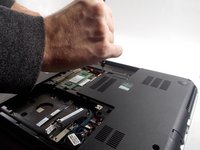
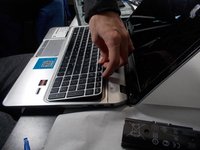
Partially open the computer and rest it on its side.
-
Insert a plastic opening tool into the keyboard release holes on the inside of the battery area.
-
Press on the back of the keyboard until the keyboard disengages from the computer.
-
-
-
Return the computer to its normal position, facing you and open.
-
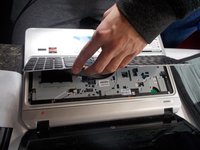
Lift the rear edge of the keyboard.
-
Lift the keyboard towards the front of the computer, keeping it on an angle.
-
Lift the side of the keyboard until you can access the keyboard cable and the keyboard backlight cable.
-
-
-
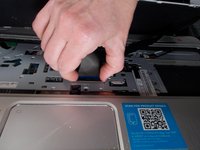
Release the keyboard connector cable (the wider of the two cables) by lifting the thin edge resting on top of the cable.
-
Disconnect the cable from the system board.
-
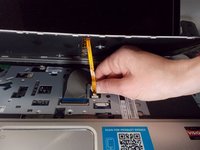
Disconnect the thinner backlight cable from the system board by pulling gently on the tab.
-
-





To reassemble your device, follow these instructions in reverse order.

Team

UMass Dartmouth, Team S1-G5, Valliere Fall 2018 Member of UMass Dartmouth, Team S1-G5, Valliere Fall 2018
UMASSD-VALLIERE-F18S1G5
5 Members
48 Guides authored
1 Guide Comment
Unfortunately the instructions for the keyboard release inside the battery area don't really tell you which direction you should turn it. I'm afraid I'll break the plastic.
