Introduction
Reader will be able to successfully replace their keyboard of the device. A basic understanding of simple tools such as a screwdriver is needed. Any form of electricity must be removed from device, including the charging cable and battery.
What you need
-
-
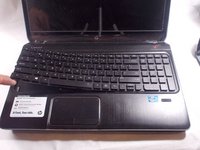
Pry off the keyboard retainer slowly working your way around the board to prevent damage
-
-
-
-
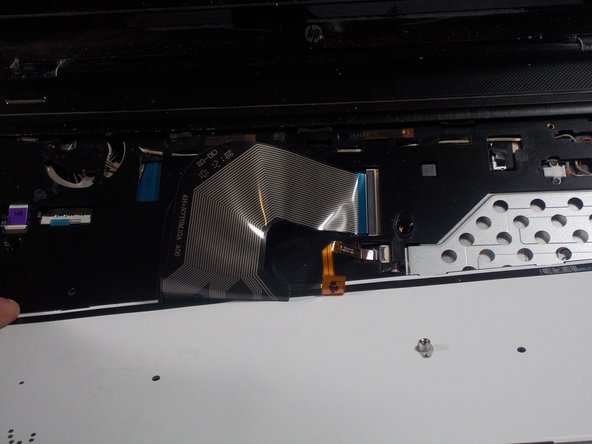
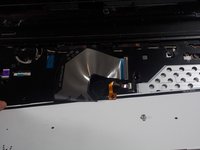
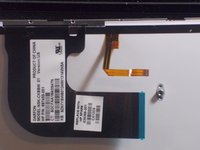
Carefully pull up on the key board there will be 2 ribbon strips holding it attached to the key board
-
-
-
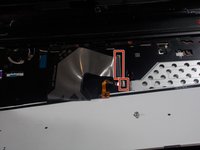
Pull up on the two grey tabs that hold the ribbon cable into the connector. Then remove the keyboard.
-

 Ask FixBot




To reassemble your device, follow these instructions in reverse order.
Cancel: I did not complete this guide.
One other person completed this guide.

Team

UMass Dartmouth, Team S2-G5, Bernier Spring 2018 Member of UMass Dartmouth, Team S2-G5, Bernier Spring 2018
UMASSD-BERNIER-S18S2G5
3 Members
4 Guides authored
1 Guide Comment
Salom shu kampyuterni ustgi qopqogʻi kerak topishni iloji bormi
