Introduction
Use this guide to replace your RAM for a memory upgrade that can provide enhanced multitasking abilities and overall improve your laptop's performance. The RAM is a very important component to any computer, because it stores loads of data.
What you need
-
-
Turn the laptop over so that the bottom is facing up
-
Using the J0 screwdriver, unscrew all 12 M2.5x5.5 screws from the back panel.
 Ask FixBot
-
-
-
-
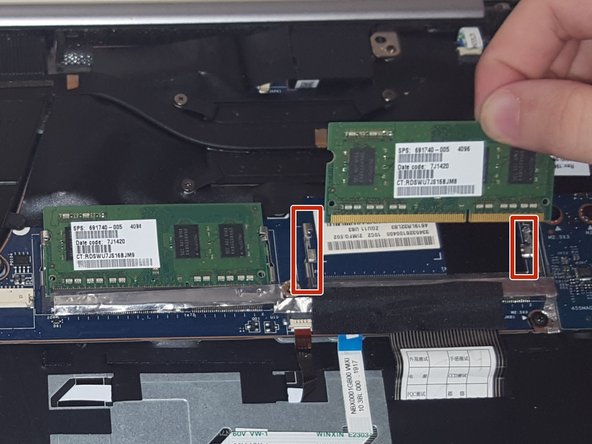
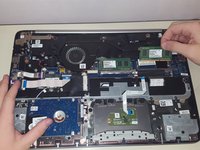
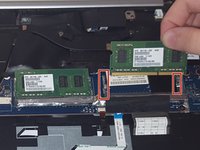
Gently remove the RAM by pressing against the side clamps of the connector holding it in place.
-


To reassemble your device, follow these instructions in reverse order.
Cancel: I did not complete this guide.
3 other people completed this guide.

Team

University of North Texas, Team S1-G1, Thompson Fall 2017 Member of University of North Texas, Team S1-G1, Thompson Fall 2017
UNT-THOMPSON-F17S1G1
4 Members
5 Guides authored
