Introduction
The keyboard is a frequently used components on any laptop, and over time, it can fail due to debris buildup, electrical faults, or physical damage. If your HP Envy TouchSmart m7-k010dx laptop’s keyboard has stopped responding, certain keys no longer work, or you’ve experienced liquid damage or excessive wear, a keyboard replacement may be necessary.
This guide will take you step-by-step through the keyboard replacement process for the HP Envy TouchSmart m7-k010dx. While the task requires careful handling and some disassembly of the laptop’s casing, it’s a great way to restore full functionality and extend your computer’s lifespan. With the right tools and a bit of patience, you can replace the faulty keyboard and have your HP Envy working like new again.
What you need
-
-
-
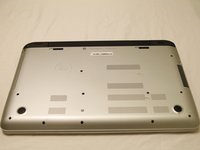
Turn your computer over so that the bottom is facing up.
-
Slide the left black switch towards center.
-
You should see an unlock image exposed to the left of switch if done correctly.
 Ask FixBot
-
-
-
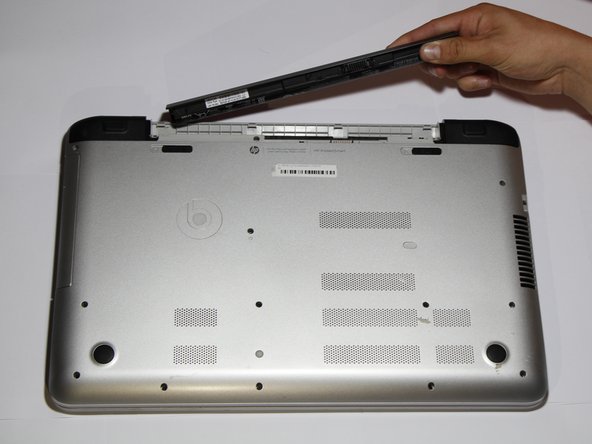
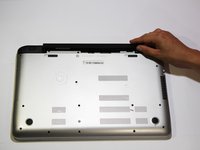
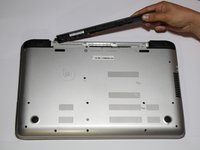
Pivot the loose edge of the battery closes to you by pushing it toward the back of the computer.
-
The battery should slide out freely.
-
-
-
-
-
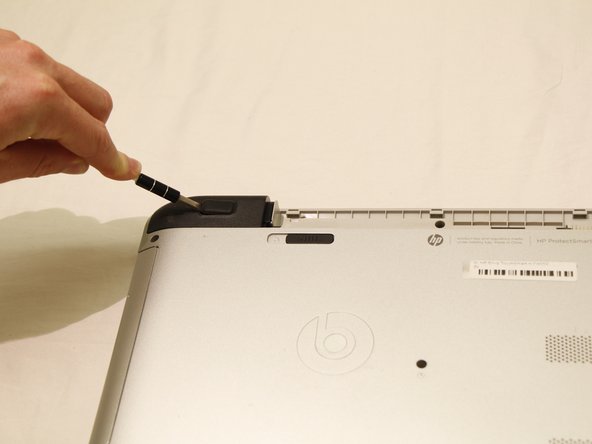
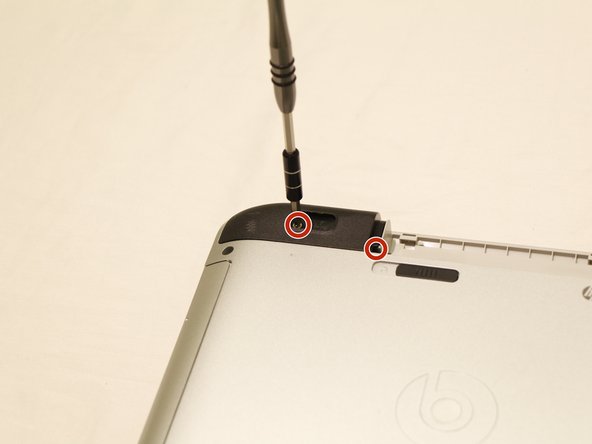
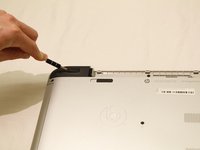
With the computer turned over use a nylon spudger to pry the rectangular pads off to reveal two hidden screws.
-
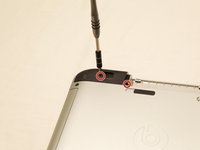
Using a Phillips #0 screwdriver, remove the screw that is beneath the black rubber pad, as well as the other holding down the black corner plastic pieces on both the left and right sides.
-
-
-
-
Use a plastic opening tool to pop the corners off by wedging between casing. Do this for both legs as depicted in the picture.
-
-
-
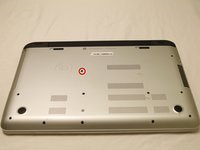
Using the Phillips #0 screwdriver, remove the screw in the center of the computer, and to the right of the Beats logo.
-
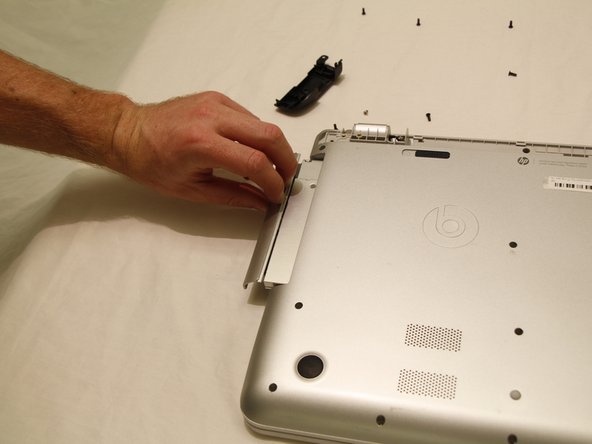
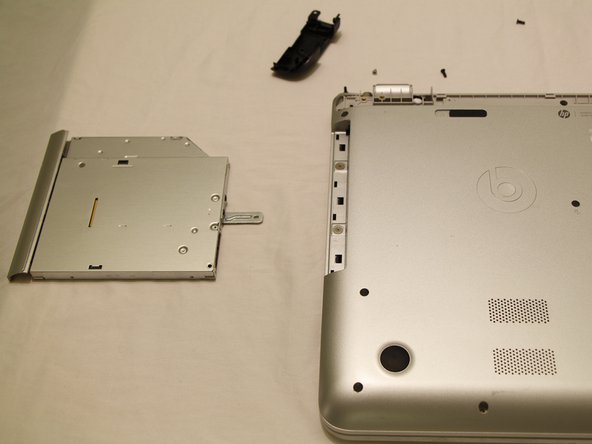
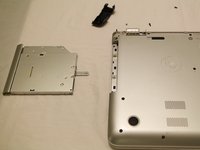
Use your fingernails to pull out the optical drive. It will have some resistance to start, but will come out easily afterwards.
-
-
-
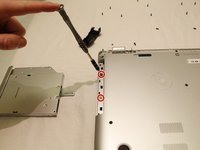
Using a JIS #00 screwdriver, remove the two screws that were revealed when the optical drive was removed.
-
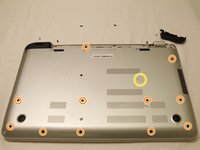
Use a Phillips #0 screwdriver to remove all screws that are visible on the bottom.
-
There is an oval tab near the center of the laptop, use the flat end of a nylon spudger to wedge it free to reveal another Phillips #0 screw.
-
-
-
Open up the laptop and set it down normally.
-
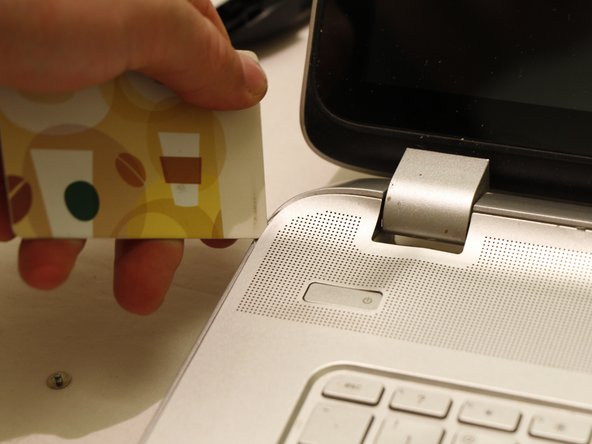
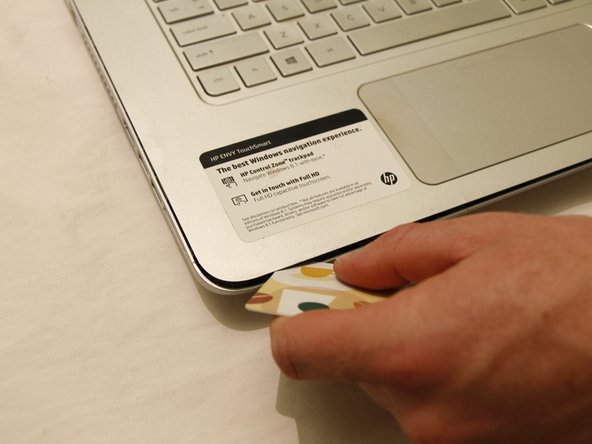
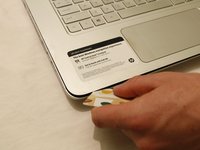
Use a credit card or spudger to wedge between the top and bottom keyboard casing.
-
Slide the card all the way around the laptop, making sure to pop free all tabs.
-
-
-
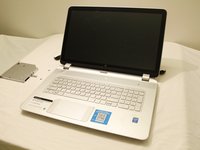
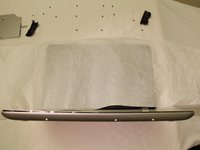
Place the computer on the backside of the screen, so that the bottom of it is pointing up into the air.
-
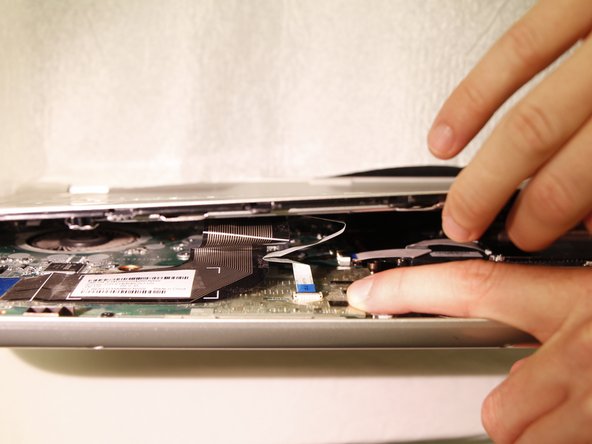
Carefully begin to separate the top case from the bottom case, as if you are opening it like a book from the edge nearest the touch pad.
-
-
-
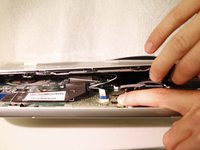
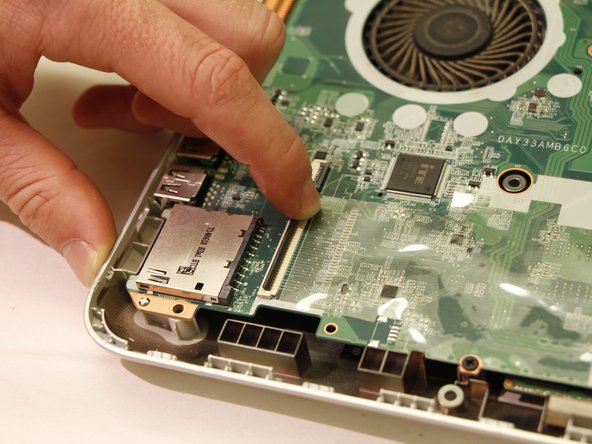
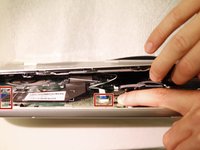
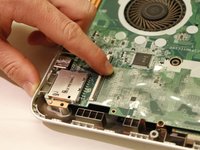
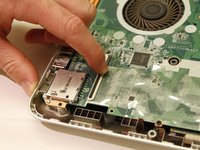
The two panels are connected with 4 flexible electrical ribbon strips. The ribbon strips have a locking tab that will need to be disengaged prior to removal. Using fingers, begin by removing the two strips nearest to the opening.
-
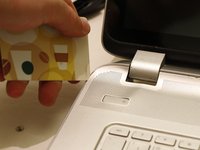
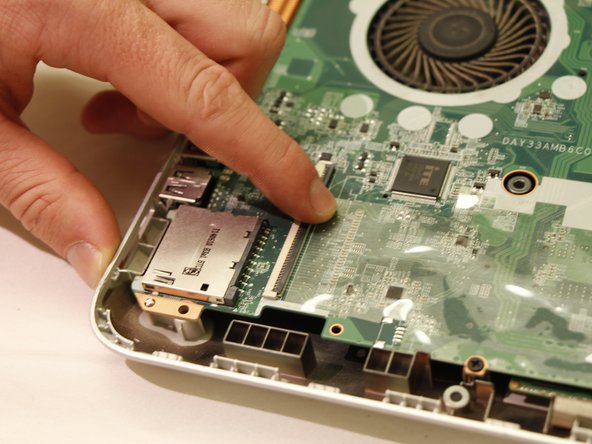
Picture 3 shows the tab unlocked
-
-
-
With the two panels now separated, you can see the other two strips towards the back of the computer. With finger, carefully release each strip from the locking tab.
-
Once all are unplugged, carefully remove the top case.
-
-











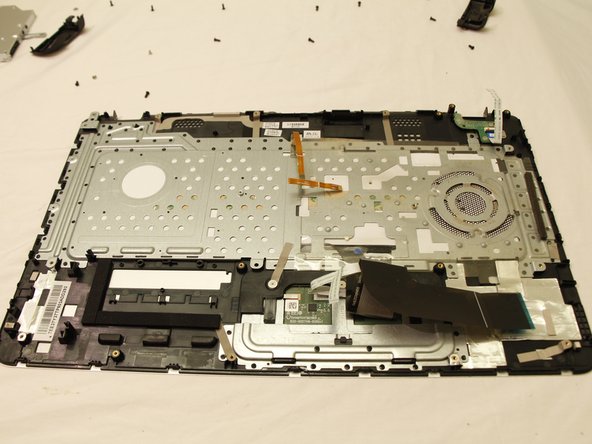
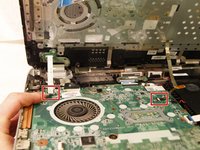
To reassemble your device, follow these instructions in reverse order. Take your e-waste to an R2 or e-Stewards certified recycler.
Cancel: I did not complete this guide.
One other person completed this guide.

Team

UC Santa Barbara, Team S2-G10, Weedon Fall 2017 Member of UC Santa Barbara, Team S2-G10, Weedon Fall 2017
UCSB-WEEDON-F17S2G10
4 Members
48 Guides authored
