Introduction
This is a guide for replacing the display on an HP Envy TouchSmart 4-1215dx. The display outputs text and graphics that the computer makes. If you are experiencing distorted images, you may want to replace your display. Before replacing, look at the troubleshooting page to see if your problem can be fixed without replacing: HP Envy Touchsmart 4-1215dx Troubleshooting. If your display is shattered, you should cover it with tape before removing it.
What you need
-
-
-
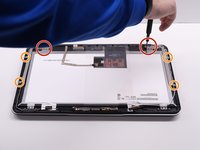
Remove both 3 mm screws at the bottom of the display using a Phillips #0 screwdriver.
 Ask FixBot
-
-
-
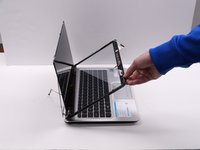
Using an iFixit opening tool, pry the screen from the back panel.
-
Remove the back panel.
-
-
-
Close the laptop so the front is facing you.
-
Remove the four 3 mm screws from the two brackets at the front using a Phillips #0 screwdriver.
-
Remove the brackets.
-
-
-
-
Remove the 3 mm screws from the back brackets using a Phillips #0 screwdriver.
-
Remove the 1 mm screws with a Phillips #00 screwdriver.
-
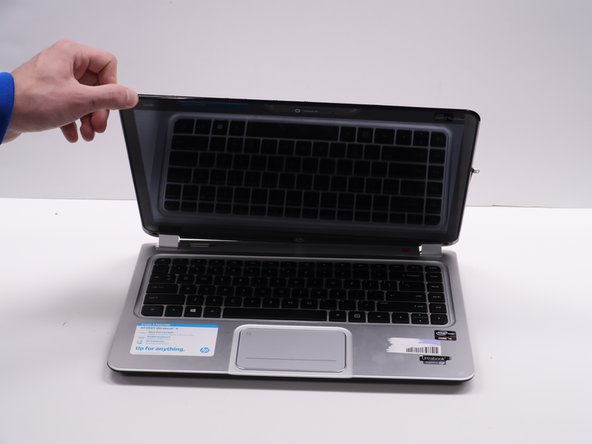
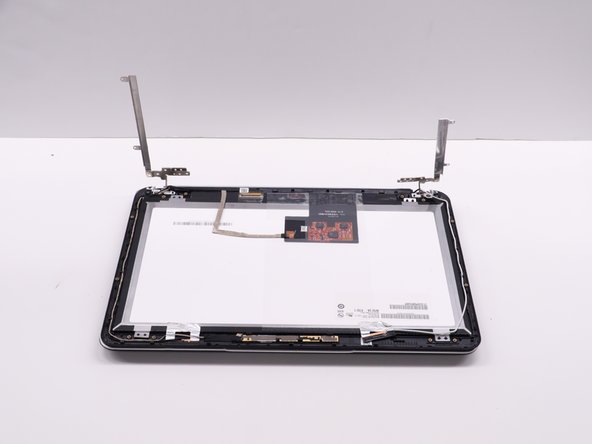
Lift up the display until the brackets are sticking straight up.
-
-
-
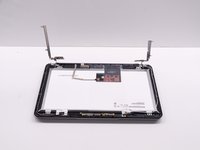
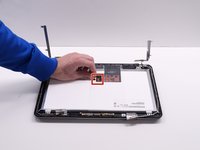
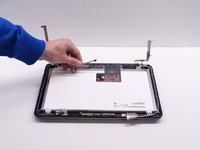
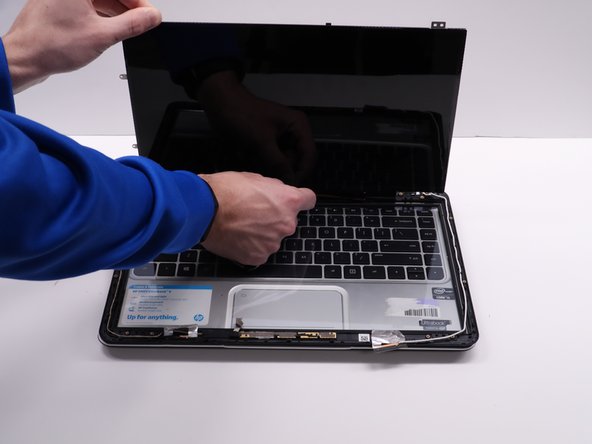
Disconnect the ribbon cable and peel off the connected tape from the display.
-
-
-
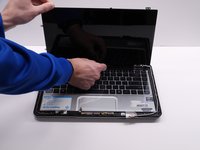
Lift the display up separately from the screen.
-
Peel off the orange tape at the bottom of the display connecting to the laptop.
-
-






To reassemble your device, follow these instructions in reverse order.

Team

University of Kentucky, Team 1-2, Kaufmann Spring 2022 Member of University of Kentucky, Team 1-2, Kaufmann Spring 2022
UKY-KAUFMANN-S22S1G2
4 Members
46 Guides authored
