Introduction
If there are communication problems between the computer and your HP Deskjet F4480 printer, replacing the motherboard is an option to consider in order to fix this problem. The motherboard controls all operations and functions of the printer enabling it to run properly and communicate with the computer.
What you need
-
-
-
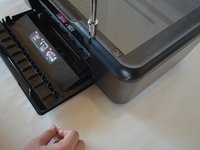
Open the front access panel by placing your finger in the front slot and pulling gently.
 Ask FixBot
-
-
-
-
-
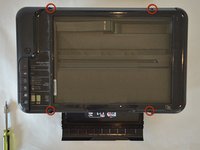
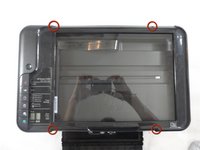
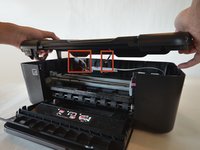
Open the protective lid that is covering the glass. Press gently against the base of the panel to remove the lid from the rest of the printer.
-
-
-
-
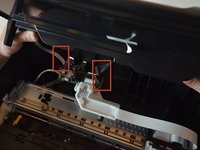
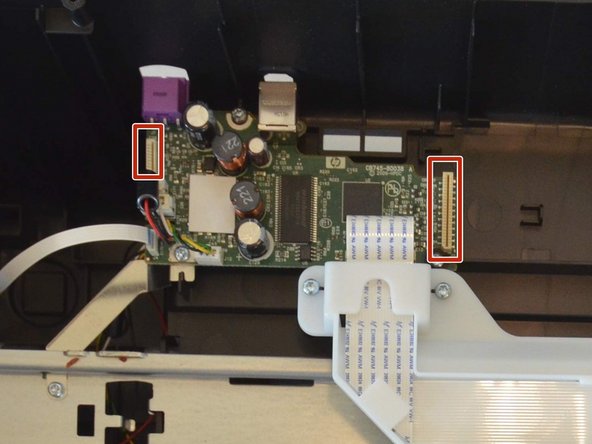
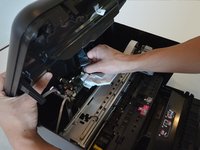
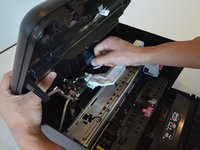
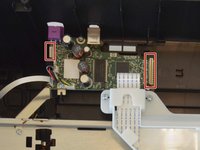
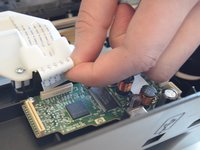
Remove the two cables by gripping each one close to their connection ports on the motherboard and gently disconnecting them.
-
-
-
-
-
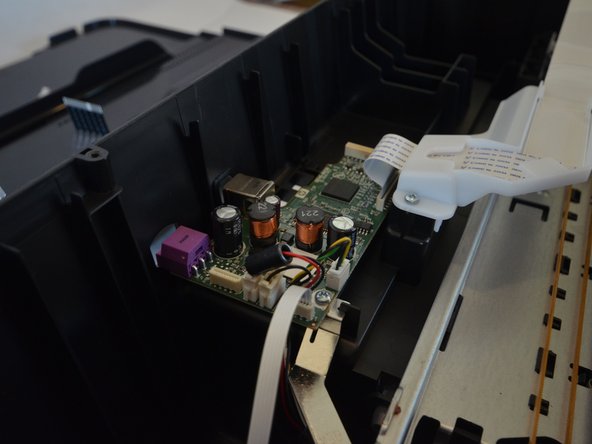
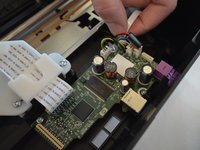
Remove all of the wires connected to the mother board. There are seven in total.
-
-
-
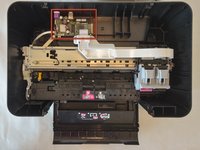
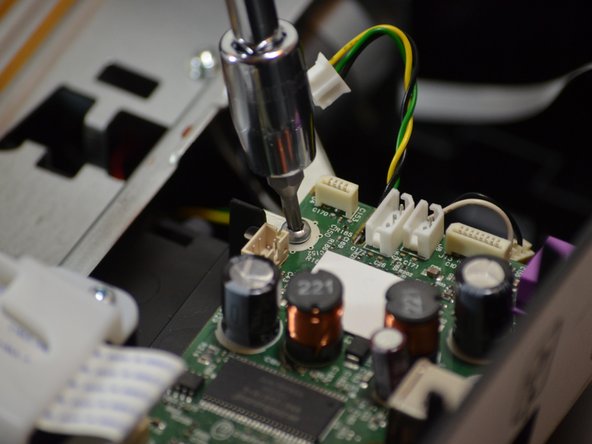
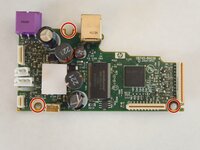
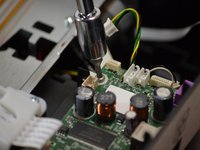
Remove the three 9mm T10 Torx screws that hold the motherboard to the body of the printer
-
-
-
At this point, the mother board should be free of all connections from the rest of the printer.
-
Remove and replace the mother board with the new one.
-









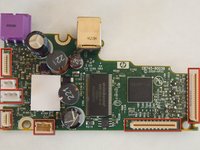


To reassemble your device, follow these instructions in reverse order.
Cancel: I did not complete this guide.
8 other people completed this guide.

Team

Cal Poly, Team 18-35, Regan Winter 2013 Member of Cal Poly, Team 18-35, Regan Winter 2013
CPSU-REGAN-W13S18G35
5 Members
23 Guides authored
3 Guide Comments
ok so ineed to replace the Motherboard -- where do I get this board and what is the cost?
ou est localiser le sensor encoder module cb781-8006 merci
ou est installer le sensor encoder CB781-8006 Merci
